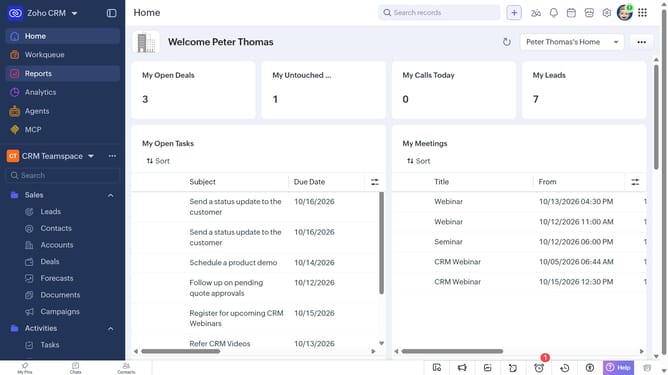
How to edit an invoice on Zoho CRM
Here is how to edit an invoice on zoho crm
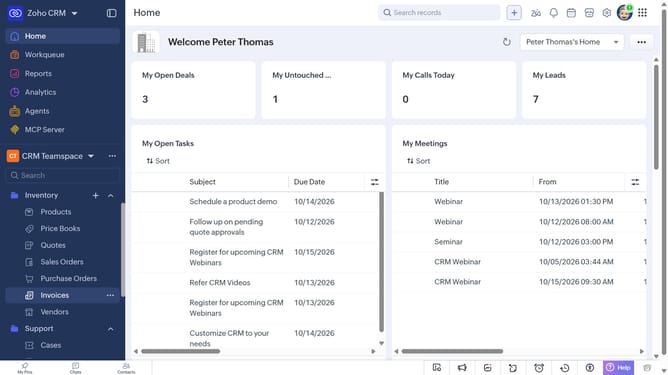
- First, click on "Invoices" under "Inventory" in the left sidebar menu
- Next, click on the invoice you want to edit
- Click on the "Edit" button in the top right corner
- Then, make the necessary changes to the invoice details
- Finally, click on the "Save" button
Why should you How to edit an invoice on Zoho CRM
Zoho is a powerful, all-in-one CRM platform designed to streamline business operations and enhance productivity.
Editing an invoice on Zoho CRM is a seamless process that offers incredible flexibility and control over your financial transactions. This feature allows businesses to quickly update invoice details, ensuring accuracy and up-to-date information.
By using this feature, companies can maintain precise records, adapt to client needs, and improve financial workflows, making billing processes efficient and reducing administrative burden.
Last update