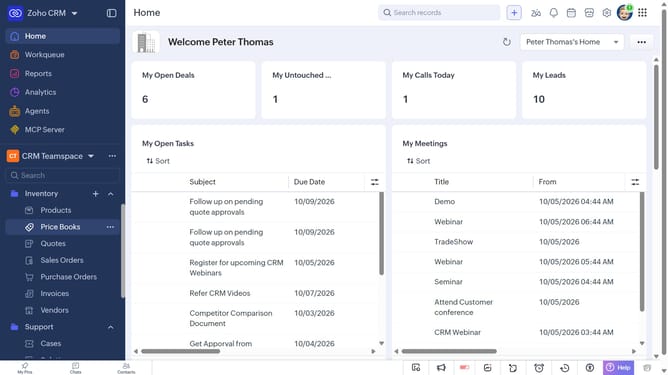
How to mark a product as non-taxable on Zoho CRM
Here is how to mark a product as non-taxable on zoho crm
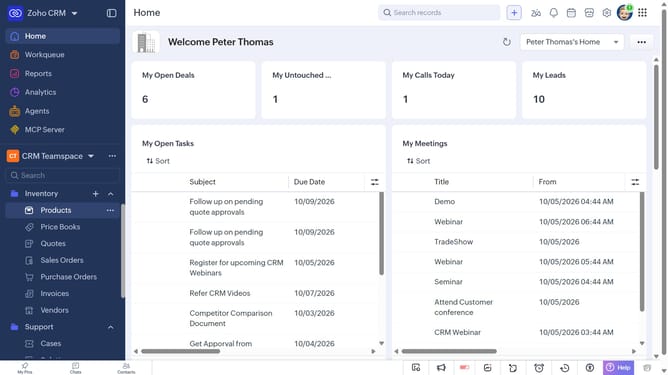
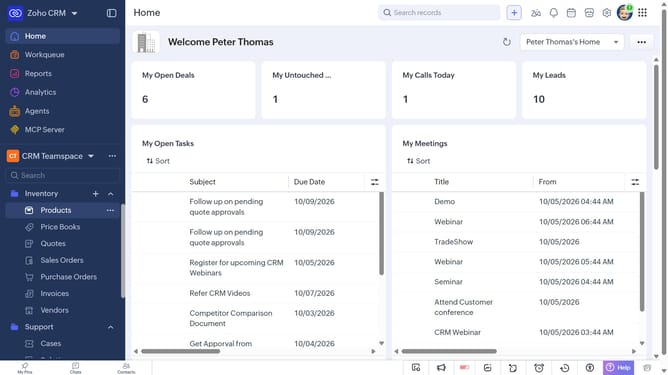
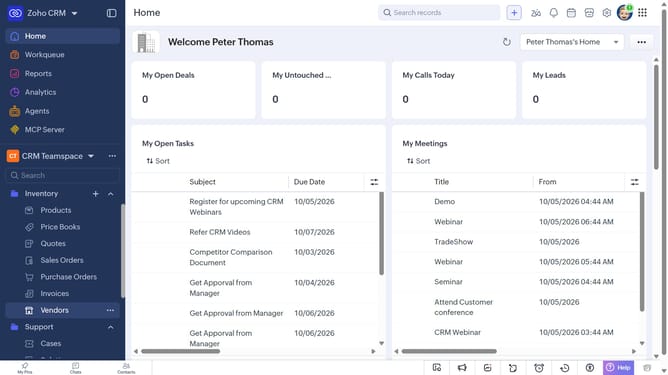
- First, click on "Products" under "Inventory" in the left sidebar menu
- Next, click on the product you want to mark as non-taxable
- Click on the "Edit" button in the top right corner
- In the "Edit Product" page, scroll down to the "Price Information" section
- Then, uncheck the box next to the "Taxable" option
- Finally, click on the "Save" button
Why should you How to mark a product as non-taxable on Zoho CRM
Zoho CRM is a powerful tool designed to streamline customer relationship management, offering businesses a centralized solution for managing sales, marketing, and more.
Marking a product as non-taxable in Zoho CRM is a crucial feature that allows businesses to handle specific tax scenarios efficiently. This functionality ensures that products exempt from taxes are correctly processed, maintaining compliance and avoiding costly errors.
Using this feature enhances accuracy in financial reporting and boosts customer satisfaction by ensuring transparent pricing. It simplifies accounting processes, reducing administrative workload and enhancing productivity.
Last update