How to create tasks for sales orders in bulk on Zoho CRM
Here is how to create tasks for sales orders in bulk on zoho crm
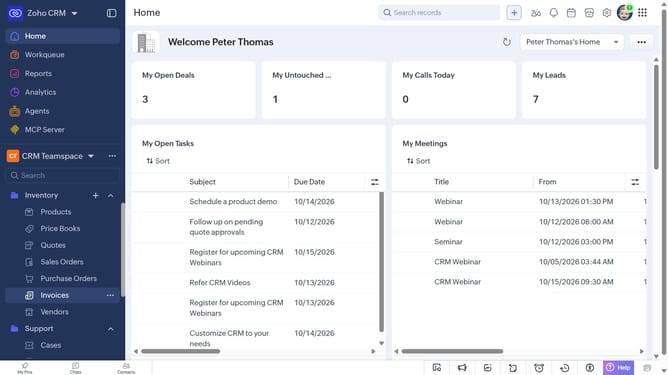
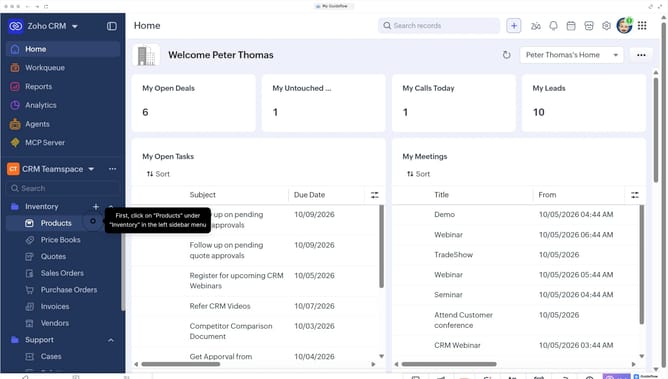
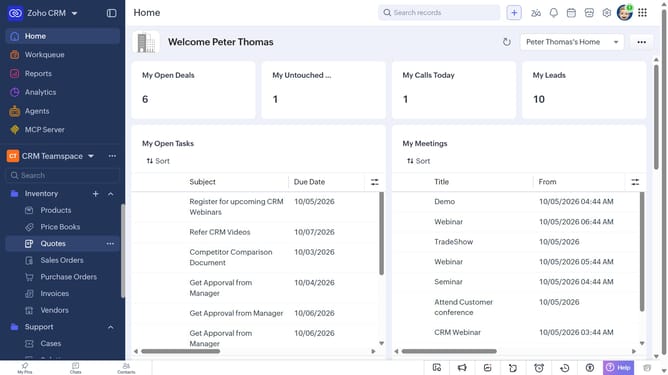
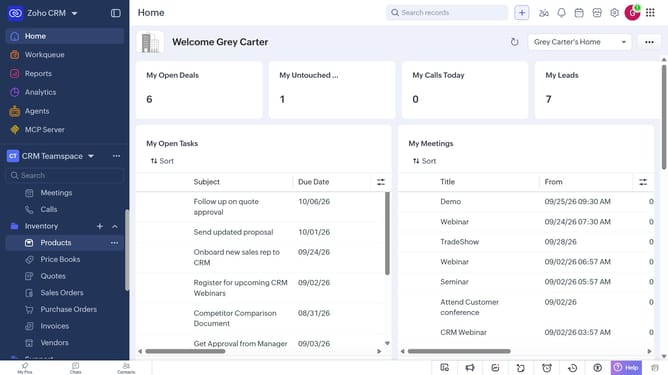
- First, click on "Sales Orders" under "Inventory" in the left sidebar menu
- Locate the sales orders you want to create tasks for
- Next, select the checkboxes next to each record
- Click on the "More Options" button at the top of the list
- Select "Create Task" from the dropdown menu
- Then, enter the task details, such as the subject, due date, priority, and more
- Finally, click on the "Save" button
Why should you How to create tasks for sales orders in bulk on Zoho CRM
Zoho is a comprehensive cloud-based business software suite designed to enhance productivity and streamline operations across various functions.
One of the standout features of Zoho CRM is the ability to create tasks for sales orders in bulk. This means you can efficiently manage and organize your sales process by setting up tasks for multiple orders at once, saving time and reducing manual entry.
Using this feature helps prioritize sales activities, ensuring that nothing falls through the cracks. It enhances team collaboration and boosts productivity, making it easier to meet sales targets.
Last update