How to change the unit price of a product on Zoho CRM
Here is how to change the unit price of a product on zoho crm
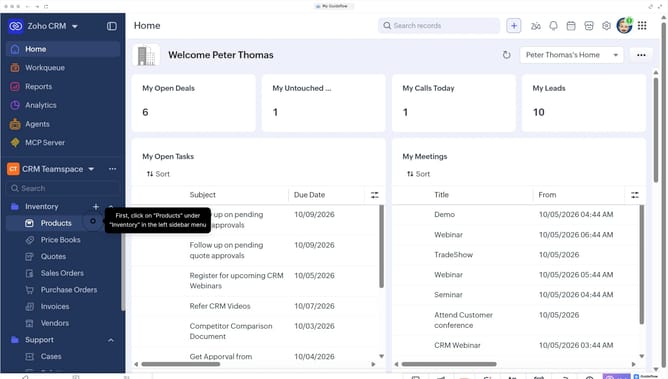
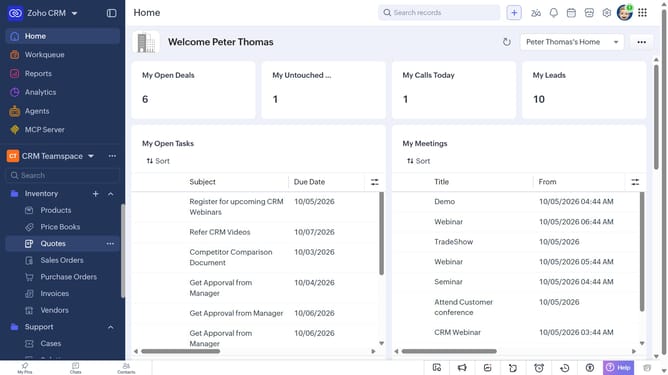
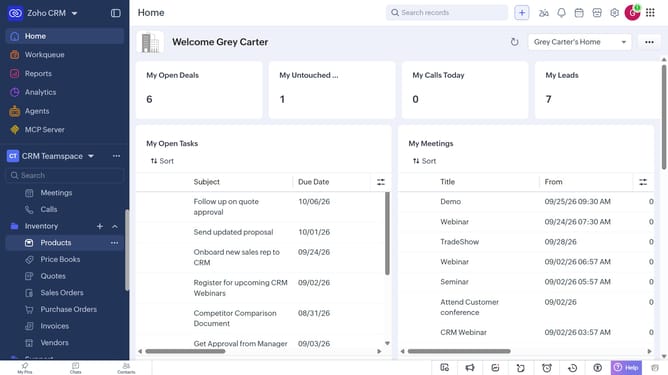
- First, click on "Products" under "Inventory" in the left sidebar menu
- Next, locate the product whose unit price you want to change
- Click on the "Edit" button in the top right corner
- In the "Edit Product" page, scroll down to the "Price Information" section
- Then, enter the new price in the "Unit Price" field
- Finally, click on the "Save" button
Why should you How to change the unit price of a product on Zoho CRM
Zoho CRM is a versatile platform designed to streamline and enhance customer relationship management.
Easily changing the unit price of a product in Zoho CRM allows businesses to maintain flexibility in their pricing strategy. This feature ensures that your product database is always up-to-date, reflecting current market conditions and internal pricing policies.
By adjusting unit prices swiftly, you can align with promotional strategies, respond to supply chain changes, and provide accurate quotes to clients immediately. This capability supports better decision-making and boosts customer satisfaction by ensuring transparency and consistency.
Last update