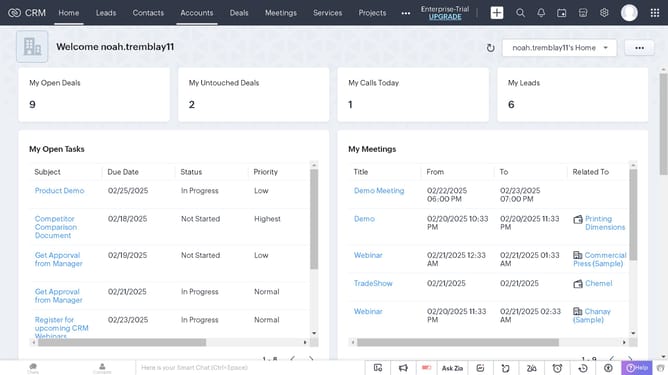
How to mark a product as taxable on Zoho CRM
Here is how to mark a product as taxable on zoho crm
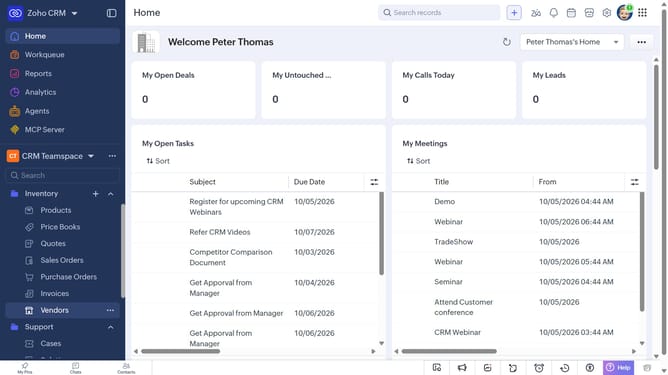
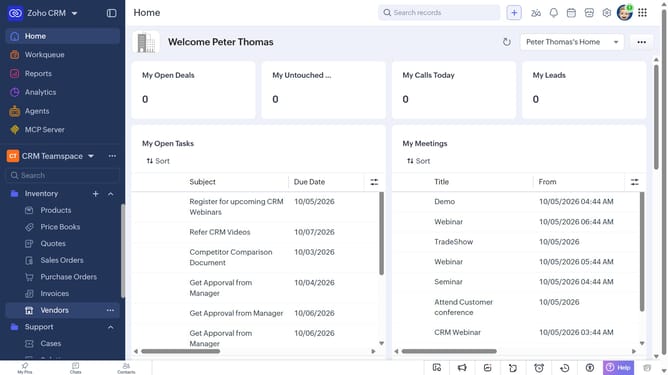
- First, click on "Products" under "Inventory" in the left sidebar menu
- Next, click on the product you want to mark as taxable
- Click on the "Edit" button in the top right corner
- In the "Edit Product" page, scroll down to the "Price Information" section
- Then, check the box next to the "Taxable" option
- Finally, click on the "Save" button
Why should you How to mark a product as taxable on Zoho CRM
Zoho is a versatile software suite designed to streamline business operations through integrated applications.
Marking a product as taxable in Zoho CRM seamlessly handles tax compliance, ensuring your financial data remains accurate and up-to-date.
This feature simplifies the intricate task of managing tax statuses across various products, reducing manual errors and saving time.
By utilizing Zoho CRM's tax features, businesses can focus more on growth and customer engagement while maintaining financial accuracy effortlessly.
Last update