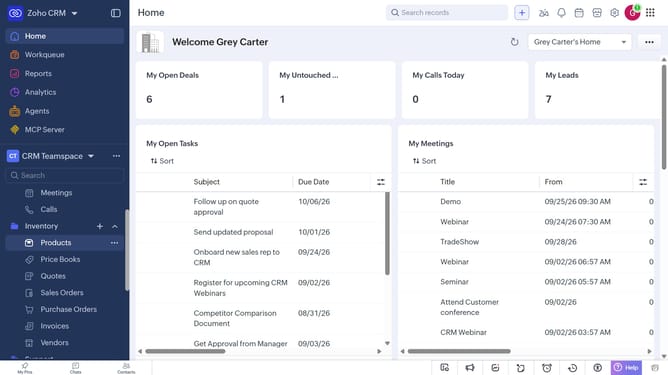
How to export vendors as an XLSX file on Zoho CRM
Here is how to export vendors as an xlsx file on zoho crm
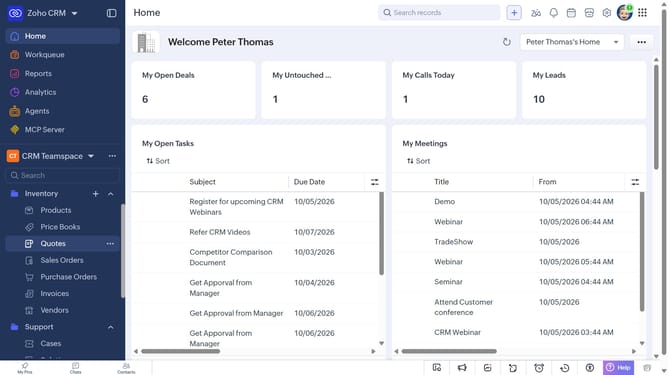
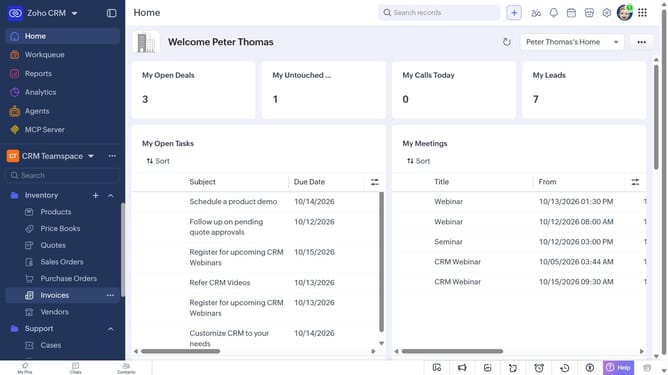
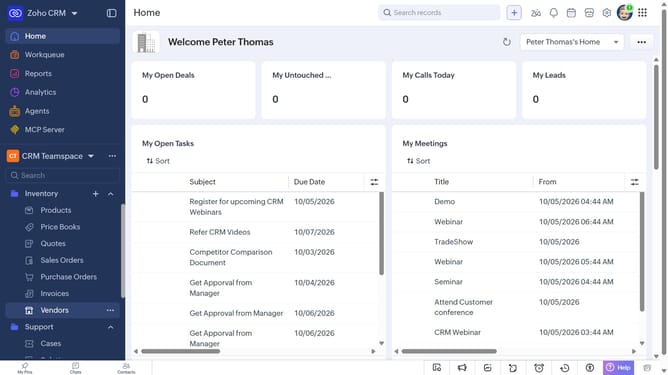
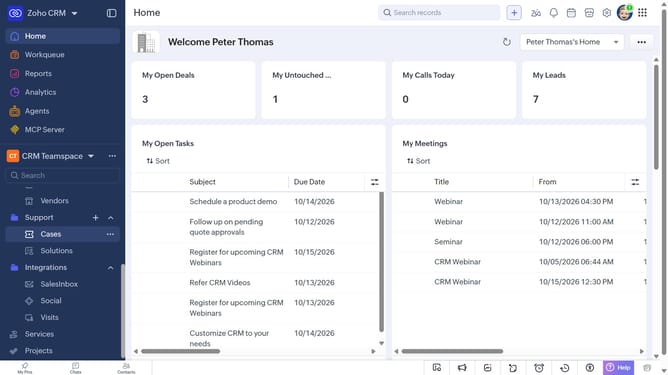
- First, click on "Vendors" under "Inventory" in the left sidebar menu
- Next, click on the "More Options" button next to "Create Vendor"
- Select "Export Vendors" from the dropdown menu
- In the "Export Vendor" dialog, click on the "Fields to Export" dropdown
- Choose whether to export all fields or only the fields from the custom view
- Then, select "XLSX" as the file type
- Next, toggle the "Set Password" switch on or leave it off
- Finally, click on the "Export" button
Why should you How to export vendors as an XLSX file on Zoho CRM
Zoho CRM is a robust platform designed to streamline business operations and enhance customer relationships.
One of its standout features allows users to export vendors as an XLSX file effortlessly. This capability is incredibly beneficial for organizing and analyzing vendor data in a structured format.
Exporting vendors to an XLSX file ensures data portability and easy sharing with teams. It enhances decision-making by providing clear insights and is highly valuable in businesses that rely on comprehensive vendor management.
Last update