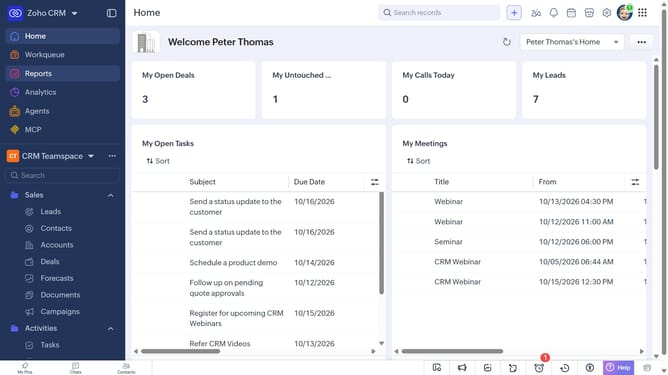
How to copy the URL of a vendor on Zoho CRM
Here is how to copy the url of a vendor on zoho crm
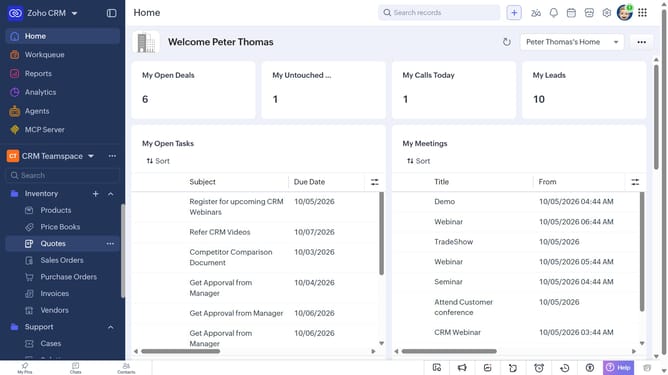
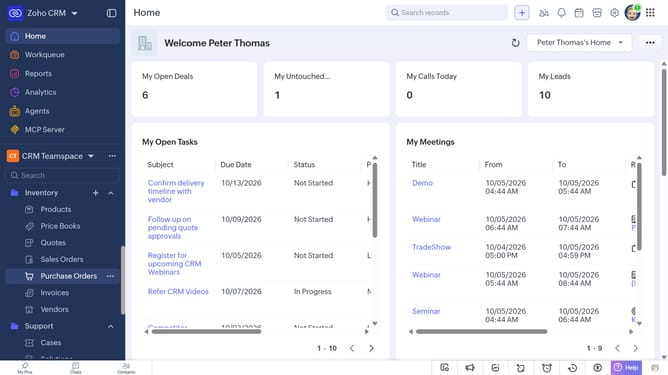
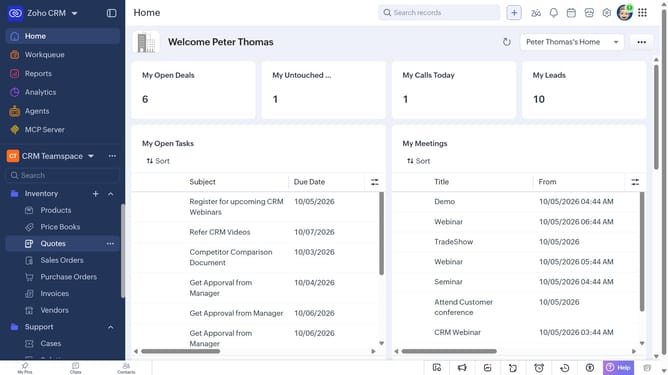
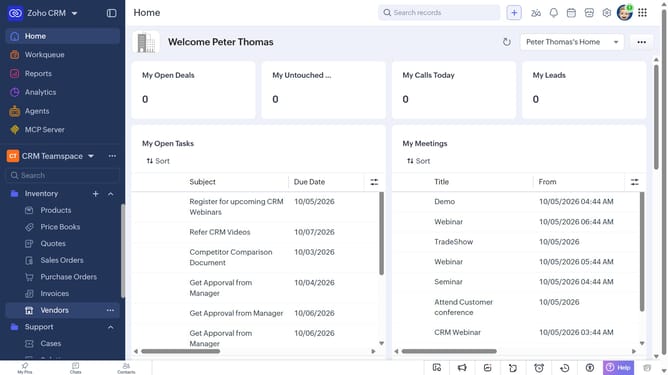
- First, click on "Vendors" under "Inventory" in the left sidebar menu
- Next, locate the vendor whose URL you want to copy
- Then, click on the "More options" button next to the vendor
- Finally, select "Copy URL" from the dropdown menu
Why should you How to copy the URL of a vendor on Zoho CRM
Zoho CRM is a robust platform designed to streamline and elevate business processes through seamless customer relationship management.
Being able to efficiently copy the URL of a vendor within Zoho CRM is a straightforward feature that brings significant efficiency to your workflow. This feature allows users to easily share vendor profiles with team members or access information quickly without hassle.
By leveraging this capability, you reduce the time spent searching for vendor details, enhancing productivity and collaboration. It fosters smooth communication and ensures that all team members have access to vital information instantly, making business operations more cohesive.
Last update