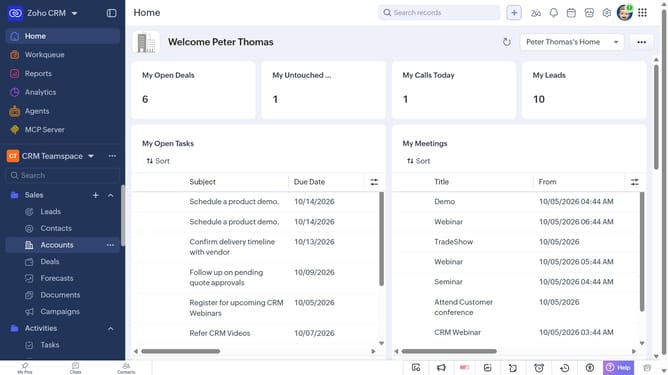
How to delete leads in bulk on Zoho CRM
Here is how to delete leads in bulk on zoho crm
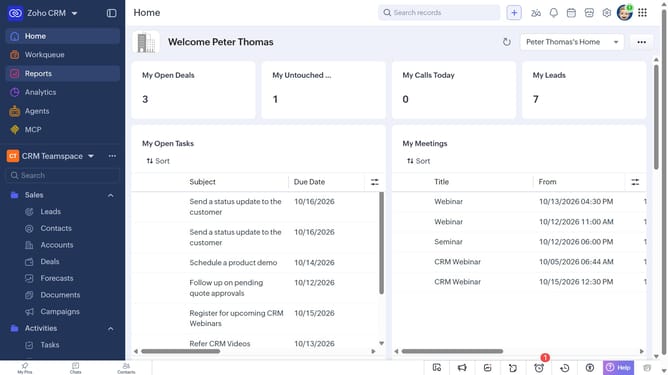
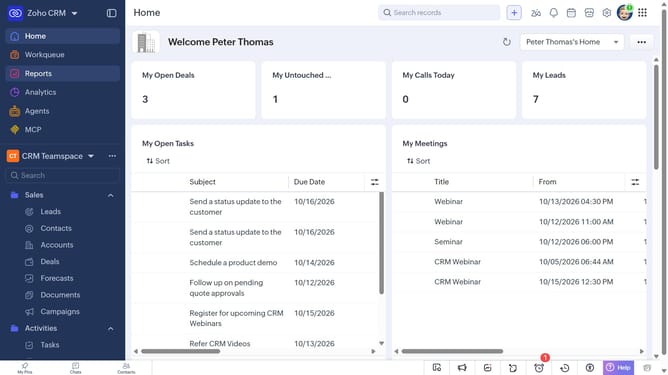
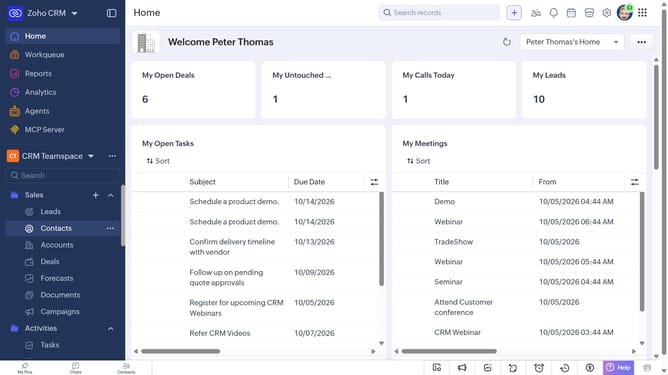
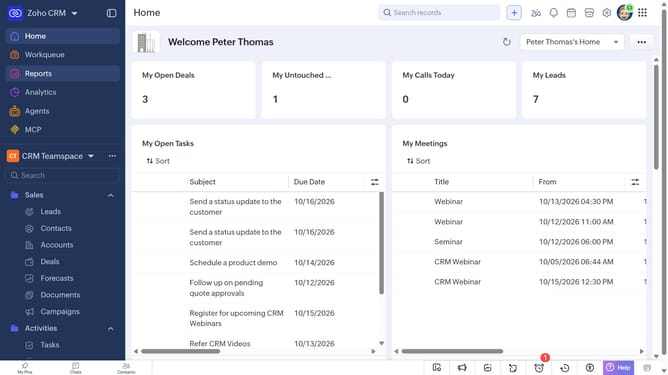
- First, click on "Leads" under "Inventory" in the left sidebar menu
- Locate the leads you want to delete
- Next, select the checkboxes next to each record
- Click on the "More Options" button at the top of the list
- Then, select "Delete" from the dropdown menu
- Finally, click on "Delete" in the confirmation dialog
Why should you How to delete leads in bulk on Zoho CRM
Zoho CRM is a powerful tool designed to streamline customer relationship management for businesses of all sizes.
The bulk lead deletion feature in Zoho CRM allows users to efficiently manage and clean up their databases by removing unnecessary, outdated, or duplicate leads all at once. This functionality is perfect for teams looking to maintain an organized and up-to-date CRM system without the hassle of manual deletions.
By using this feature, businesses can save time and focus on nurturing quality leads, ultimately enhancing productivity and improving sales performance.
Last update