How to export vendors on Zoho CRM
Here is how to export vendors on zoho crm
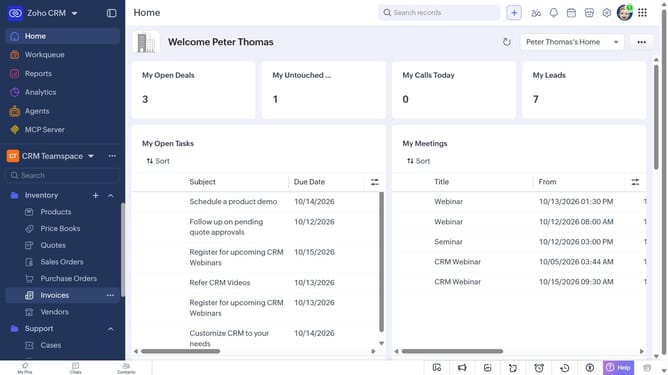
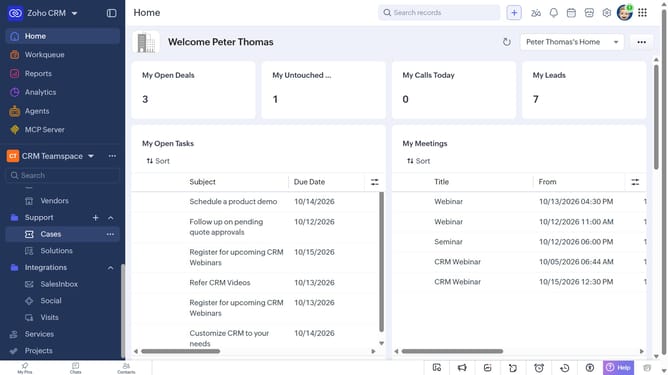
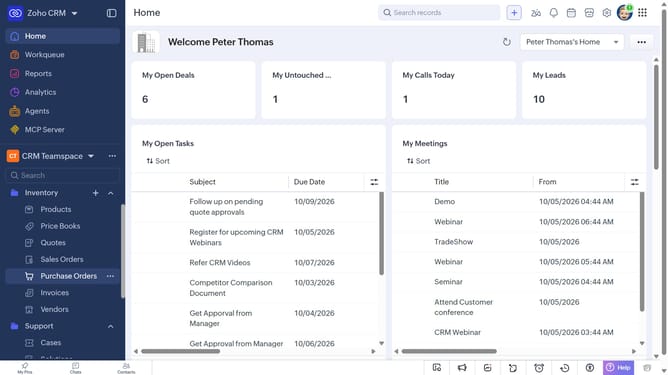
- First, click on "Vendors" under "Inventory" in the left sidebar menu
- Next, click on the "More Options" button next to "Create Vendor"
- Select "Export Vendors" from the dropdown menu
- In the "Export Vendor" dialog, click on the "Fields to Export" dropdown
- Choose whether to export all fields or only the fields from the custom view
- Then, select the file type
- Next, toggle the "Set Password" switch on or leave it off
- Finally, click on the "Export" button
Why should you How to export vendors on Zoho CRM
Zoho CRM is a versatile platform designed to streamline business operations and enhance customer relationships.
One notable feature is the ability to effortlessly export vendors, providing users with seamless access to their vendor information in a structured format. This function allows businesses to manage vendor data efficiently, ensuring all necessary information is available for analysis or reporting.
By exporting vendors, companies can maintain organized records, support strategic decision-making, and enhance communication across departments. This feature makes vendor management straightforward and contributes to overall business efficiency.
Last update