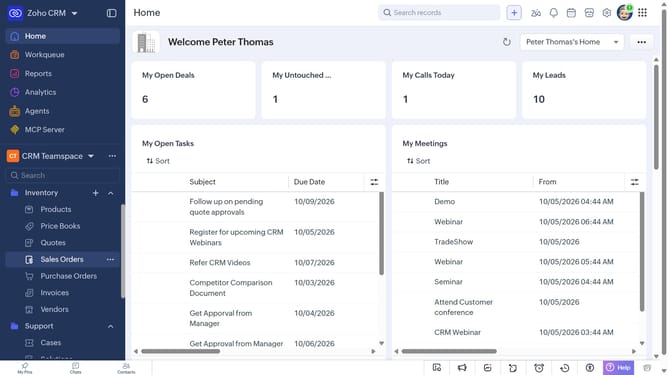
How to delete products in bulk on Zoho CRM
Here is how to delete products in bulk on zoho crm
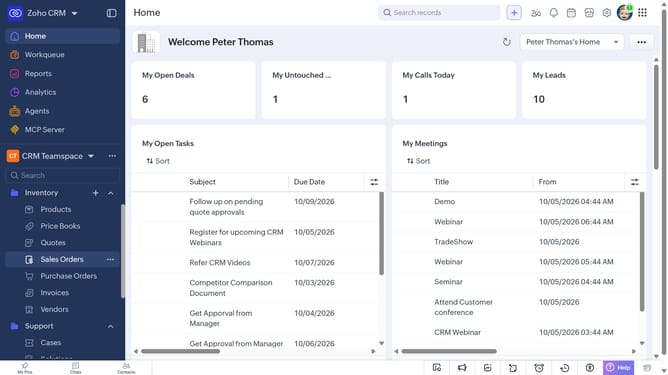
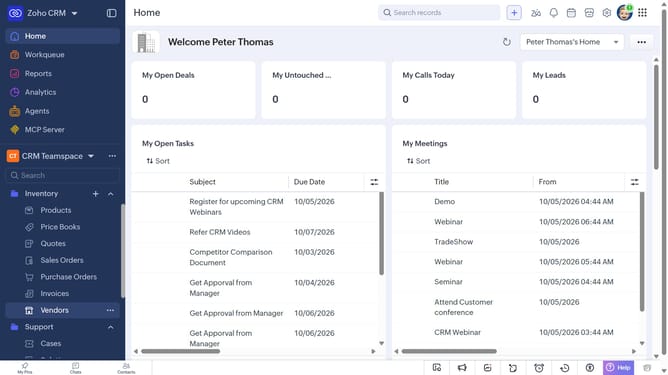
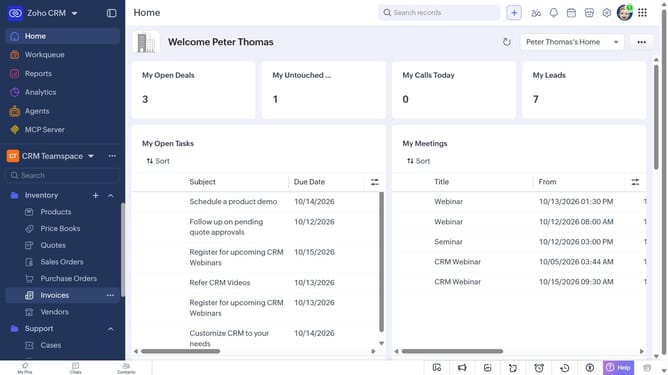
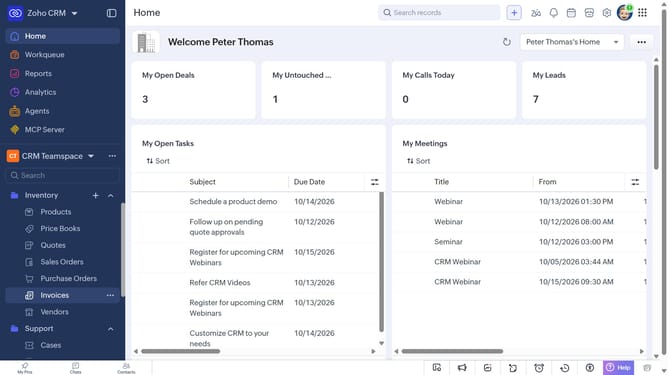
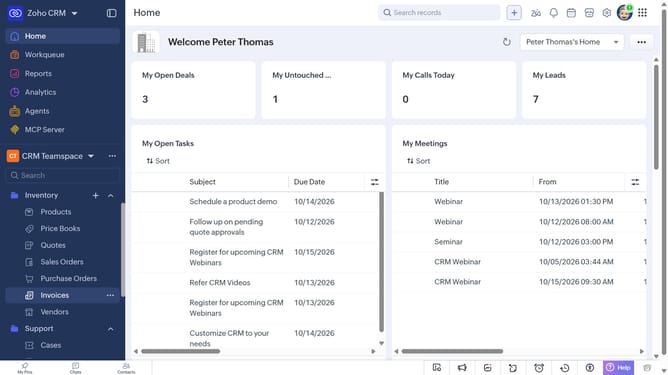
- First, click on "Products" under "Inventory" in the left sidebar menu
- Locate the products you want to delete
- Next, select the checkboxes next to each record
- Click on the "More Options" button at the top of the list
- Then, select "Delete" from the dropdown menu
- Finally, click on "Delete" in the confirmation dialog
Why should you How to delete products in bulk on Zoho CRM
Zoho CRM is a dynamic platform designed to streamline business processes and enhance customer relationship management.
The ability to delete products in bulk on Zoho CRM empowers businesses to efficiently manage their product catalog. This feature simplifies the process of removing multiple entries at once, saving valuable time and reducing errors associated with individual deletions.
Using bulk deletion helps maintain an organized and up-to-date system, ensuring that the data remains relevant and clutter-free. It's especially beneficial for businesses undergoing frequent updates or changes in their product lines.
By keeping the CRM clean and accurate, teams can focus more on strategic tasks, ultimately driving productivity and supporting better decision-making.