How to change the owner of a purchase order on Zoho CRM
Here is how to change the owner of a purchase order on zoho crm
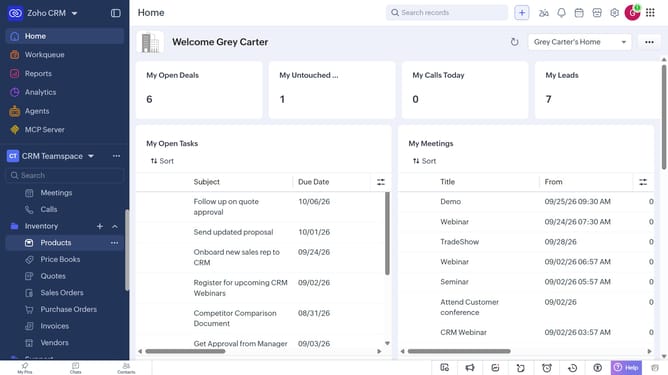
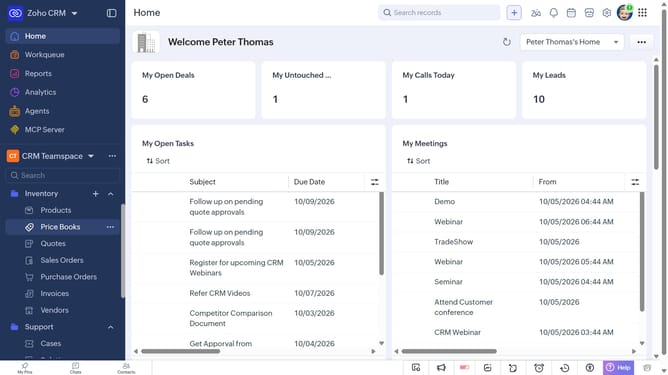
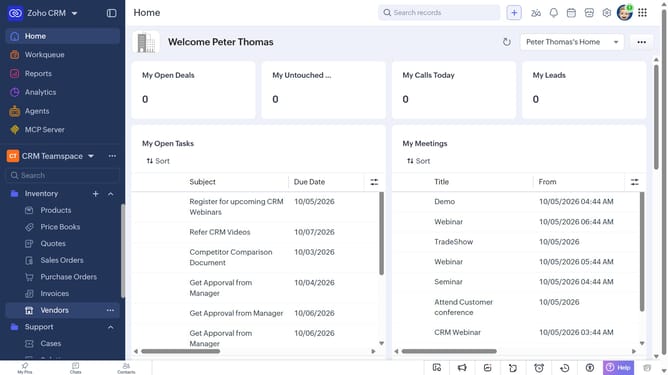
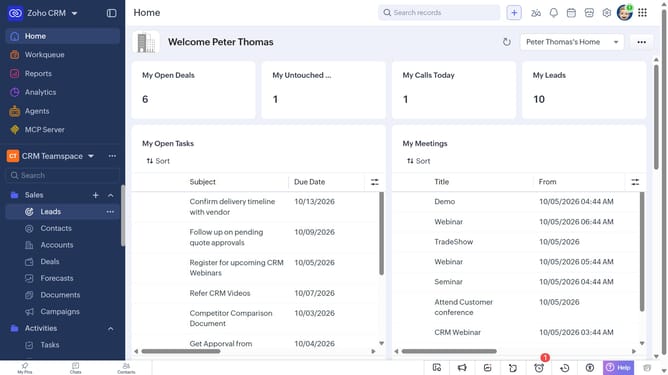
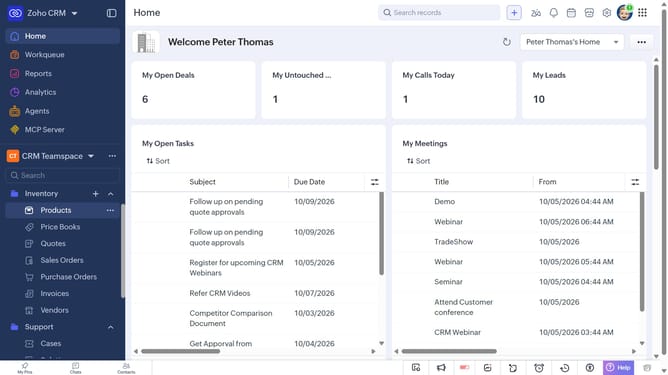
- First, click on "Purchase Orders" under "Inventory" in the left sidebar menu
- Next, locate the purchase order whose owner you want to change
- Click on the "More options" button next to the purchase order
- Select "Change Owner" from the dropdown menu
- In the "Change Owner" modal, click on the dropdown
- Then select the new owner from the dropdown menu
- Next, check "Send Email notification" to enable alerts, or leave it unchecked
- Finally, click on the "Change Owner" button
Why should you How to change the owner of a purchase order on Zoho CRM
Zoho CRM is a comprehensive platform designed to streamline your business operations and enhance customer relationship management.
One valuable feature in Zoho CRM is the ability to change the owner of a purchase order effortlessly. This functionality offers flexibility and ensures that the correct team member manages relevant tasks, keeping your operations efficient and organized.
By assigning the right owner to each purchase order, businesses can improve accountability and streamline workflow processes. This feature supports seamless role transitions and enhances team collaboration, leading to smoother operation and increased productivity.
Last update