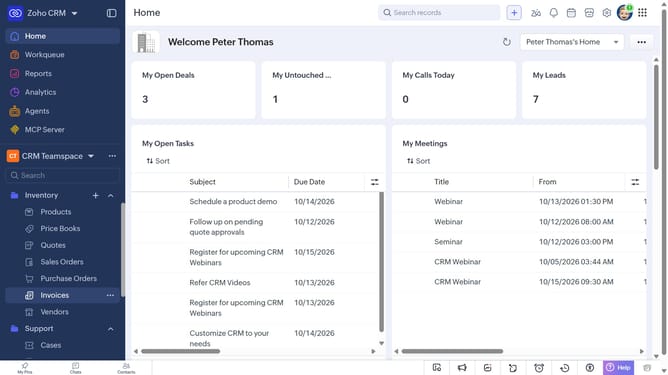
How to assign a vendor to another user on Zoho CRM
Here is how to assign a vendor to another user on zoho crm
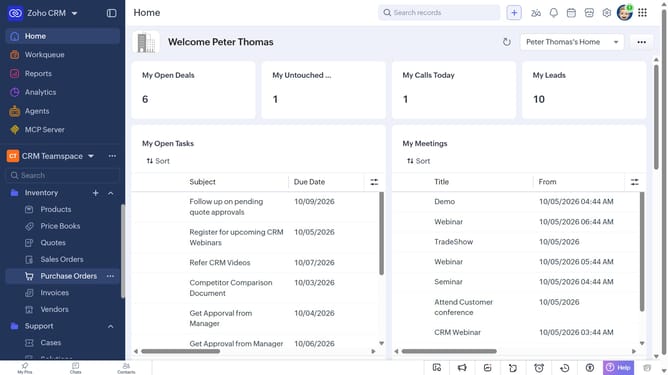
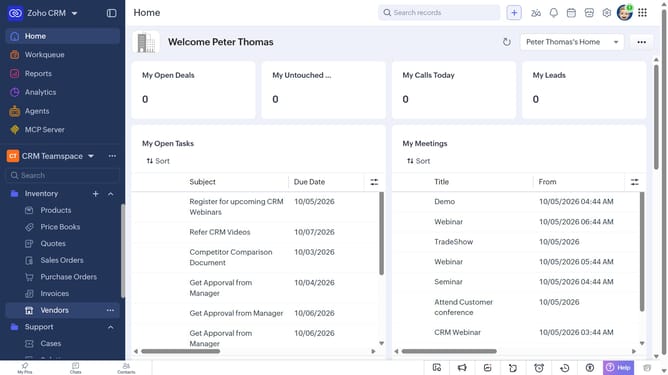
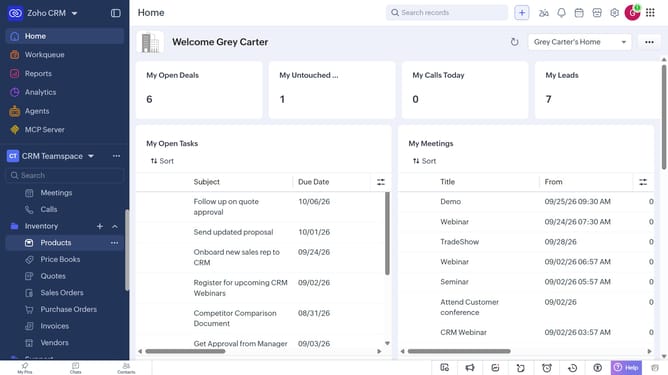
- First, click on "Vendors" under "Inventory" in the left sidebar menu
- Next, locate the vendor whose owner you want to change
- Click on the "More options" button next to the vendor
- Select "Change Owner" from the dropdown menu
- In the "Change Owner" modal, click on the dropdown
- Then select the new owner from the dropdown menu
- Next, check "Send Email notification" to enable alerts, or leave it unchecked
- Finally, click on the "Change Owner" button
Why should you How to assign a vendor to another user on Zoho CRM
Zoho CRM is a dynamic platform designed to streamline customer relationship management for businesses of all sizes.
The feature that allows assigning a vendor to another user in Zoho CRM optimizes team collaboration and task distribution. It encourages seamless workflow by facilitating transparent communication among users, ensuring the right person manages the vendor relationships.
This feature enhances productivity by clearly delineating roles and responsibilities, preventing any overlap in tasks. It also enables managers to easily reassign vendors based on workload or expertise, ensuring efficient resource utilization.
Last update