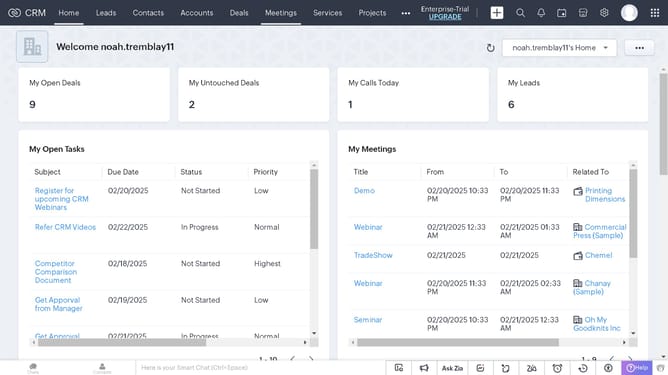
How to copy the URL of a purchase order on Zoho CRM
Here is how to copy the url of a purchase order on zoho crm
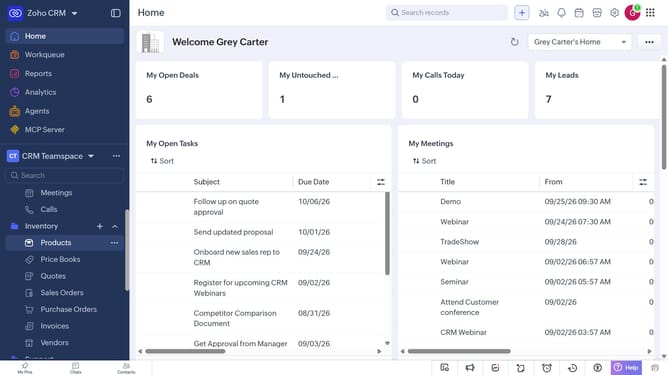
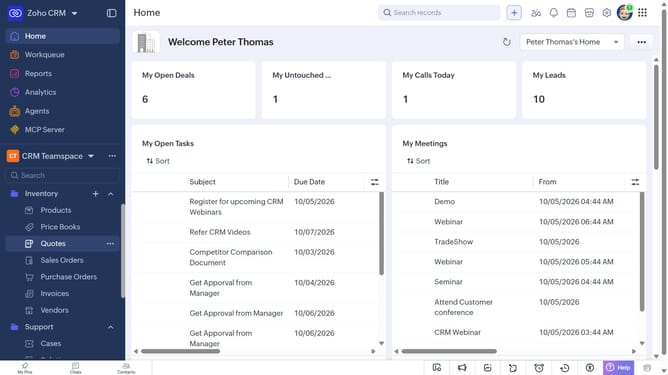
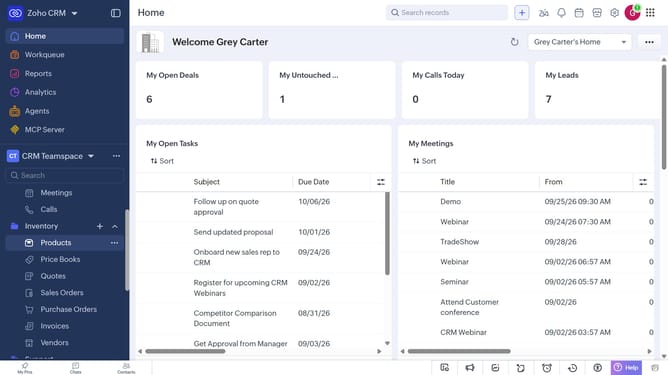
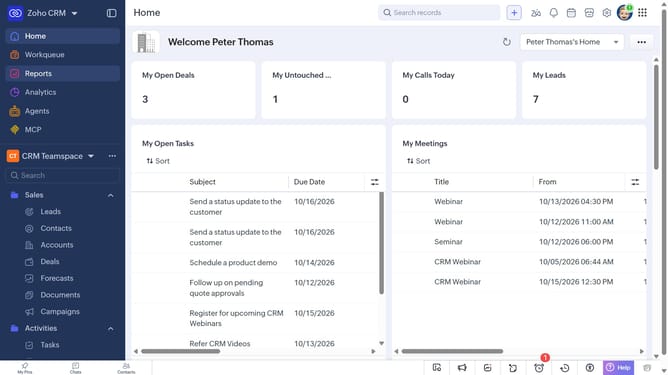
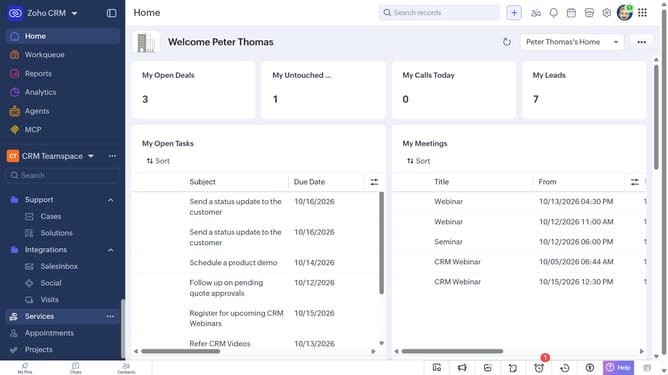
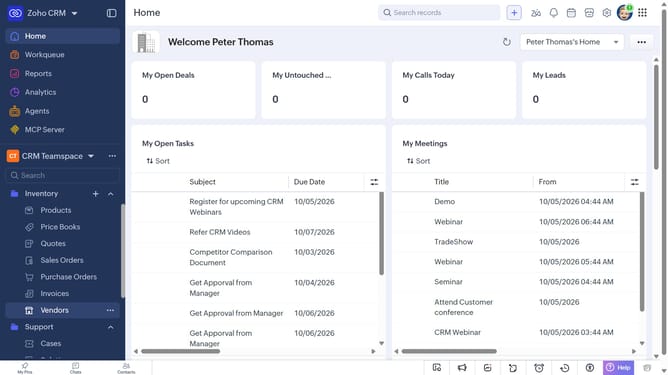
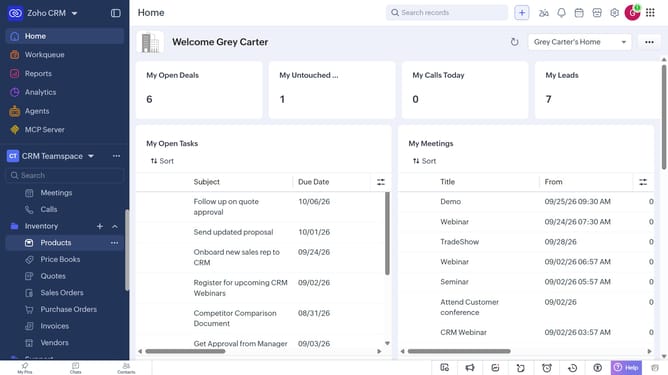
- First, click on "Purchase Orders" under "Inventory" in the left sidebar menu
- Next, locate the purchase order whose URL you want to copy
- Then, click on the "More options" button next to the purchase order
- Finally, select "Copy URL" from the dropdown menu
Why should you How to copy the URL of a purchase order on Zoho CRM
Zoho CRM, a powerful tool designed to streamline customer relationship management, enhances efficiency and productivity.
The ability to copy the URL of a purchase order within Zoho CRM is a handy feature for facilitating seamless collaboration and communication across teams. This feature allows users to easily share specific purchase orders with colleagues or external partners, ensuring everyone involved has access to crucial transaction details.
Utilizing this feature helps maintain consistency in communication and reduces misunderstandings. It increases operational efficiency by saving time, as staff can quickly access and review relevant purchase order information without the need for additional explanations or email attachments.
Last update