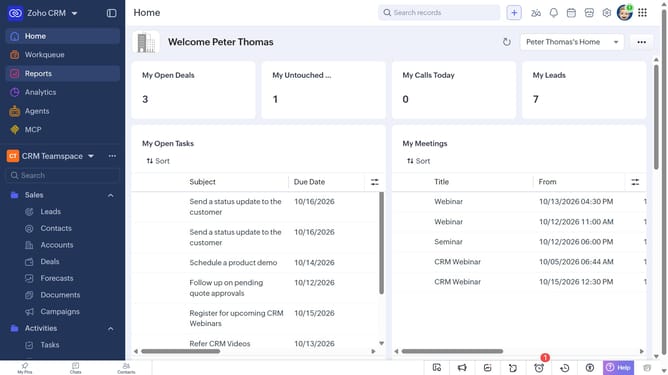
How to sort the product list on Zoho CRM
Here is how to sort the product list on zoho crm
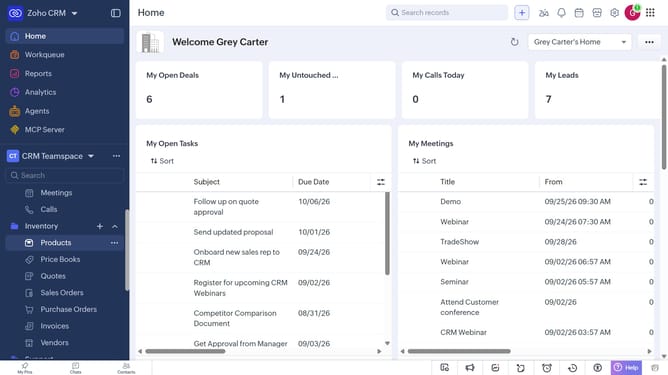
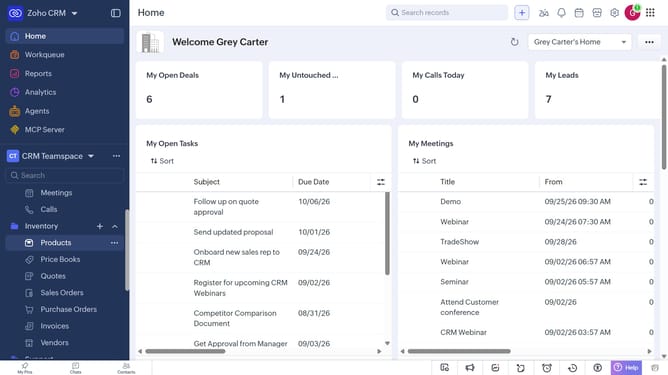
- First, click on "Products" under "Inventory" in the left sidebar menu
- Next, click on the "Sort" button in the top menu
- After that, click on the "Sort By" dropdown
- Then select the option you want to sort by
- Next, choose whether to sort in Ascending or Descending order
- Finally click on the "Apply" button
Why should you How to sort the product list on Zoho CRM
Zoho is a comprehensive business management platform designed to streamline operations and enhance productivity.
Sorting the product list within Zoho CRM is an intuitive feature that allows users to organize products effortlessly. By customizing the arrangement of product entries, businesses can quickly access the information they need. This ensures that teams can focus on more strategic tasks without getting bogged down in data management.
Utilizing this feature enhances workflow efficiency and improves data visibility, empowering users to make faster, informed decisions. This level of organization can lead to a more agile and responsive business environment.
Last update