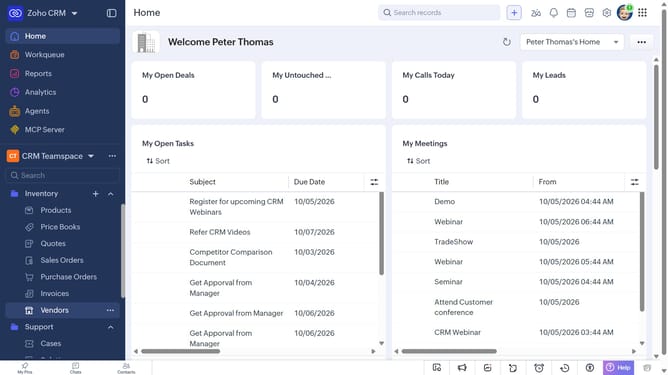
How to export products as a CSV file on Zoho CRM
Here is how to export products as a csv file on zoho crm
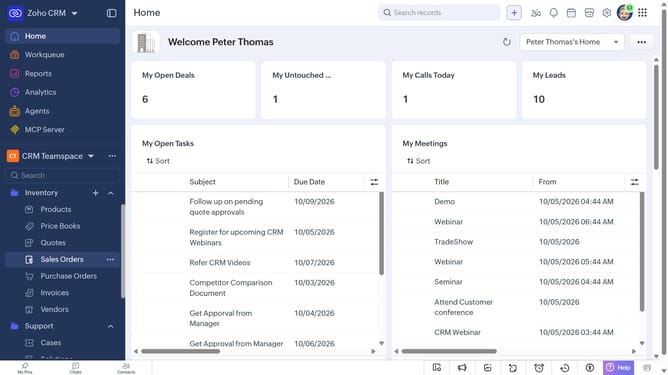
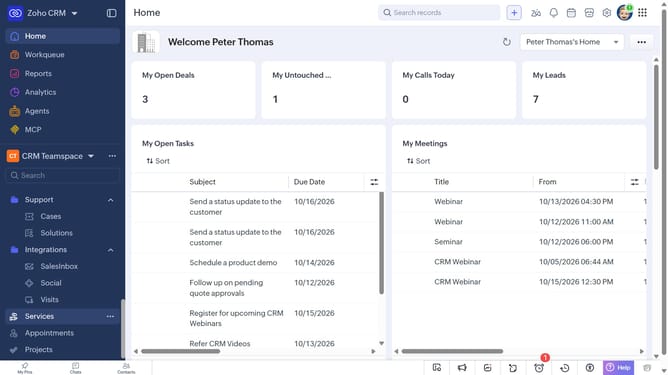
- First, click on "Products" under "Inventory" in the left sidebar menu
- Next, click on the "More Options" button next to "Create Product"
- Select "Export Products" from the dropdown menu
- In the "Export Product" dialog, click on the "Fields to Export" dropdown
- Choose whether to export all fields or only the fields from the custom view
- After that, select "CSV" as the file type
- Next, click on the "Charset" dropdown and and select the desired encoding
- Then, toggle the "Set Password" switch on or leave it off
- Finally click on the "Export" button
Why should you How to export products as a CSV file on Zoho CRM
Zoho CRM is a versatile platform designed to streamline business operations and foster customer relationships.
Exporting products as a CSV file in Zoho CRM is a powerful feature that enhances data management efficiency. It allows users to seamlessly convert product information into a universally accessible format.
This functionality is essential for businesses aiming to perform comprehensive data analysis, share information easily with team members, or integrate with other systems. By leveraging this feature, users can maintain organized and up-to-date records, ensuring strategic decision-making is well-informed.
Last update