How to export vendors in bulk on Zoho CRM
Here is how to export vendors in bulk on zoho crm
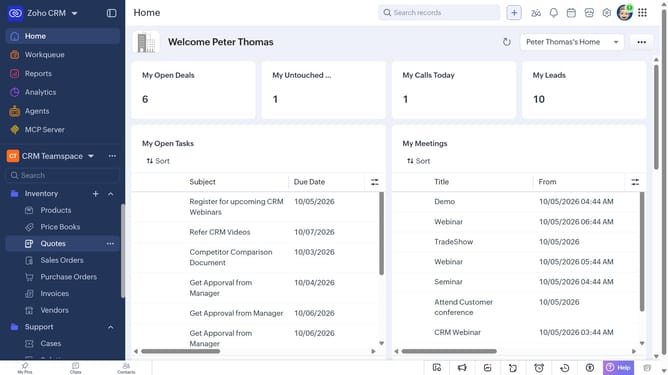
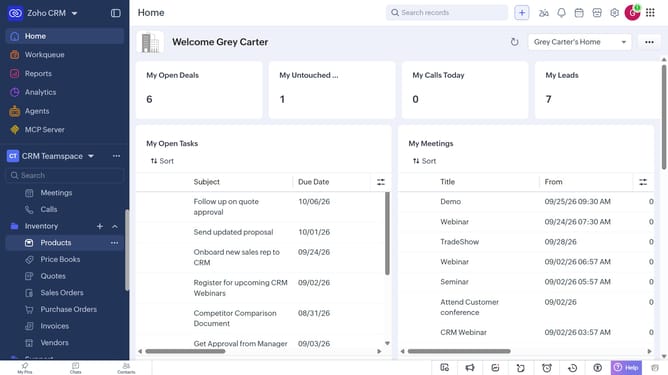
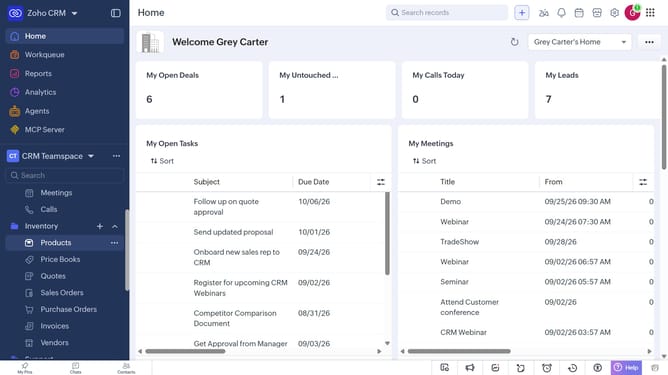
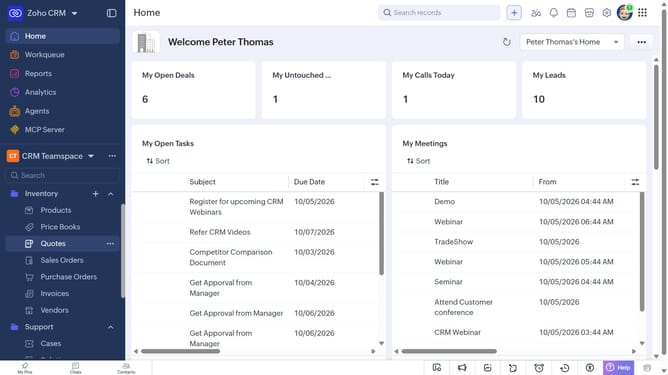
- First, click on "Vendors" under "Inventory" in the left sidebar menu
- In the List View, locate the vendors you want to export
- Next, check the boxes next to the vendors
- Click on the "More Options" button at the top of the list
- Select "Export Selected Records" from the dropdown menu
- In the "Export Selected Records" dialog, select the file type
- Then, toggle the "Set Password" switch on or leave it off
- Finally click on the "Export" button
Why should you How to export vendors in bulk on Zoho CRM
Zoho is a comprehensive suite of online productivity tools designed to enhance business efficiency.
Exporting vendors in bulk on Zoho CRM allows businesses to seamlessly manage large volumes of vendor data, saving time and reducing manual effort.
This feature enhances data management by enabling quick access to vendor information, facilitating better decision-making and streamlined operations.
Utilizing the bulk export capability ensures data accuracy and consistency, supporting smoother business processes and promoting growth.
Last update