How to delete quotes in bulk on Zoho CRM
Here is how to delete quotes in bulk on zoho crm
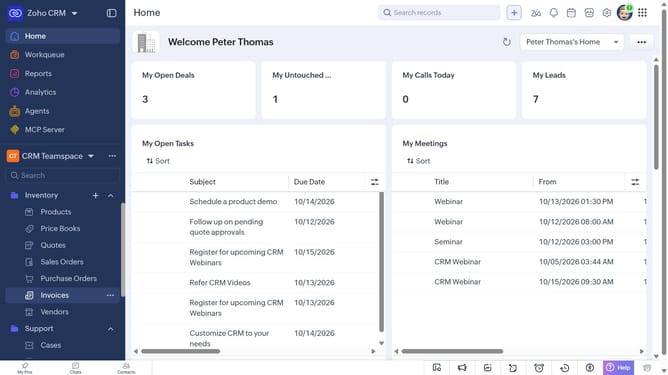
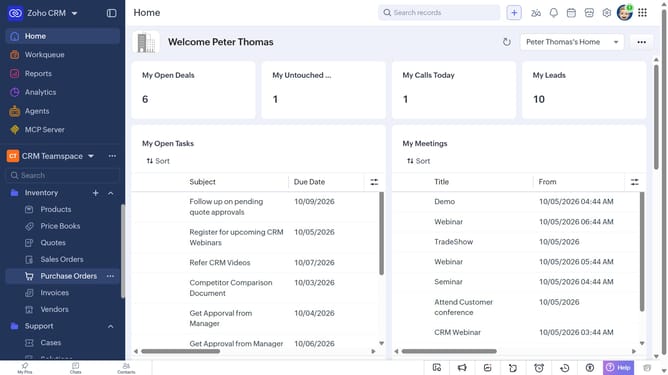
- First, click on "Quotes" under "Inventory" in the left sidebar menu
- In the List View, locate the quotes you want to delete
- Next, select the checkboxes next to each record
- Click on the "More Options" button at the top of the list
- Then, select "Delete" from the dropdown menu
- Finally, click on "Delete" in the confirmation dialog
Why should you How to delete quotes in bulk on Zoho CRM
Zoho CRM is a comprehensive customer relationship management platform designed to streamline business operations and enhance customer engagement.
The ability to delete quotes in bulk on Zoho CRM is a highly efficient feature for managing large volumes of data swiftly. This function helps businesses maintain an organized database by removing outdated or irrelevant quotes with just a few clicks.
By utilizing this feature, users can save valuable time and reduce the risk of clutter, ensuring that their CRM system is always up-to-date and functional. This process ultimately enhances productivity and allows for a more focused approach to customer management.
Last update