How to copy a purchase order record URL on Zoho CRM
Here is how to copy a purchase order record url on zoho crm
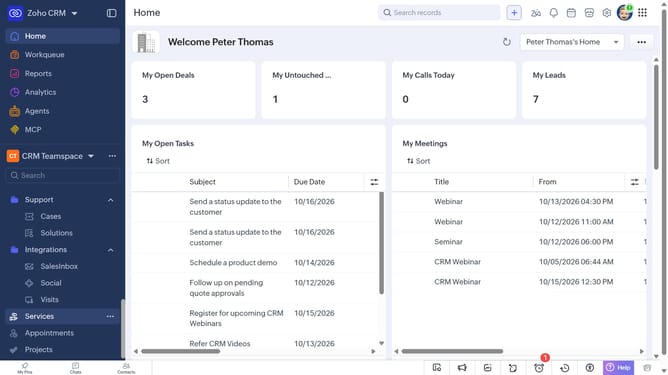
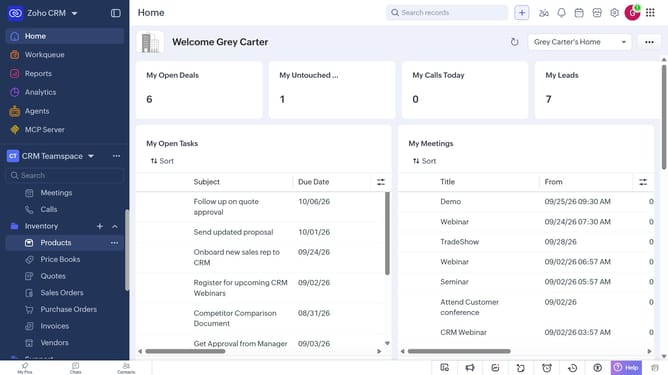
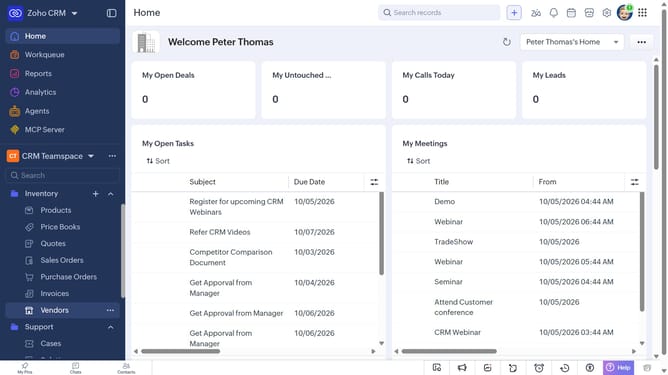
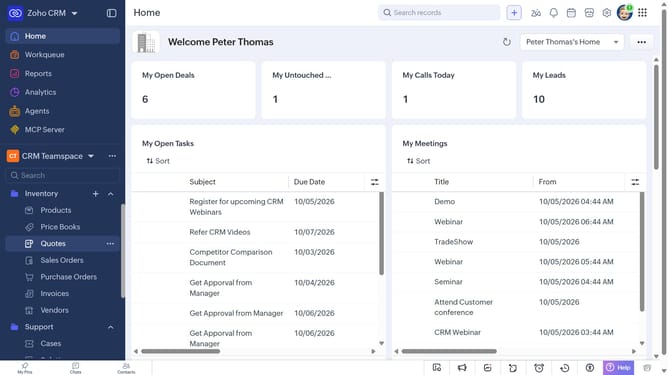
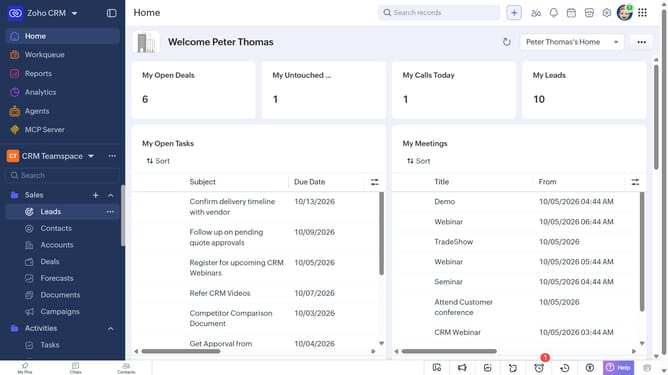
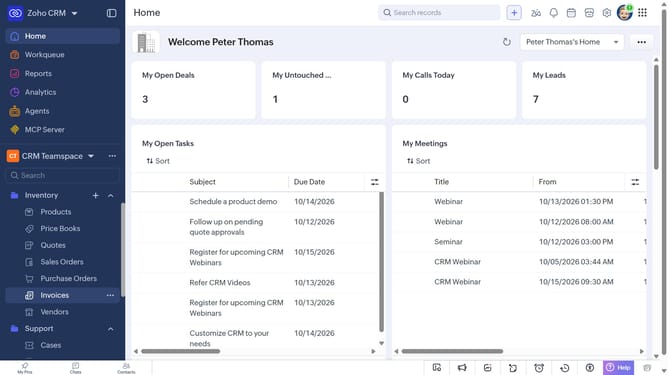
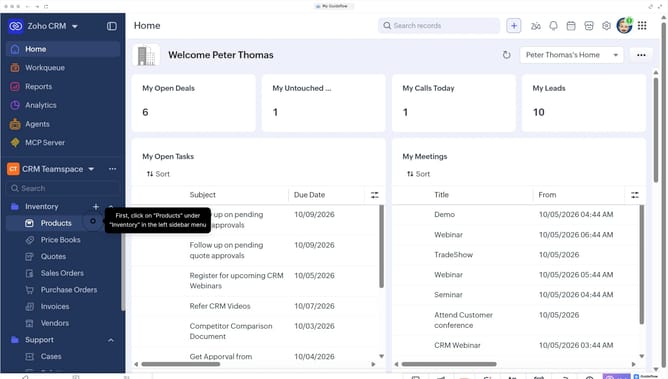
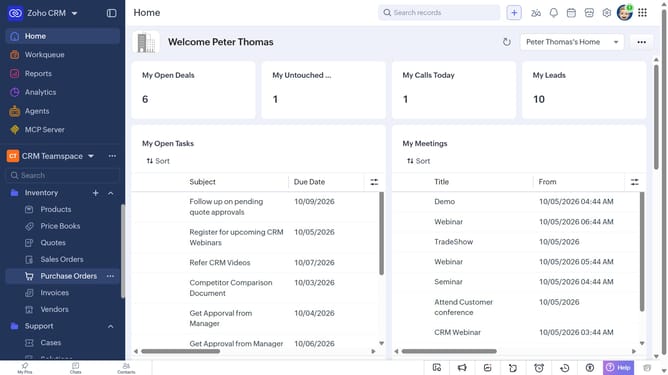
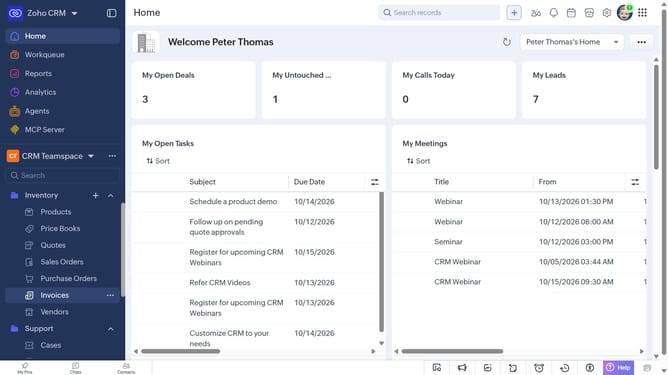
- First, click on "Purchase Orders" under "Inventory" in the left sidebar menu
- Next, locate the purchase order whose URL you want to copy
- Then, click on the "More options" button next to the purchase order
- Finally, select "Copy URL" from the dropdown menu
Why should you How to copy a purchase order record URL on Zoho CRM
Zoho CRM, a comprehensive platform designed to streamline sales and customer engagement, empowers businesses to operate efficiently.
Among its various features, copying a purchase order record URL stands out for its simplicity and utility. This feature allows users easy access to specific records, facilitating seamless collaboration and quick sharing within teams.
By enabling fast sharing of precise purchase order details, this feature enhances team productivity and ensures everyone stays informed, thus promoting smoother operations and better communication.
Last update