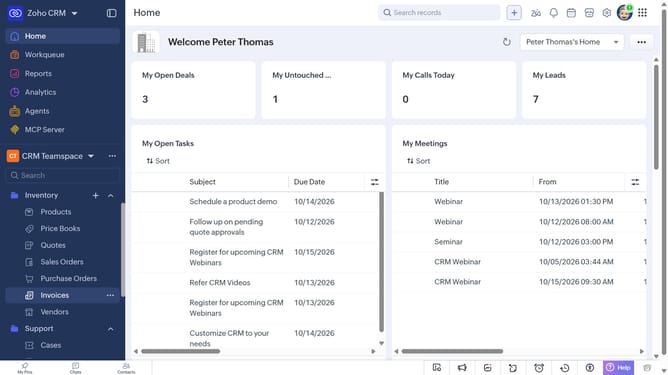
How to sort the purchase order list on Zoho CRM
Here is how to sort the purchase order list on zoho crm
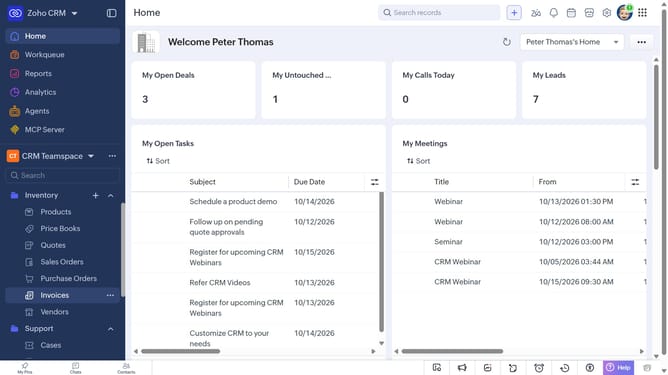
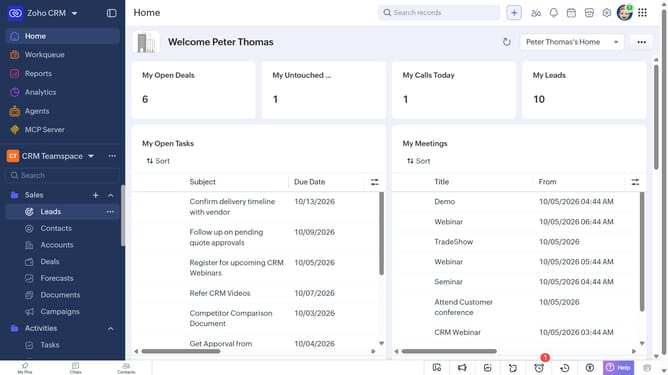
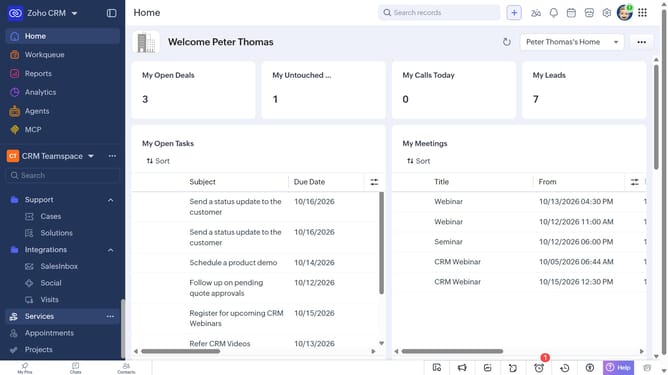
- First, click on "Purchase Orders" under "Inventory" in the left sidebar menu
- Next, click on the "Sort" button in the top menu
- After that, click on the "Sort By" dropdown
- Then select the option you want to sort by
- Next, choose whether to sort in Ascending or Descending order
- Finally click on the "Apply" button
Why should you How to sort the purchase order list on Zoho CRM
Zoho CRM is a comprehensive tool designed to streamline business operations and enhance customer relationships.
In Zoho CRM, you can effortlessly sort the purchase order list to suit your specific requirements. This feature allows you to organize data efficiently, ensuring quick access to crucial information. Sorting options can help prioritize orders by date, status, or other criteria, enhancing workflow management.
Using this feature not only saves time but also enhances accuracy in processing orders. It promotes a more organized approach to handling transactions, ultimately leading to improved productivity and decision-making.
Last update