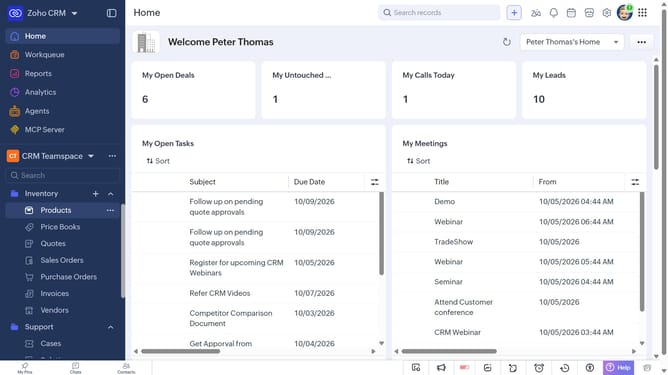
How to copy a vendor record URL on Zoho CRM
Here is how to copy a vendor record url on zoho crm
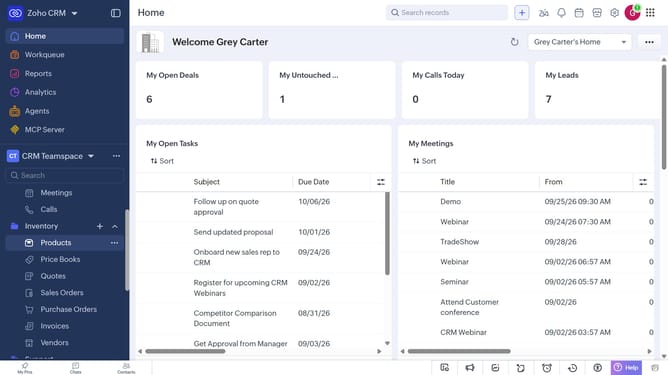
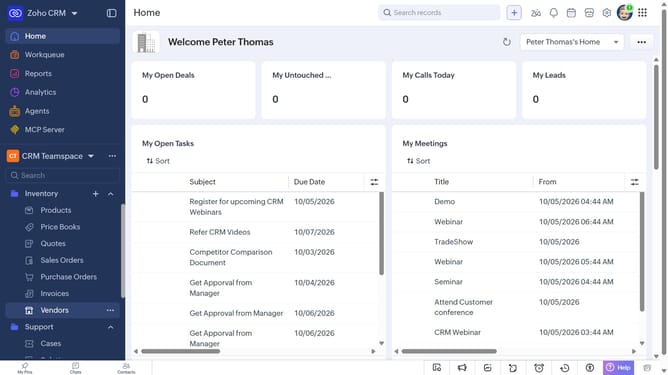
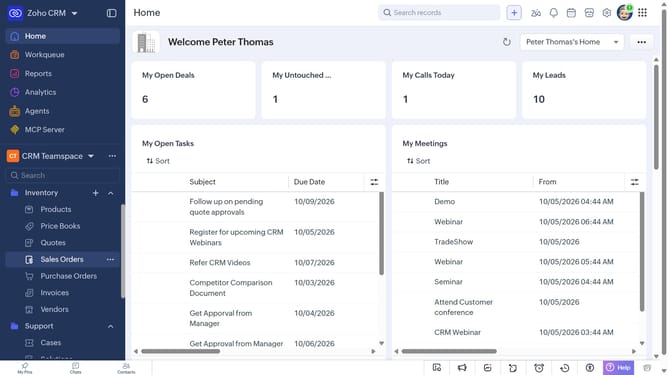
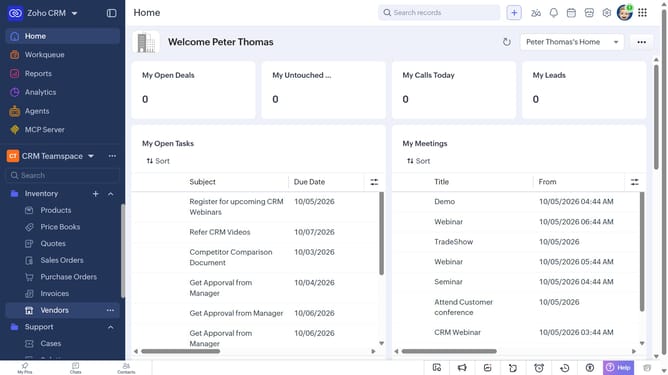
- First, click on "Vendors" under "Inventory" in the left sidebar menu
- Next, locate the vendor whose URL you want to copy
- Then, click on the "More options" button next to the vendor
- Finally, select "Copy URL" from the dropdown menu
Why should you How to copy a vendor record URL on Zoho CRM
Zoho CRM is a comprehensive platform designed to streamline customer relationship management, enhancing productivity and collaboration.
One of its intuitive features is the ability to copy a vendor record URL easily. This feature simplifies the process of sharing specific vendor information with colleagues or stakeholders, ensuring everyone stays aligned and informed.
By quickly accessing and distributing vendor URLs, teams can significantly improve communication efficiency and maintain seamless interactions, fostering a more connected and agile work environment.
Last update