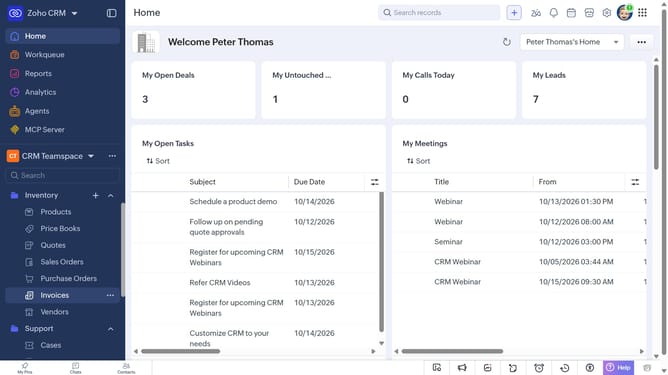
How to export quotes in bulk on Zoho CRM
Here is how to export quotes in bulk on zoho crm
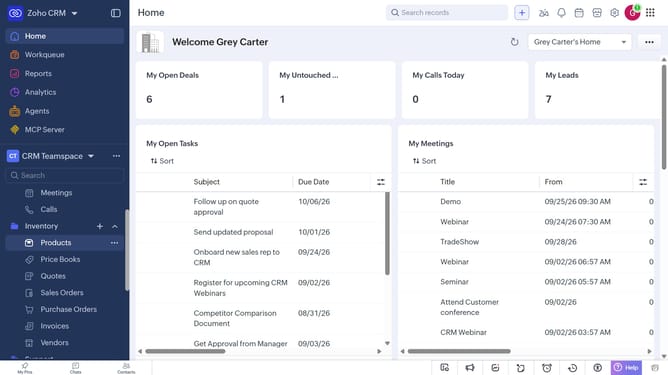
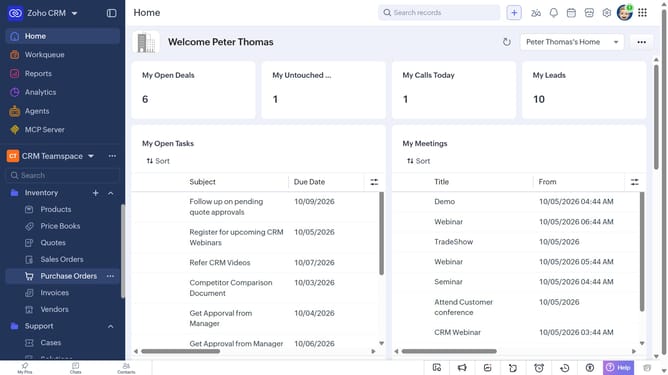
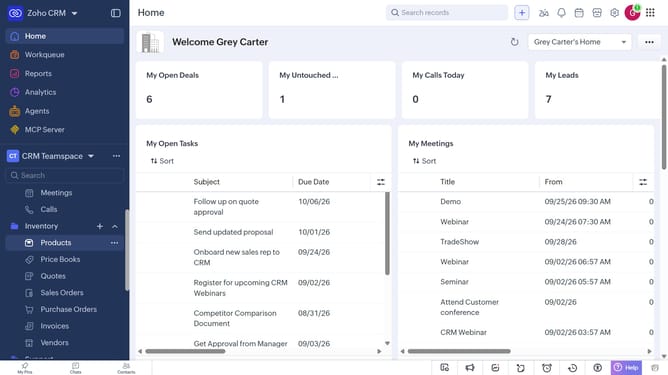
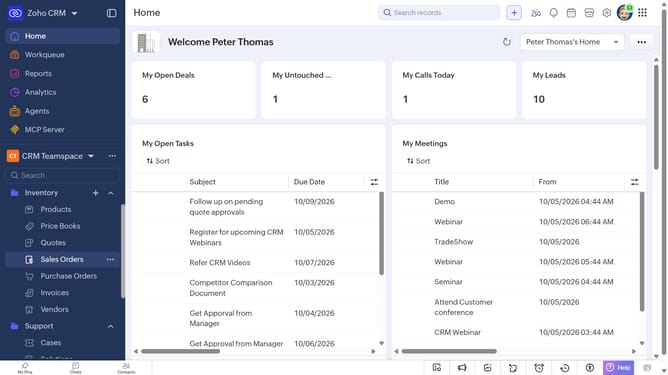
- First, click on "Quotes" under "Inventory" in the left sidebar menu
- In the List View, locate the quotes you want to export
- Next, select the checkboxes next to each record
- Click on the "More Options" button at the top of the list
- Select "Export Selected Records" from the dropdown menu
- In the "Export Selected Records" dialog, select the file type
- Then, toggle the "Set Password" switch on or leave it off
- Finally click on the "Export" button
Why should you How to export quotes in bulk on Zoho CRM
Zoho is a comprehensive suite of online productivity tools designed to enhance business efficiency and management.
The ability to export quotes in bulk on Zoho CRM streamlines the process of managing sales documents and records. This feature is crucial for businesses that need to analyze multiple quotes at once, offering seamless integration with reporting tools and financial software.
Using this feature saves time, ensures accuracy, and boosts productivity by allowing sales teams to focus on closing deals rather than managing paperwork. Effortless exportation empowers teams to keep data organized and accessible, enhancing overall workflow efficiency.
Last update