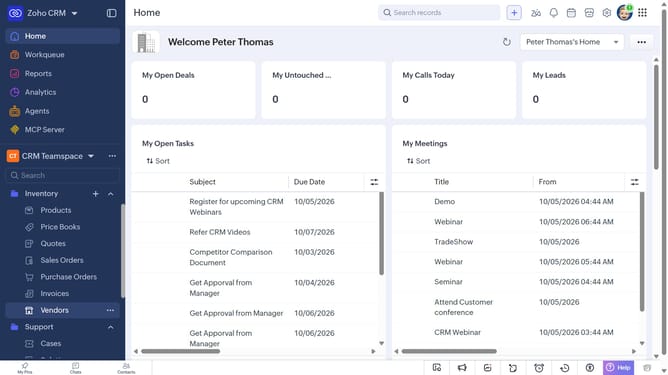
How to export products on Zoho CRM
Here is how to export products on zoho crm
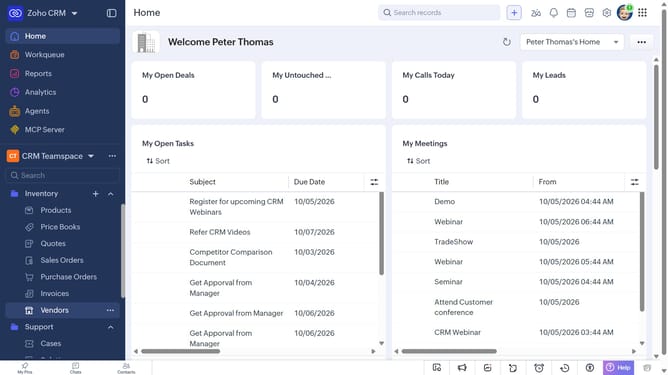
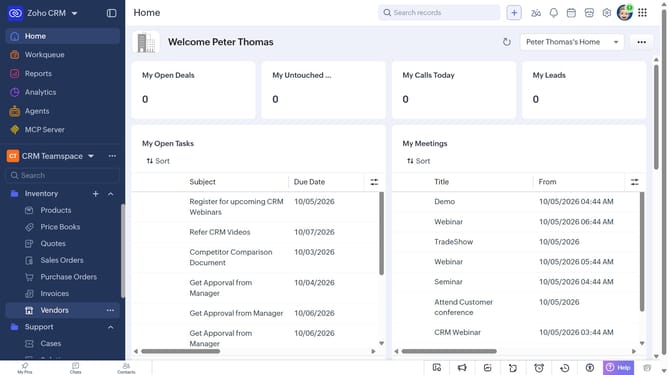
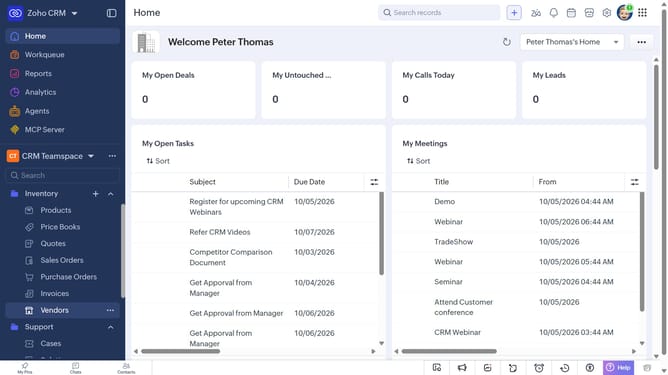
- First, click on "Products" under "Inventory" in the left sidebar menu
- Next, click on the "More Options" button next to "Create Product"
- Select "Export Products" from the dropdown menu
- In the "Export Product" dialog, click on the "Fields to Export" dropdown
- Choose whether to export all fields or only the fields from the custom view
- After that, select the file type (CSV or XLSX)
- Next, toggle the "Set Password" switch on or leave it off
- Finally, click on the "Export" button
Why should you How to export products on Zoho CRM
Zoho CRM is a versatile platform designed to streamline and enhance your business relationships.
The feature to export products in Zoho CRM offers a seamless way to manage inventory information efficiently. It provides the capability to easily transfer product data into a convenient format for analysis or sharing.
Using this feature can significantly improve organization and reporting, ensuring stakeholders have access to updated and accurate product information.
This empowers businesses to make informed decisions quickly, streamlining operations and boosting productivity.
Last update