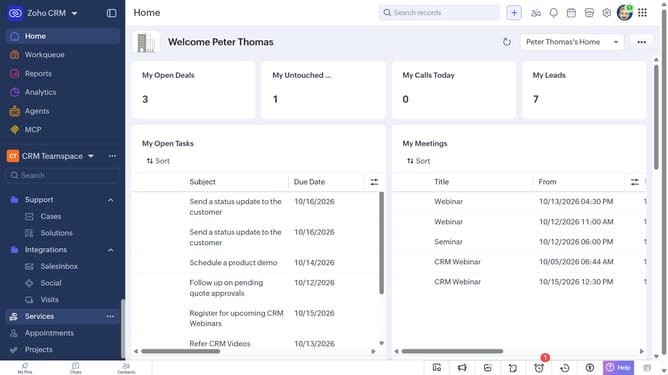
How to delete vendors in bulk on Zoho CRM
Here is how to delete vendors in bulk on zoho crm
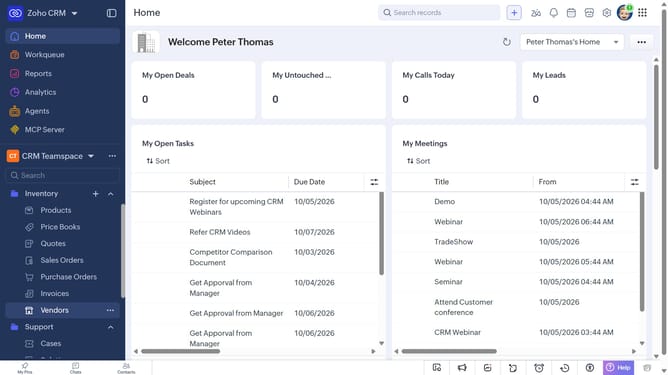
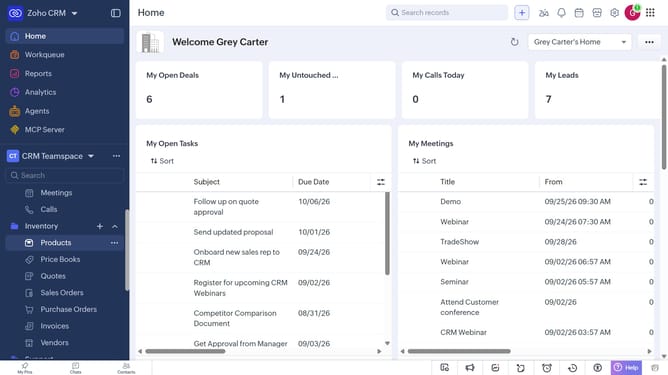
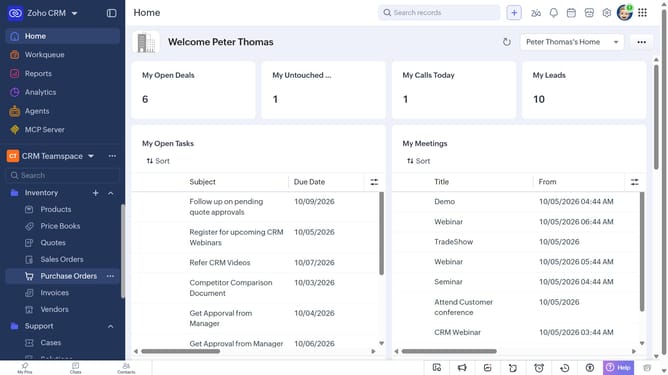
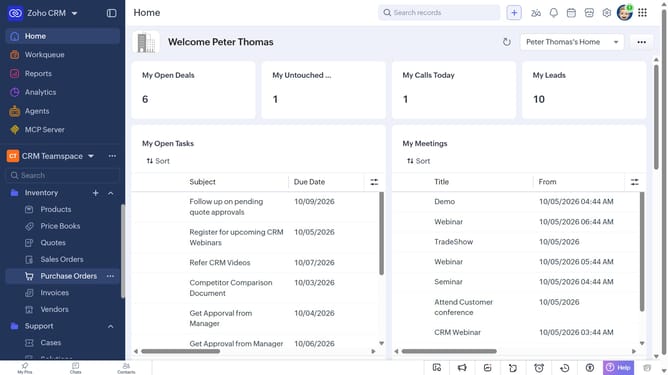
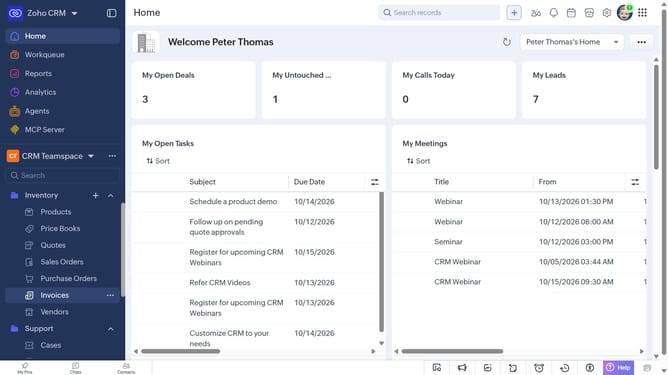
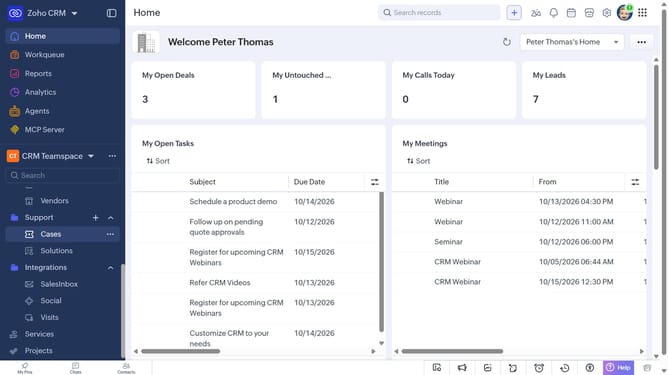
- First, click on "Vendors" under "Inventory" in the left sidebar menu
- In the List View, locate the vendors you want to delete
- Next, select the checkboxes next to the vendors
- Click on the "More Options" button at the top of the list
- Then, select "Delete" from the dropdown menu
- Finally, click on "Delete" in the confirmation dialog
Why should you How to delete vendors in bulk on Zoho CRM
Zoho CRM is an intuitive platform designed to streamline customer relationship management, enhancing business productivity and efficiency.
The bulk deletion feature for vendors in Zoho CRM allows users to efficiently manage and organize their vendor database, saving valuable time and resources.
By removing multiple vendors at once, businesses can ensure their data remains clean and relevant, leading to more accurate reporting and analysis.
This feature promotes a tidier, more focused CRM environment by simplifying vendor management, which helps teams concentrate on key business objectives.
Last update