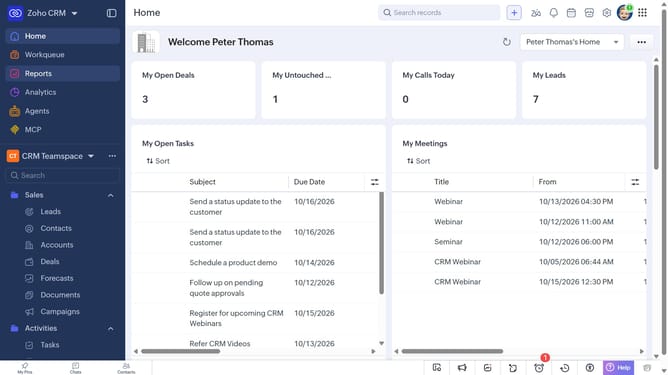
How to schedule a call for a vendor on Zoho CRM
Here is how to schedule a call for a vendor on zoho crm
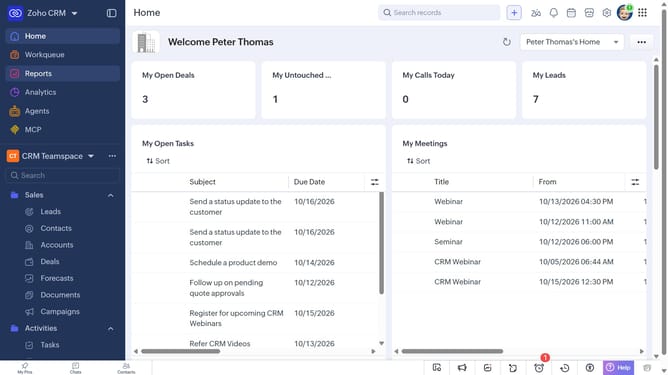
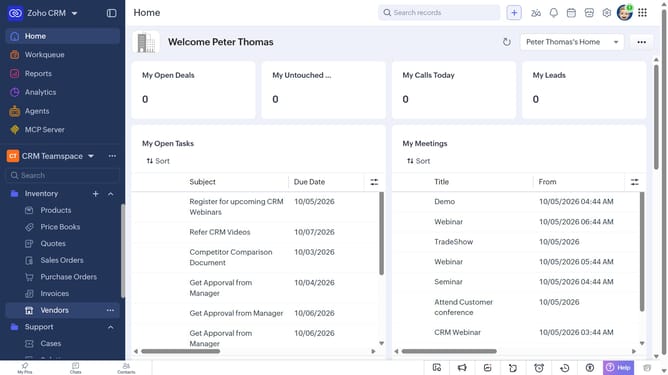
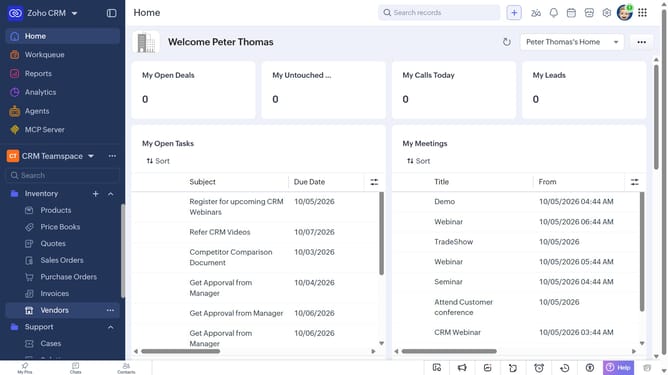
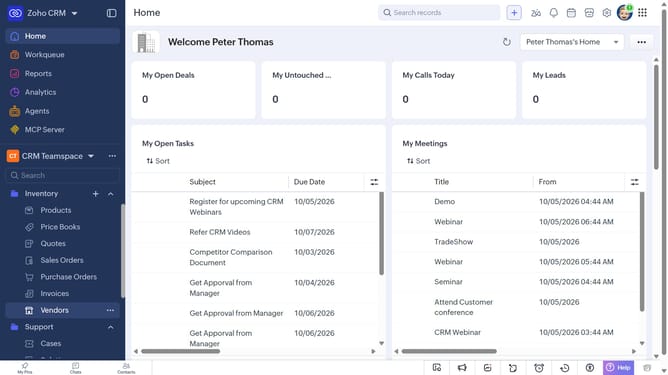
- First, click on "Vendors" under "Inventory" in the left sidebar menu
- Next, locate the vendor you want to schedule a call for
- Click on the "More options" button next to the vendor
- After that, click on "More"
- Next, click on the "Create Call" option
- Then click on "Schedule a call"
- Then, enter the call details in the "Schedule a call" modal
- Finally, once you're done, click on the "Schedule" button
Why should you How to schedule a call for a vendor on Zoho CRM
Zoho is a comprehensive suite designed to streamline business operations for enhanced productivity.
One standout feature in Zoho CRM is the ability to schedule calls for vendors effortlessly. By organizing and setting specific call times, businesses can maintain seamless communication and ensure effective vendor management.
Utilizing this feature means you can keep track of interactions, reduce scheduling conflicts, and enhance collaboration. This not only saves time but also strengthens relationships, giving your team a strategic advantage in managing vendor partnerships.
Last update