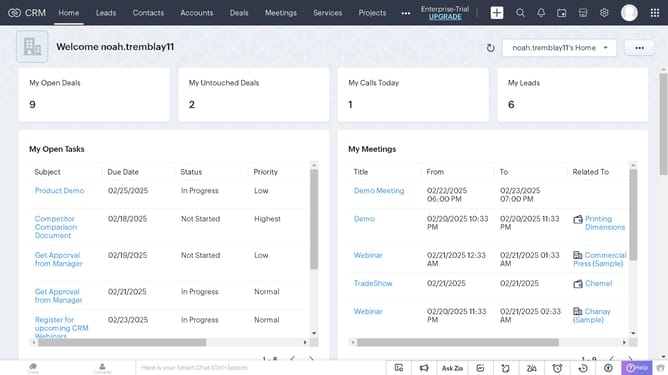
How to export sales orders in bulk on Zoho CRM
Here is how to export sales orders in bulk on zoho crm
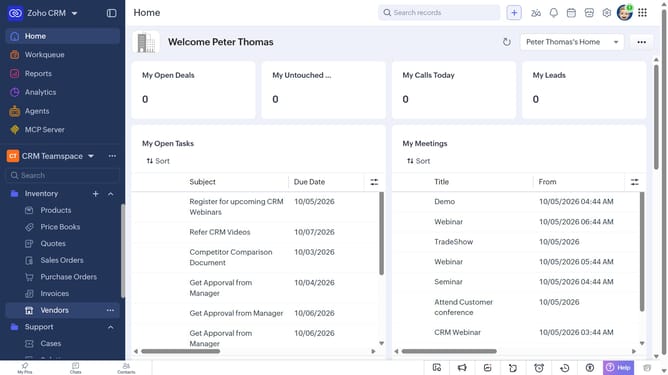
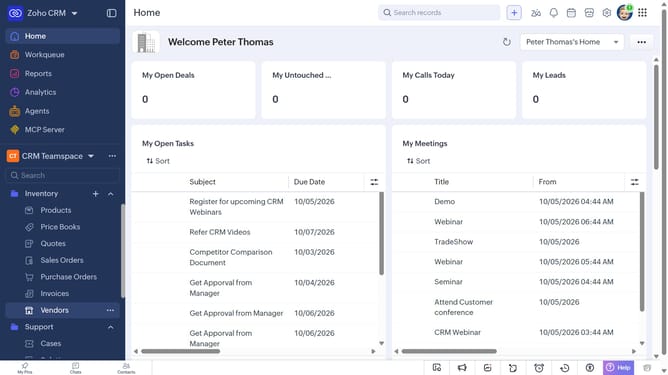
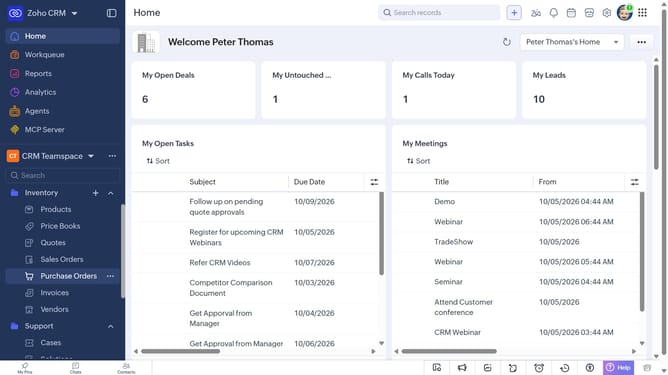
- First, click on "Sales Orders" under "Inventory" in the left sidebar menu
- Locate the sales orders you want to export
- Next, select the checkboxes next to each record
- Click on the "More Options" button at the top of the list
- Select "Export Selected Records" from the dropdown menu
- In the "Export Selected Records" dialog, select the file type
- Then, toggle the "Set Password" switch on or leave it off
- Finally click on the "Export" button
Why should you How to export sales orders in bulk on Zoho CRM
Zoho CRM is a comprehensive platform designed to streamline customer relationship management for businesses of all sizes.
Exporting sales orders in bulk on Zoho CRM is an efficient feature that enhances productivity by allowing users to manage and analyze sales data easily. This functionality supports informed decision-making and strategic planning.
The process is user-friendly, seamlessly integrating with other tools and systems, saving time, and reducing human error. By leveraging this feature, businesses can maintain accurate records, enhance reporting efficiency, and focus more on growth strategies.
Last update