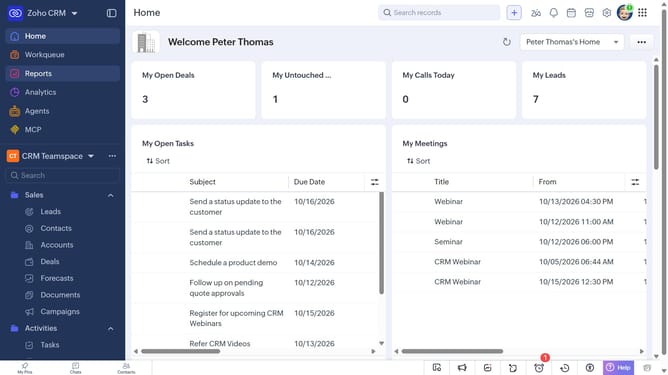
How to filter purchase orders on Zoho CRM
Here is how to filter purchase orders on zoho crm
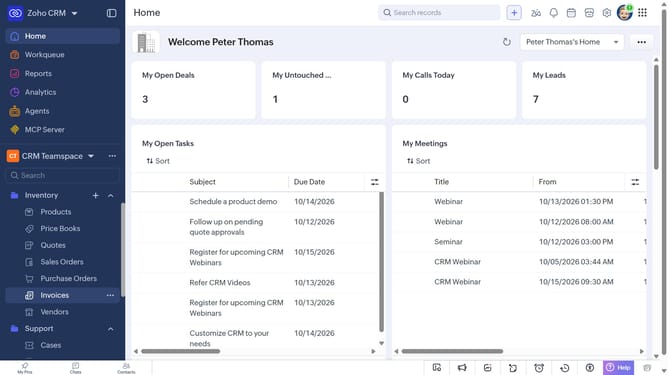
- First, click on "Purchase Orders" under "Inventory" in the left sidebar menu
- Next, click on the "Filter" button in the top menu
- In the "Filter Purchase Orders by" panel, select the options you want to filter by
- Then, set the filter condition and values
- Finally, click on the "Apply Filter" button
Why should you How to filter purchase orders on Zoho CRM
Zoho CRM is a comprehensive platform designed to streamline customer relationships and enhance business processes.
The ability to filter purchase orders in Zoho CRM is an invaluable feature that empowers users to efficiently manage and organize their data. By applying filters, businesses can easily sort purchase orders based on criteria such as date, status, or vendor, facilitating a more organized workflow.
This feature enables teams to quickly access relevant information, improving decision-making and boosting productivity. With smoother tracking and management of orders, businesses can focus on strategic growth, reducing time spent on administrative tasks.
Last update