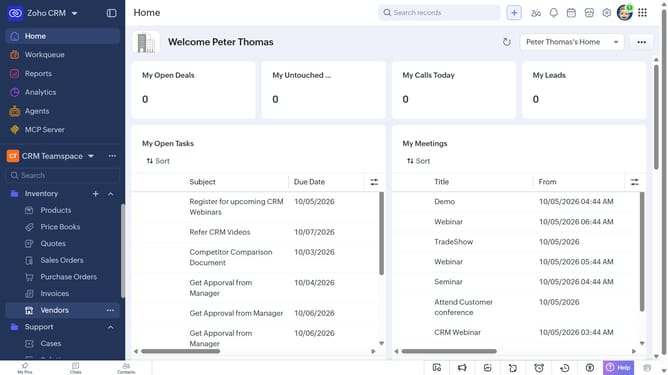
How to filter products on Zoho CRM
Here is how to filter products on zoho crm
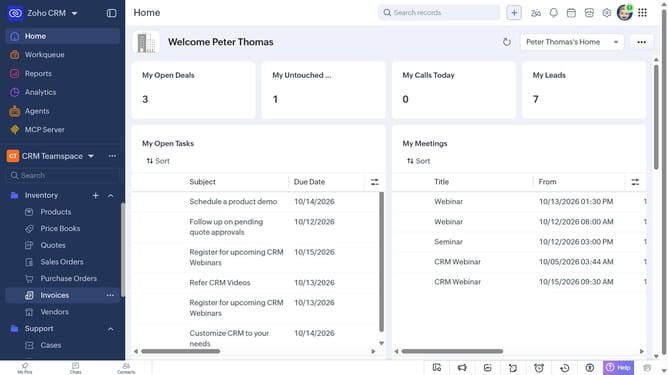
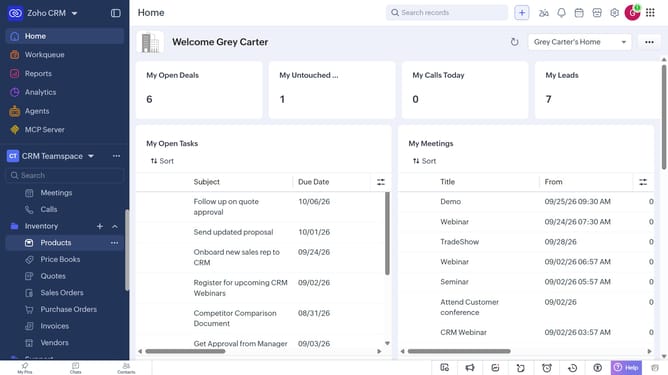
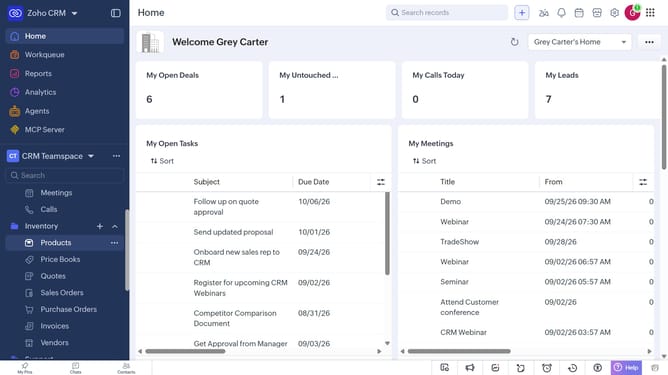
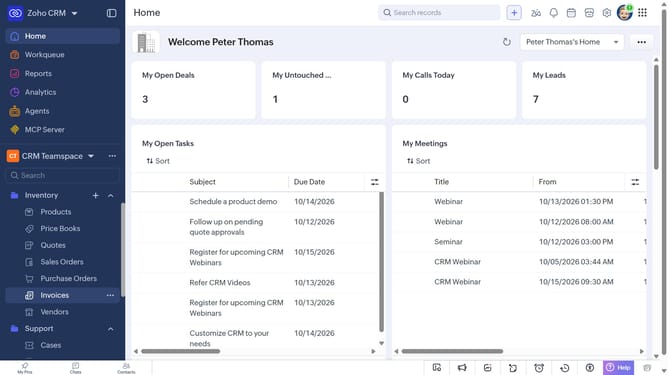
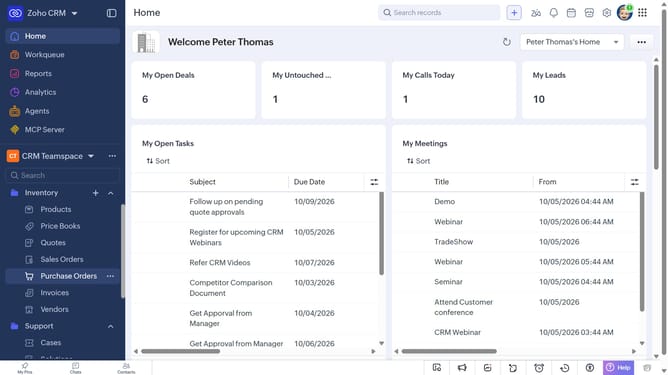
- First, click on "Products" under "Inventory" in the left sidebar menu
- Next, click on the "Filter" button in the top menu
- In the "Filter Products by" panel, select the options you want to filter by
- Then, set the filter condition and values
- Finally, click on the "Apply Filter" button
Why should you How to filter products on Zoho CRM
Zoho CRM is a powerful business tool designed to streamline customer relationship management effortlessly.
The product filtering feature in Zoho CRM allows users to intuitively organize and access product information with ease. By utilizing filters, you can quickly narrow down products according to specific criteria, enhancing efficiency and focus.
This feature saves time by eliminating the need to sift through vast inventories, making it easier to locate desired products. Ultimately, filtering in Zoho CRM boosts productivity, helping teams make informed decisions faster.
Last update