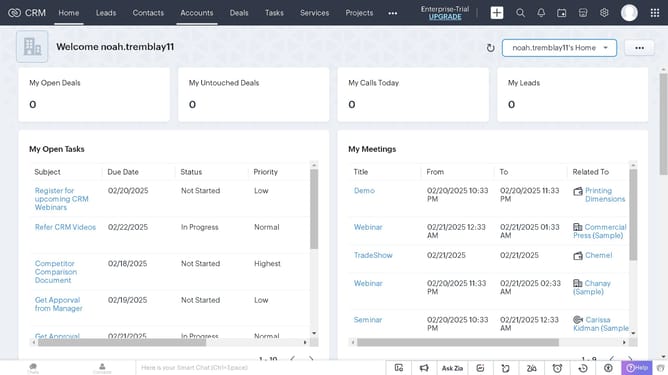
How to log a call for a vendor on Zoho CRM
Here is how to log a call for a vendor on zoho crm
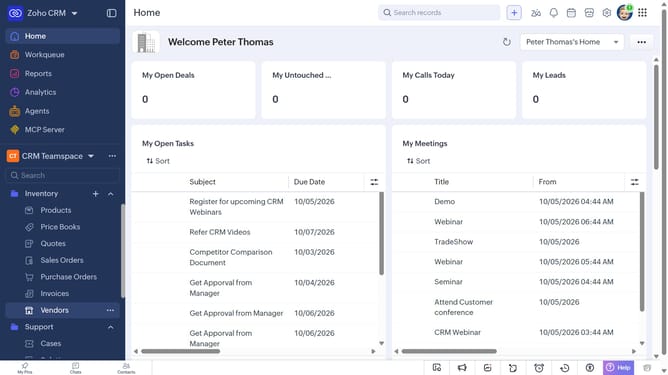
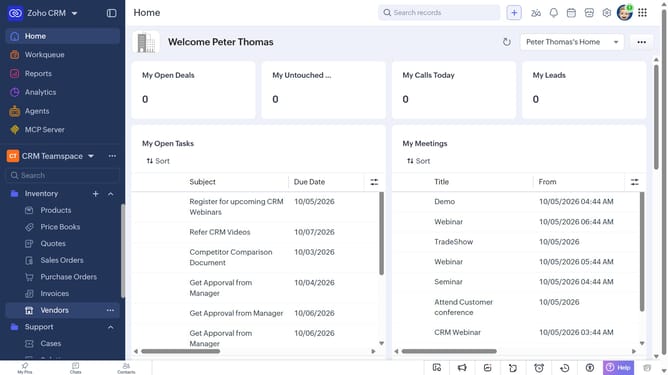
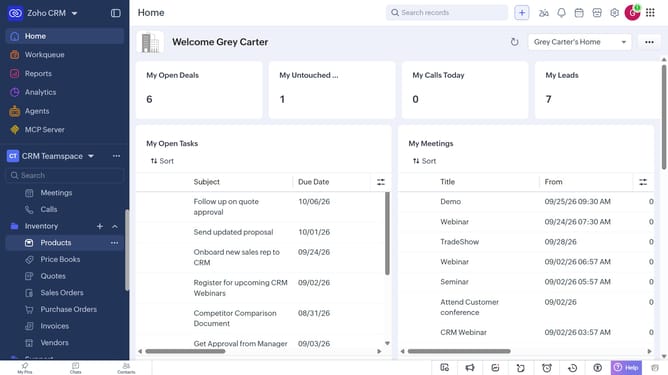
- First, click on "Vendors" under "Inventory" in the left sidebar menu
- Next, locate the vendor for which you want to log a call
- Click on the "More options" button next to the vendor
- After that, click on "More"
- Next, click on "Create Call"
- Then select the "Log a call" option
- Then, enter the call details in the "Log a call" modal
- Finally, once you're done, click on the "Save" button
Why should you How to log a call for a vendor on Zoho CRM
Zoho CRM is a dynamic tool designed to streamline customer relationship management, enhancing business efficiency.
Logging a call for a vendor on Zoho CRM is a straightforward process that brings organization and clarity to your interactions. By keeping a detailed record of calls, businesses can maintain a comprehensive history that aids in informed decision-making.
This feature not only ensures consistency in communication but also helps in building stronger, more transparent relationships with your vendors. Seamless access to past interactions can enhance negotiation strategies and improve service delivery.
Embracing this capability within Zoho CRM fosters accountability and improves team collaboration by providing team members with valuable insights into vendor engagements. Overall, it’s an invaluable tool for nurturing partnerships and driving growth.