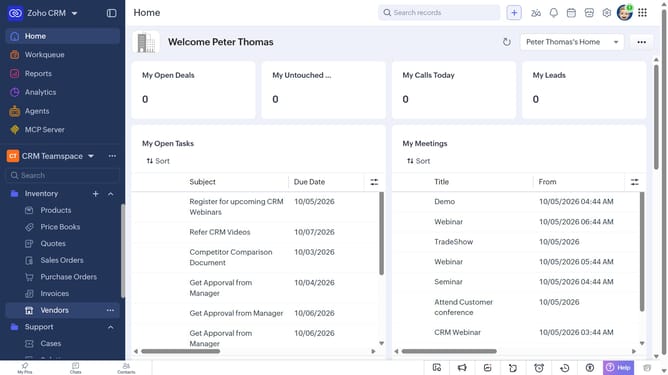
How to edit a product on Zoho CRM
Here is how to edit a product on zoho crm
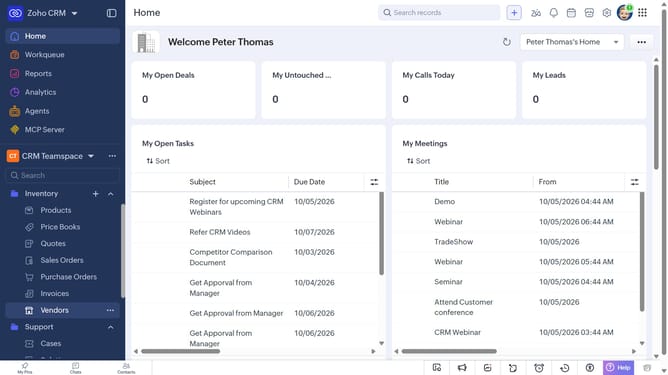
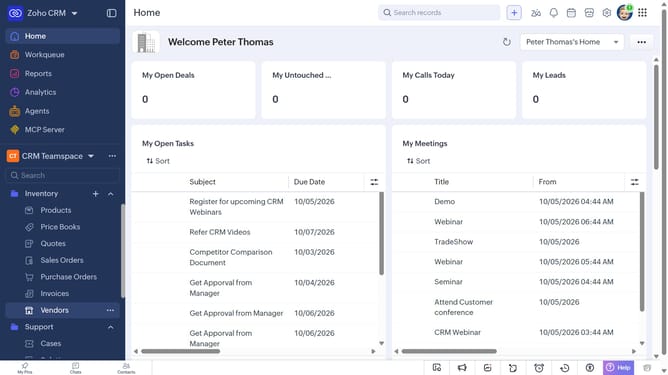
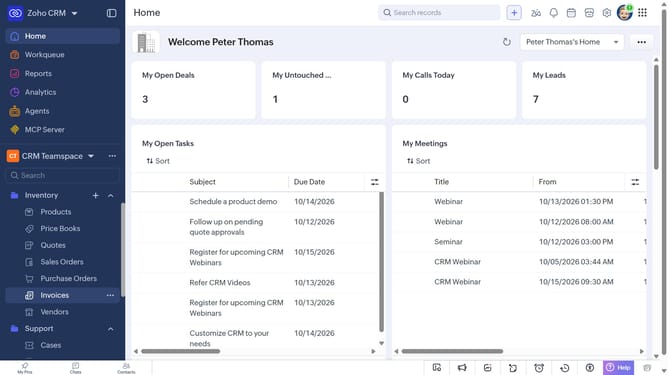
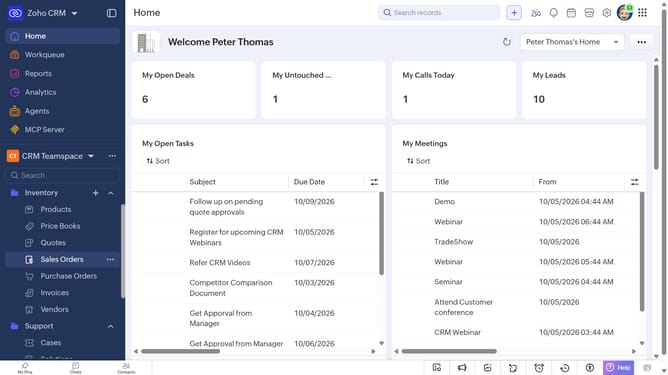
- First, click on "Products" under "Inventory" in the left sidebar menu
- Next, click on the product you want to edit
- Click on the "Edit" button in the top right corner
- Then, make the necessary changes to the product details
- Finally, click on the "Save" button
Why should you How to edit a product on Zoho CRM
Zoho is a dynamic software suite aimed at enhancing business operations through a range of integrated applications.
The ability to edit a product in Zoho CRM empowers users to maintain accurate and up-to-date product information. This feature is seamlessly integrated into the CRM, allowing for quick adjustments that reflect changes in inventory, pricing, or product details.
Using this feature streamlines data management and ensures that sales teams always have access to the most current product data. This leads to more informed decision-making and enhanced customer interactions, boosting overall business efficiency.
Last update