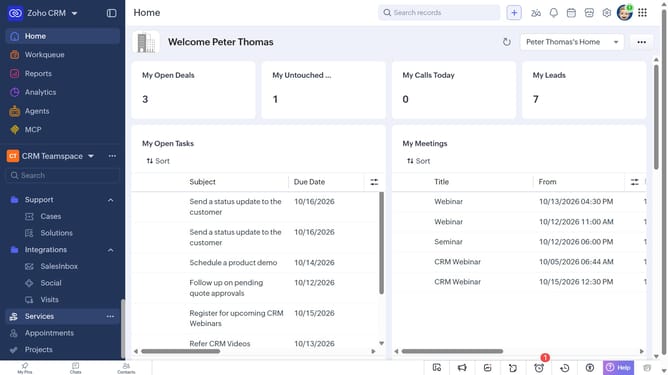
How to delete a purchase order on Zoho CRM
Here is how to delete a purchase order on zoho crm
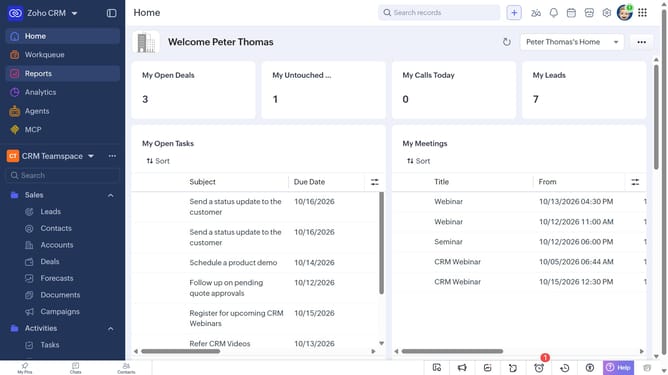
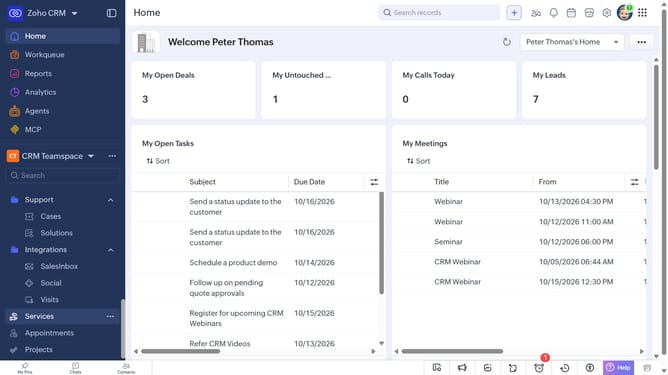
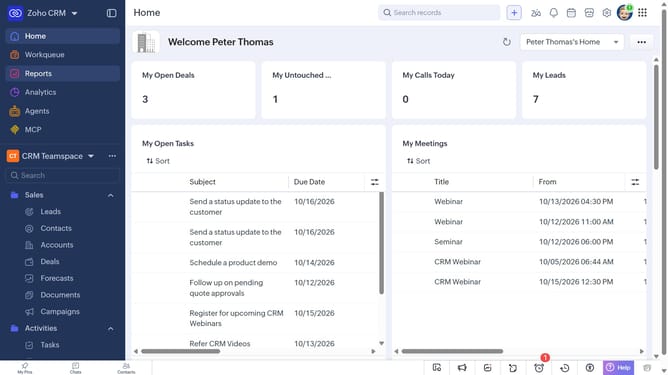
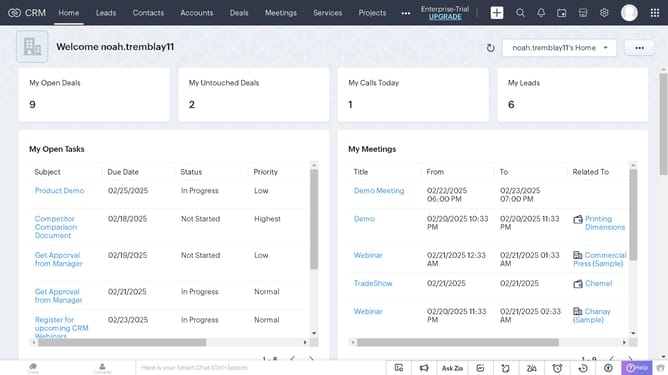
- First, click on "Purchase Orders" under "Inventory" in the left sidebar menu
- Next, click the purchase order you want to delete
- Click on the "More Options" button in the top right corner
- Then, select "Delete" from the dropdown menu
- Finally, click on the "Delete" button in the confirmation dialog
Why should you How to delete a purchase order on Zoho CRM
Zoho CRM is a comprehensive solution designed to streamline business operations and enhance customer relationship management.
The feature of deleting a purchase order in Zoho CRM ensures that you can maintain an organized and clutter-free system by removing unnecessary or erroneous transactions. This capability keeps your records accurate and up-to-date, fostering smoother workflow and precise reporting.
The ease of managing purchase orders without hassle contributes to a more efficient financial process, empowering decision-makers with clear insights and improved resource allocation.
Last update