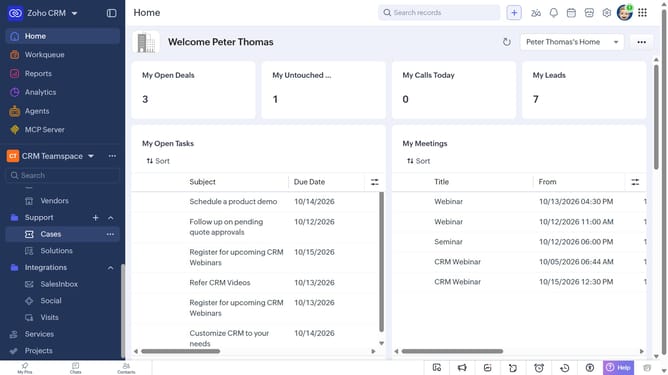
How to export contacts in bulk on Zoho CRM
Here is how to export contacts in bulk on zoho crm
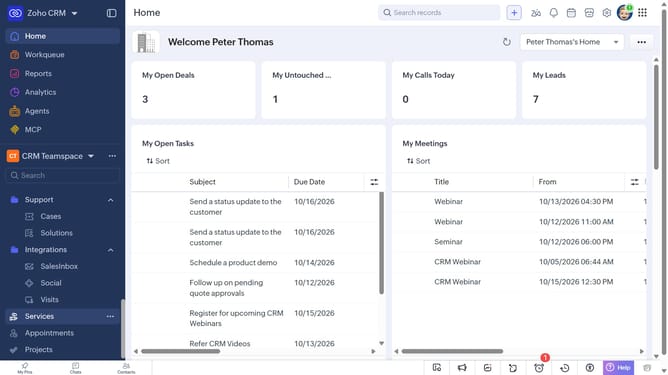
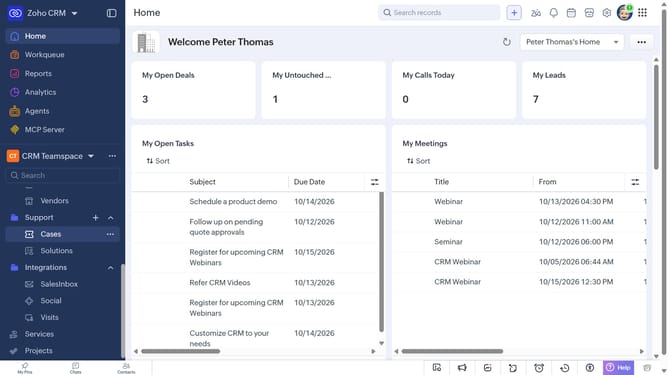
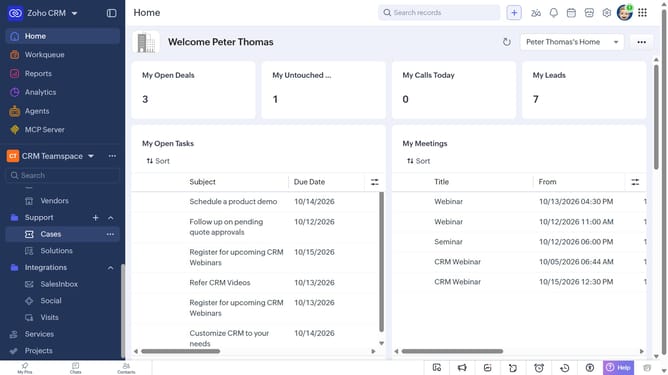
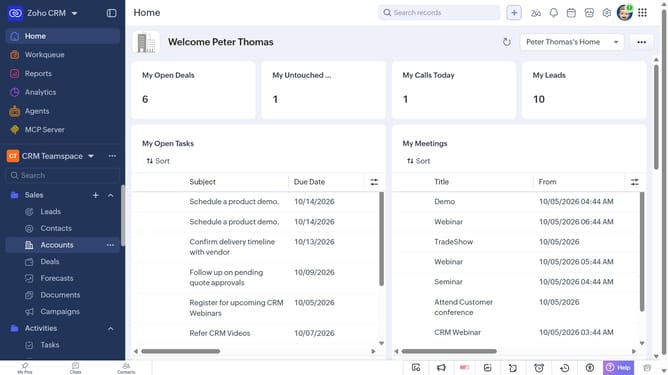
- First, click on "Contacts" under "Inventory" in the left sidebar menu
- Locate the contact you want to export
- Next, select the checkboxes next to each record
- Click on the "More Options" button at the top of the list
- Select "Export Selected Records" from the dropdown menu
- In the "Export Selected Records" dialog, select the file type
- Then, toggle the "Set Password" switch on or leave it off
- Finally click on the "Export" button
Why should you How to export contacts in bulk on Zoho CRM
Zoho CRM is a versatile platform designed to enhance your customer relationship management with streamlined and efficient tools.
One standout feature of Zoho CRM is the ability to export contacts in bulk. This function allows users to efficiently manage and organize their contact data with ease.
By exporting contacts in bulk, businesses can effortlessly transfer large volumes of contact information for analysis, backup, or migration to other platforms.
This feature is particularly beneficial for maintaining up-to-date records, optimizing marketing campaigns, and ensuring seamless data integration across systems.
Last update