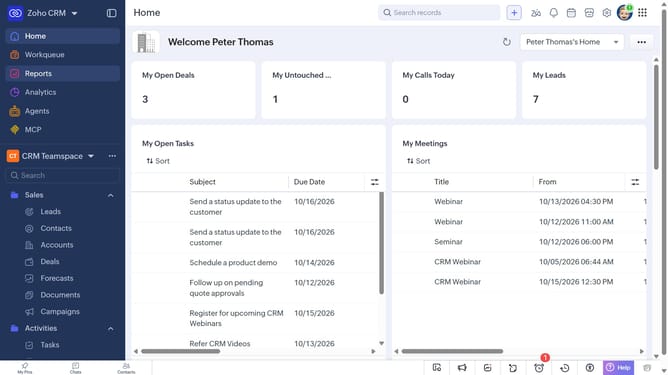
How to send an email to a vendor on Zoho CRM
Here is how to send an email to a vendor on zoho crm
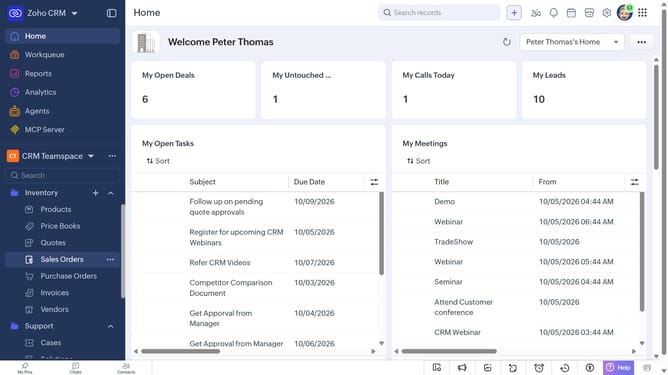
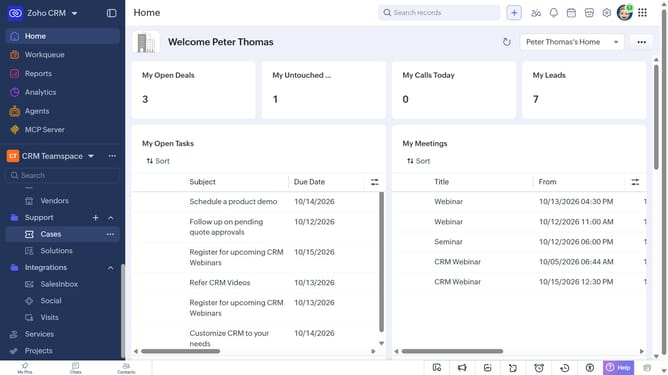
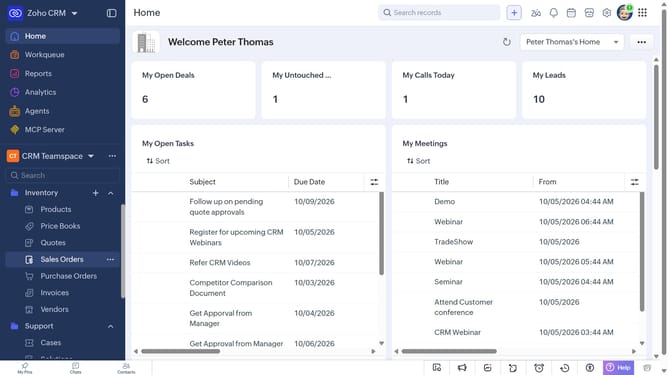
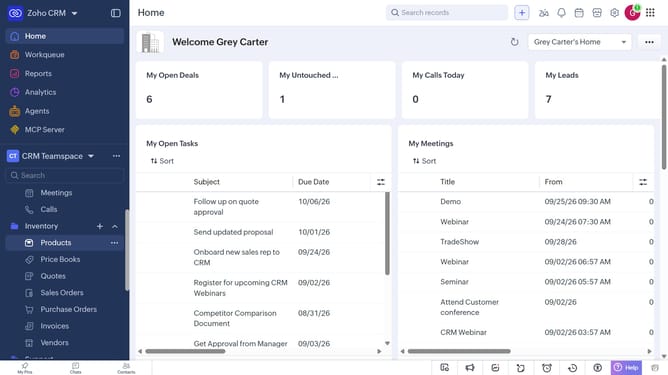
- First, click on "Vendors" under "Inventory" in the left sidebar menu
- Next, click on the vendor you want to email
- Click on the "Send Email" button in the top menu
- Then, compose your email by entering the subject and message
- Finally, click on "Schedule" or "Send"
Why should you How to send an email to a vendor on Zoho CRM
Zoho CRM is a comprehensive platform designed to streamline your business processes and foster better customer relationships.
Sending an email to a vendor within Zoho CRM ensures seamless and professional communication, integrating all interactions in one place. This feature allows you to maintain organized correspondence, ensuring that every conversation with your vendors is easily accessible and documented.
Utilizing this feature helps enhance efficiency, allowing you to keep track of vendor interactions right alongside other critical business data. It's a smart way to centralize your communications, ensuring you never miss a beat while fostering stronger vendor relationships.
Last update