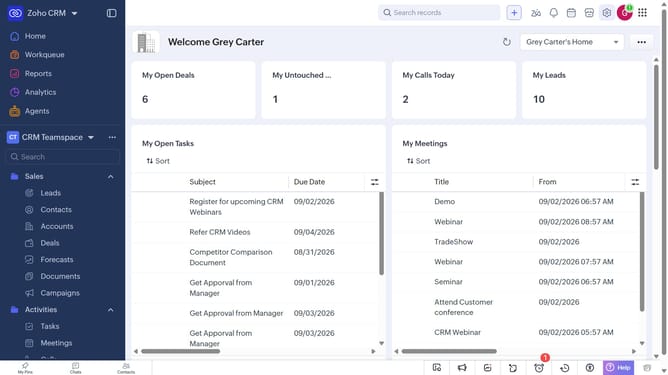
How to mark a task as completed on Zoho CRM
Here is how to mark a task as completed on zoho crm
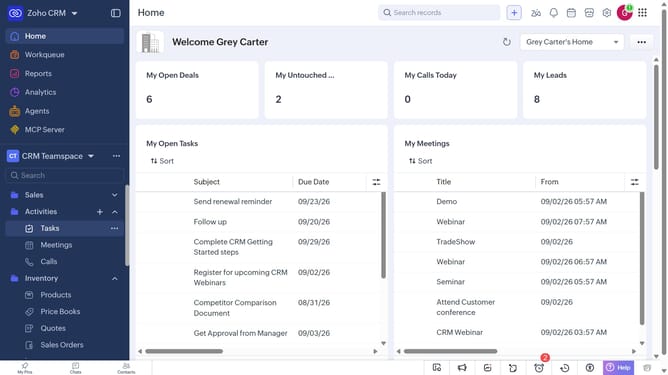
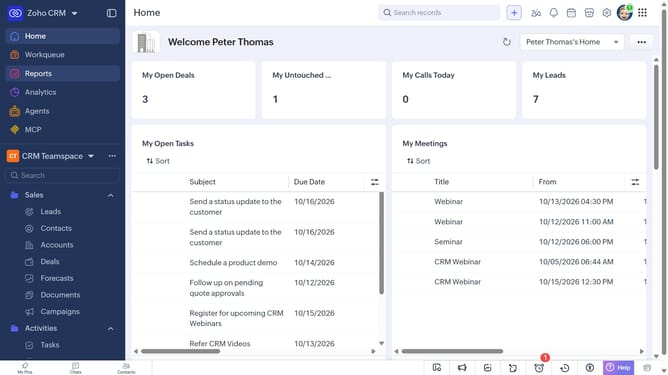
- First, click on "Tasks" in the left sidebar menu
- Next, click on the task you want to mark as completed to open it
- Then, click on the "Close Task" button
- Finally, click on the "Mark as Completed" button in the confirmation dialog
Why should you How to mark a task as completed on Zoho CRM
Zoho CRM is a comprehensive tool designed to streamline sales processes and enhance customer relationships.
Marking a task as completed on Zoho CRM is a straightforward feature that helps you maintain an organized and efficient workflow. By marking tasks as complete, you ensure that nothing falls through the cracks, and your team stays updated on progress.
This feature enhances productivity by allowing you to focus on pending tasks, improving follow-up and customer satisfaction. It also aids in accurate tracking of project milestones, facilitating better time management and goal achievement.
Last update