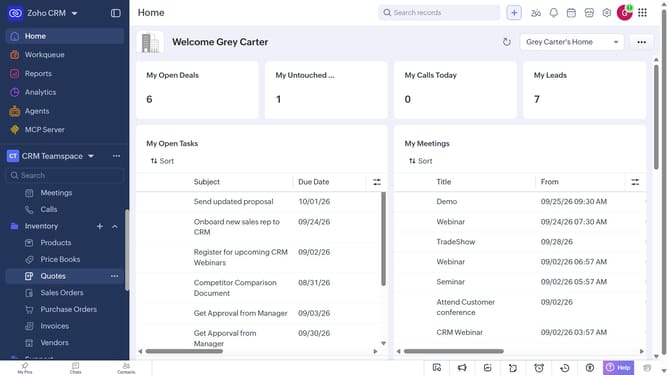
How to change the preferred unit for distance on Zoho CRM
Here is how to change the preferred unit for distance on zoho crm
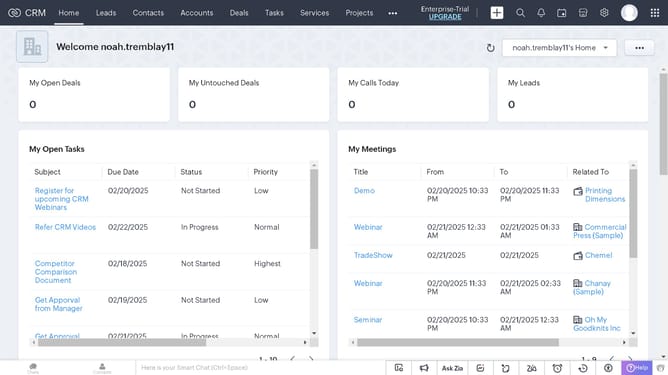
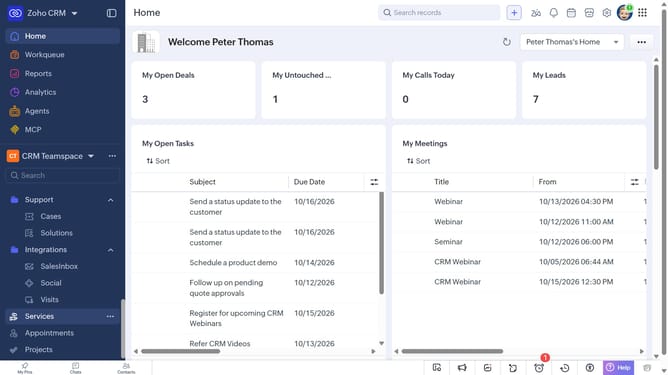
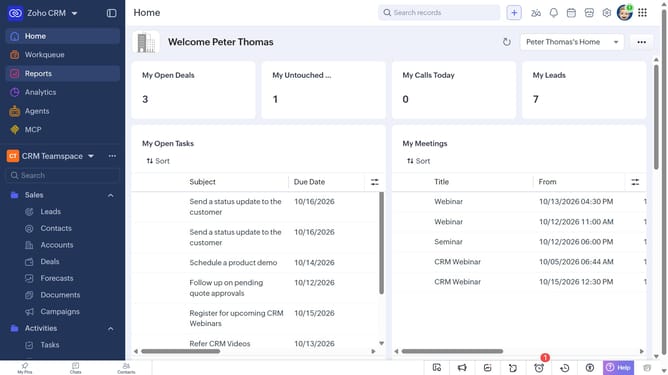
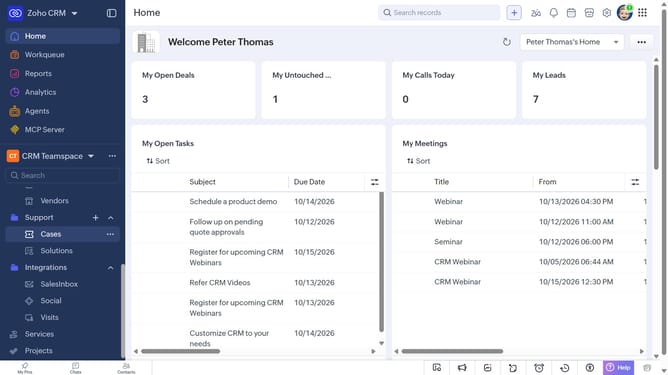
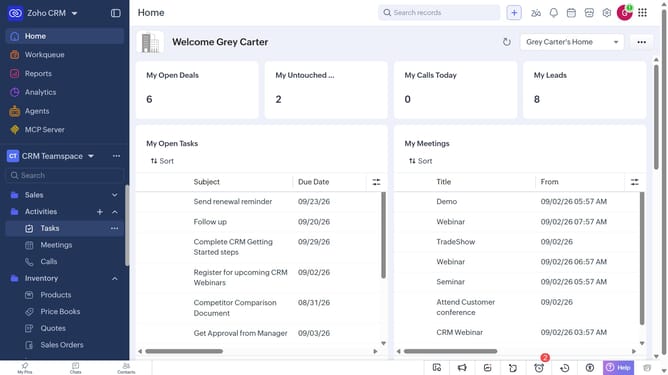
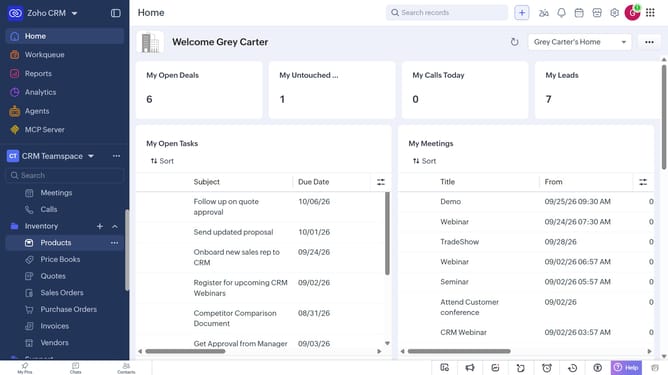
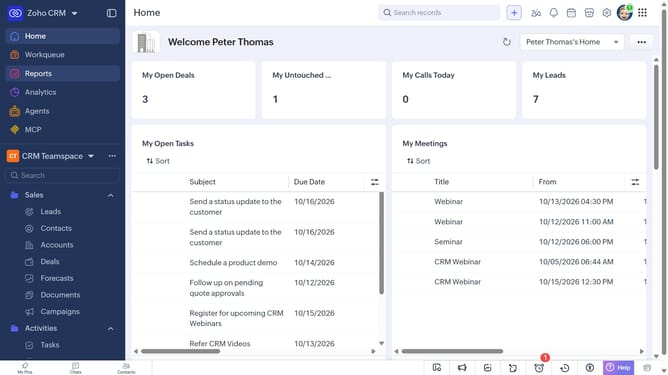
- First click on the settings icon in the top right corner
- Click on "Personal Settings" under the "General" section
- Next, click on the pencil icon next to "Locale information"
- After that, click on the "Preferred Unit for Distance" dropdown
- Then, select your preferred distance unit from the dropdown menu
- Finally click on the "Save" button
Why should you How to change the preferred unit for distance on Zoho CRM
Zoho CRM is a versatile platform designed to streamline your business interactions and enhance customer relationships.
One fantastic feature it offers is the ability to change the preferred unit for distance measurements. This ensures that your team can work with measurements they're familiar with, enhancing communication and reducing errors.
Using the preferred unit feature fosters efficiency and ensures that everyone who interacts with your CRM system has a consistent and accurate understanding of distances, tailored to their needs.
Last update