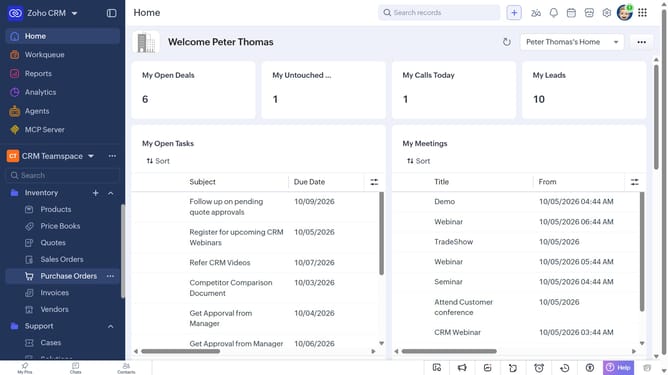
How to copy a quote record URL on Zoho CRM
Here is how to copy a quote record url on zoho crm
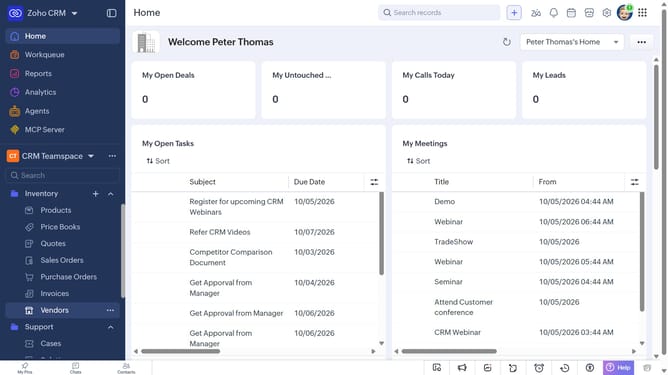
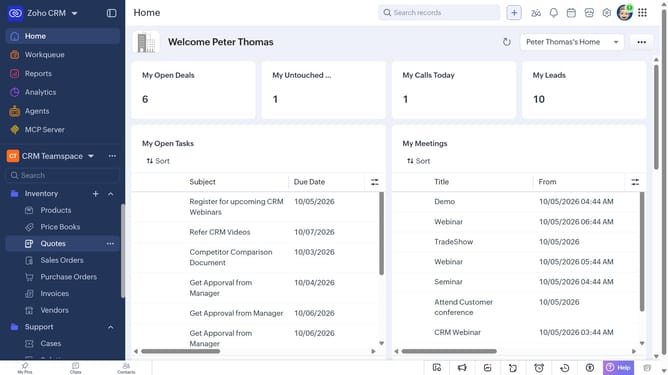
- First, click on "Quotes" under the "Inventory" section in the left sidebar menu
- Next, locate the quote whose URL you want to copy
- Then, click on the "More options" button next to the quote
- Finally, select "Copy URL" from the dropdown menu
Why should you How to copy a quote record URL on Zoho CRM
Zoho CRM is a comprehensive platform designed to streamline customer relationship management for businesses of all sizes.
The ability to copy a quote record URL in Zoho CRM offers a seamless way to enhance collaboration and communication. By effortlessly sharing a specific quote, team members can access critical information quickly without navigating through the system.
This feature supports efficient teamwork, ensuring that everyone involved has instant access to the most relevant data. This not only saves time but also reduces errors and improves decision-making processes, fostering a more connected and productive business environment.
Last update