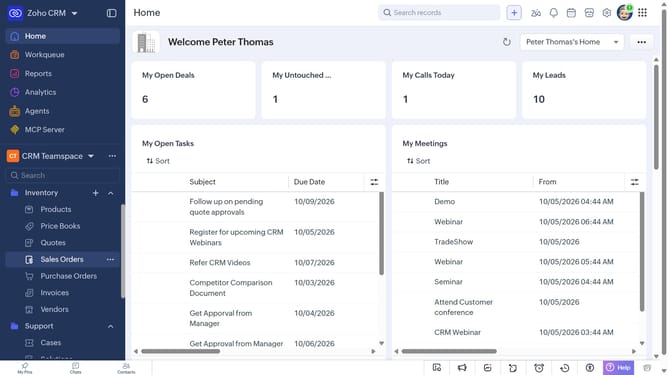
How to sort the vendor list on Zoho CRM
Here is how to sort the vendor list on zoho crm
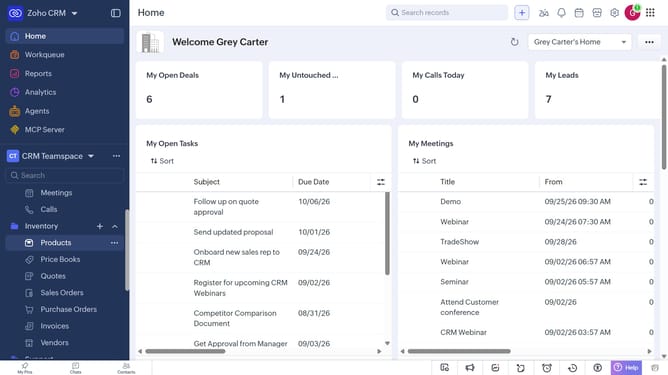
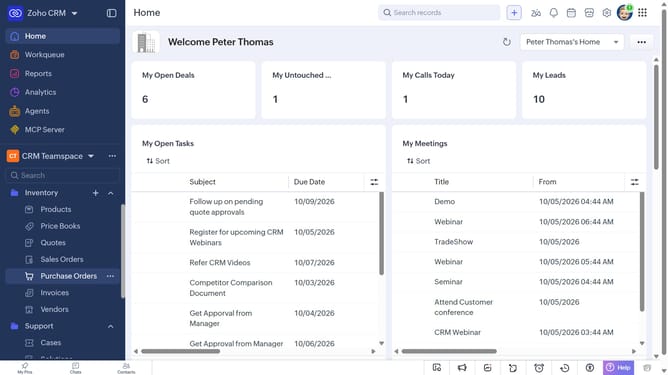
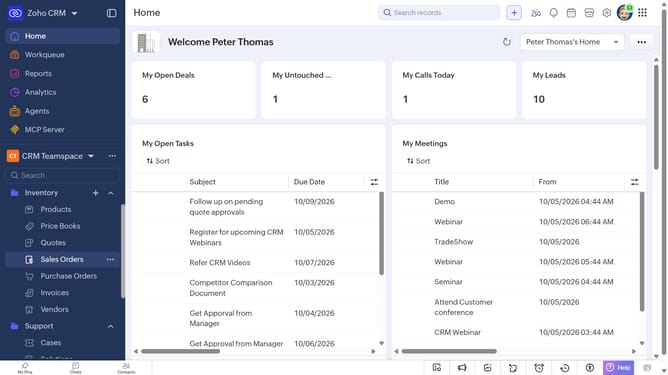
- First, click on "Vendors" under "Inventory" in the left sidebar menu
- Next, click on the "Sort" button in the top menu
- After that, click on the "Sort By" dropdown
- Then select the option you want to sort by
- Next, choose whether to sort in Ascending or Descending order
- Finally click on the "Apply" button
Why should you How to sort the vendor list on Zoho CRM
Zoho is a versatile suite of software crafted to enhance business efficiency by streamlining operations.
One of its remarkable features is the ability to effortlessly sort your vendor list within Zoho CRM.
By utilizing this feature, you can quickly organize vendors based on your preferred criteria, such as name, location, or service type. This leads to improved data management and faster decision-making.
Sorting your vendor list enhances your workflow, allowing for more precise vendor selection, ultimately saving time and boosting productivity.
Last update