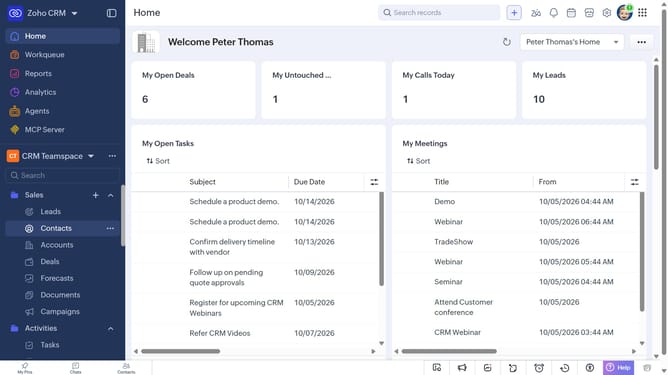
How to change the due date of a task on Zoho CRM
Here is how to change the due date of a task on zoho crm
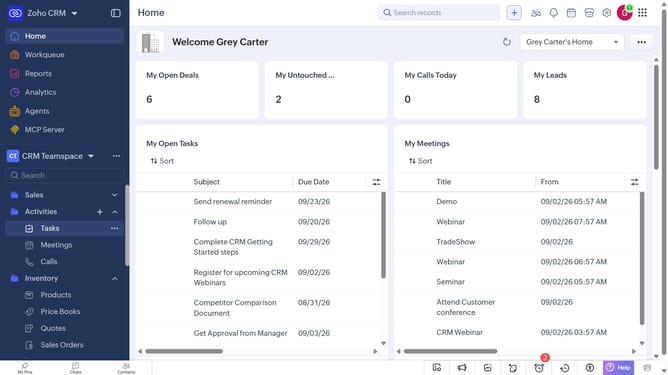
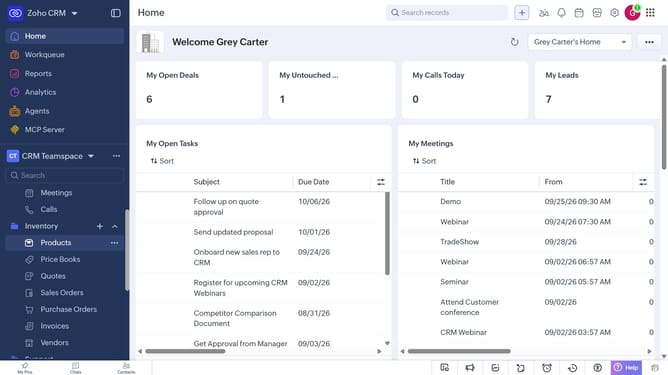
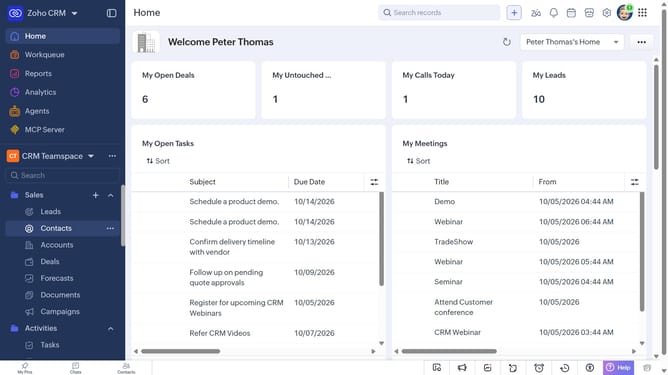
- First, click on "Tasks" in the left sidebar menu
- Next, click on the task you want to update to open it
- After that, click on the "Edit" button
- Next, locate the "Status" field
- Then, select the new due date from the date picker
- Finally, click on the "Save" button
Why should you How to change the due date of a task on Zoho CRM
Zoho CRM is a powerful tool designed to streamline business processes and foster customer relationships.
Changing the due date of a task in Zoho CRM is a straightforward feature that enhances your workflow's flexibility and precision. By adjusting deadlines, you can better align tasks with evolving project timelines and priorities. This ability ensures that your team remains agile, allowing them to tackle projects at the optimal time.
Utilizing this feature leads to improved productivity and more effective time management. By maintaining accurate timelines, you can enhance team collaboration and deliver projects promptly, ultimately enriching client satisfaction.
Last update