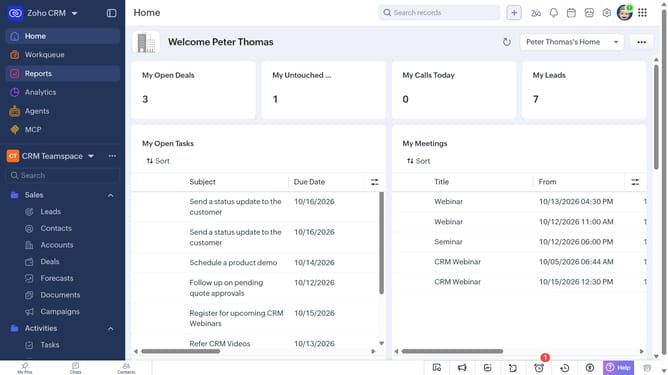
How to delete a product on Zoho CRM
Here is how to delete a product on zoho crm
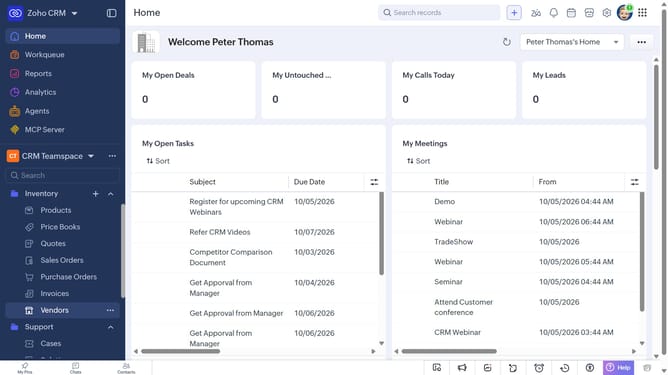
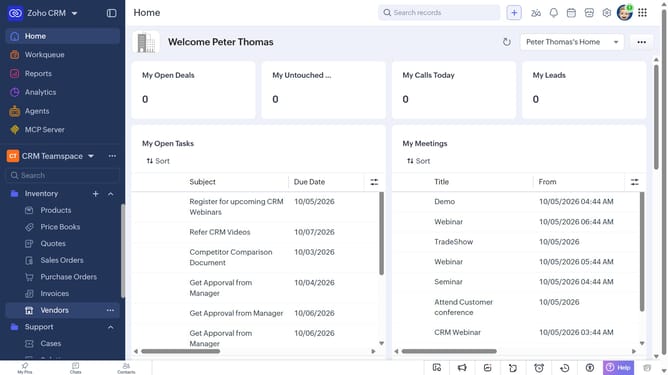
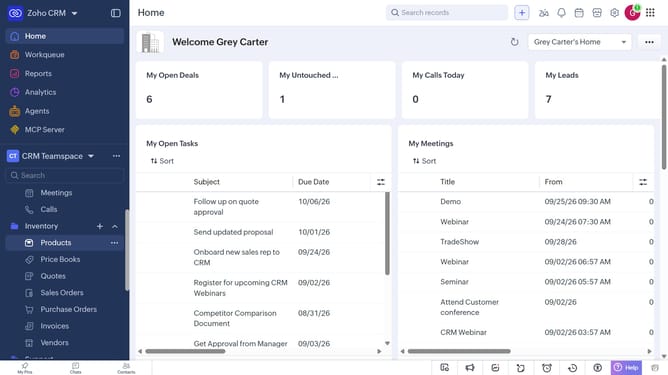
- First, click on "Products" under "Inventory" in the left sidebar menu
- Next, click the product you want to delete
- Click on the "More Options" button in the top right corner
- Then, select "Delete" from the dropdown menu
- Finally, click on the "Delete" button in the confirmation dialog
Why should you How to delete a product on Zoho CRM
Zoho is a comprehensive suite designed to streamline and elevate business processes through its powerful CRM capabilities.
Deleting a product in Zoho CRM is a user-friendly feature that helps maintain a clean and organized database. By effortlessly removing outdated or irrelevant products, you ensure that your data remains accurate and up-to-date.
This feature not only enhances efficiency but also improves the overall quality of your inventory management. It's a practical tool for refining your product list and ensuring your team has access to the most relevant information.
Last update