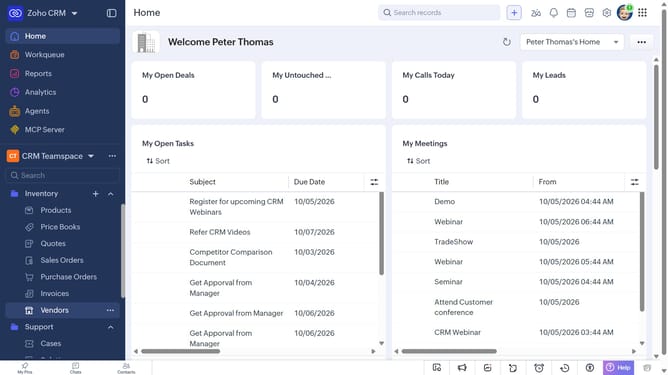
How to give public access to a lead on Zoho CRM
Here is how to give public access to a lead on zoho crm
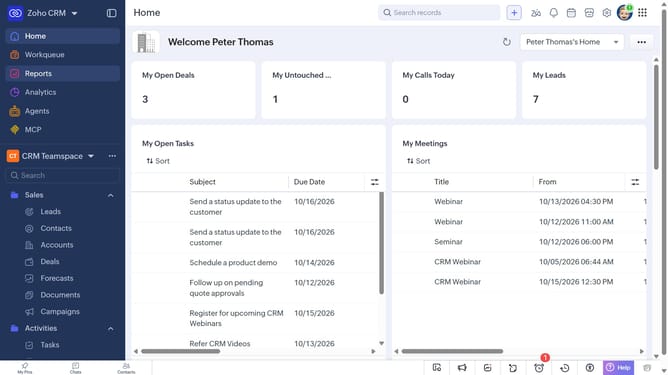
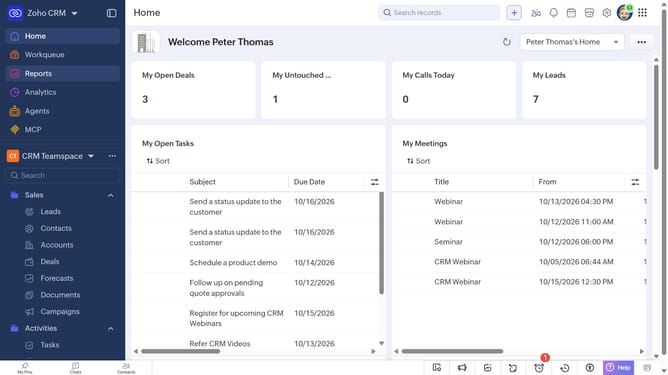
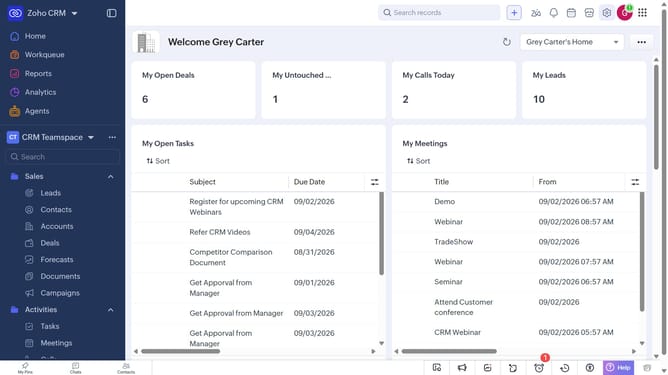
- First click on "Leads" in the left sidebar menu
- Next, click on the lead you want to share to open its detail page
- Then click on the "More options"(three dots) button
- Select "Share" from the dropdown menu
- Next, select "Public" as the record access type
- After that, click the "Permission" dropdown
- Then choose the permission level
- Finally, click on the "Share" button to confirm
Why should you How to give public access to a lead on Zoho CRM
Zoho CRM is a powerful tool designed to streamline business processes and enhance customer relationship management.
One standout feature is the ability to grant public access to leads, significantly improving collaboration and information sharing.
This feature allows teams to efficiently share lead information with relevant stakeholders outside the organization, fostering transparency and quicker decision-making. By facilitating seamless access, businesses can ensure that everyone is on the same page, leading to more cohesive strategies and better client service.
Last update