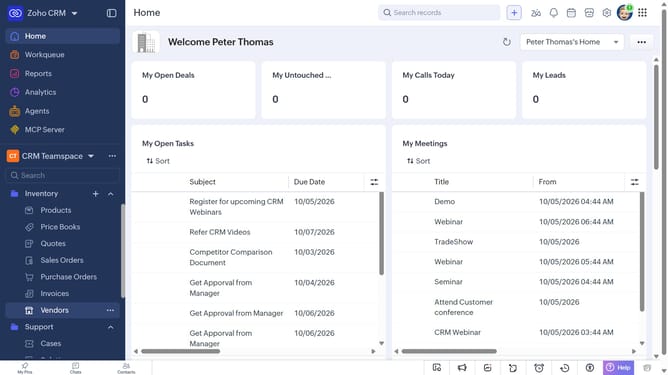
How to copy the URL of a quote on Zoho CRM
Here is how to copy the url of a quote on zoho crm
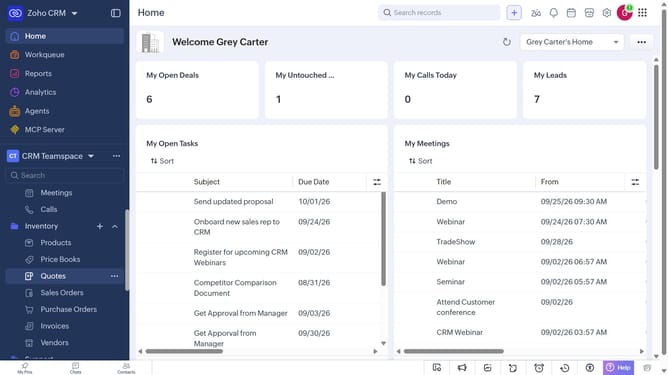
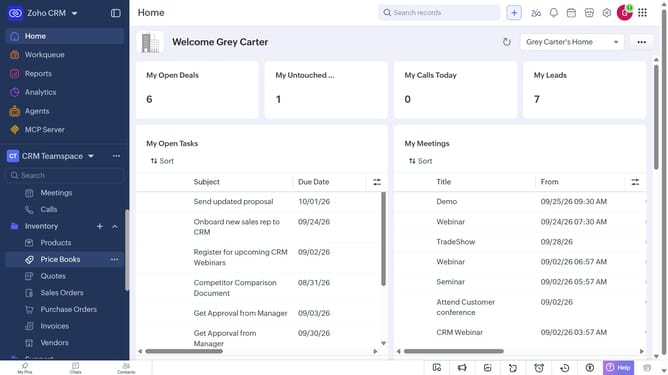
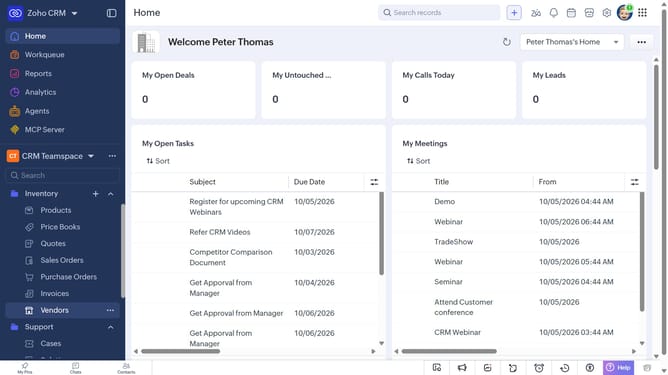
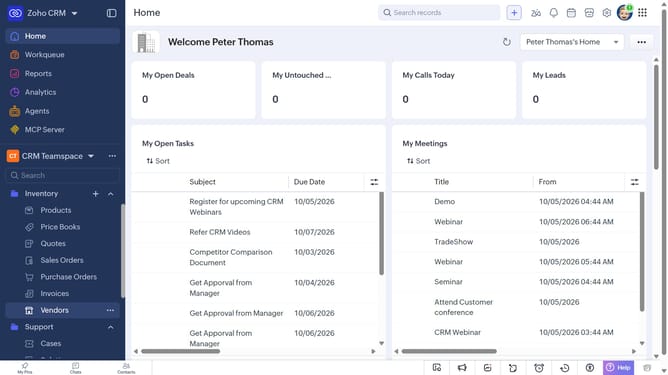
- First, click on "Quotes" under the "Inventory" section in the left sidebar menu
- Next, locate the quote whose URL you want to copy
- Then, click on the "More options" button next to the quote
- Finally, select "Copy URL" from the dropdown menu
Why should you How to copy the URL of a quote on Zoho CRM
Zoho CRM is a robust platform designed to streamline your customer management processes seamlessly.
Copying the URL of a quote on Zoho CRM is a straightforward feature that enhances collaboration and efficiency. With this option, you can share direct links to specific quotes with colleagues or clients, ensuring everyone is on the same page without unnecessary searching.
Utilizing this feature allows for quick access to detailed information, improves communication, and reduces the time spent locating documents. This streamlines your workflow, making it easier to manage quotes and drive business success.
Last update