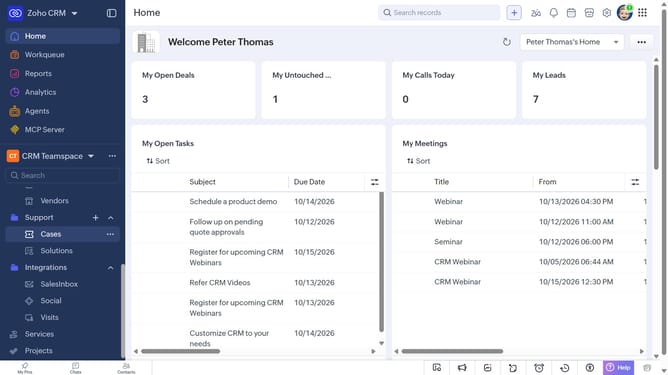
How to activate an inactive product on Zoho CRM
Here is how to activate an inactive product on zoho crm
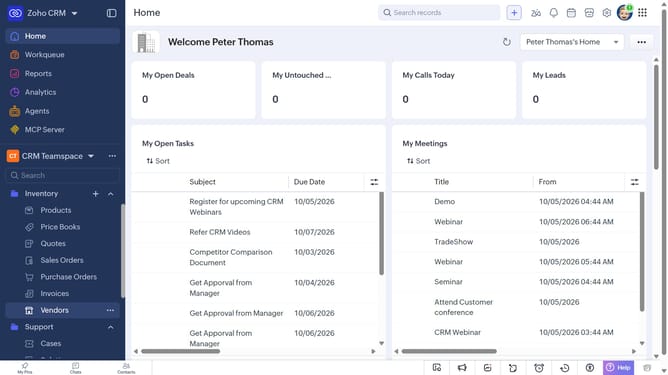
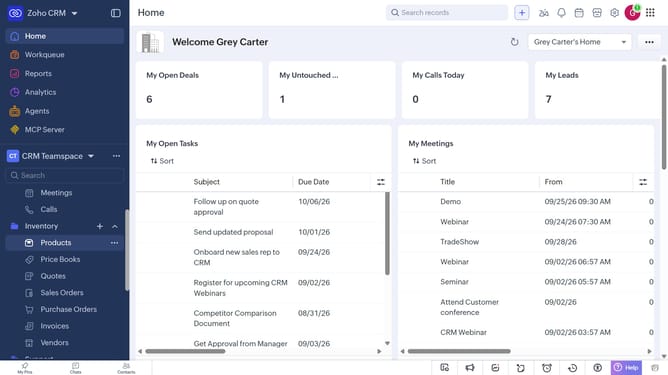
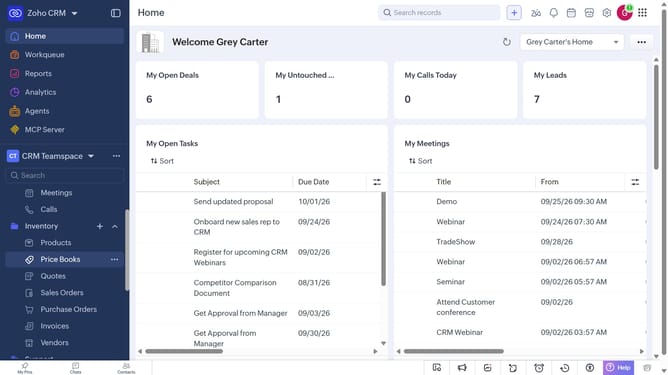
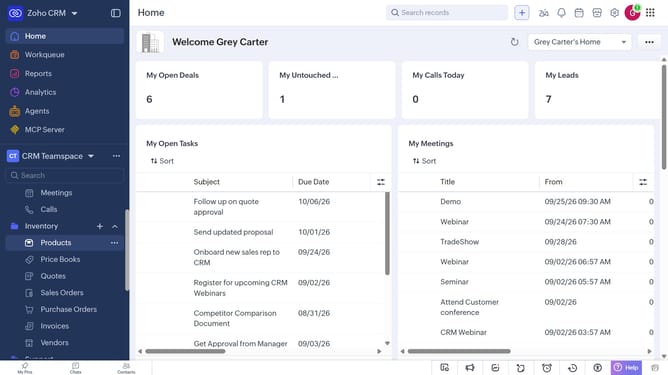
- First, click on "Products" under "Inventory" in the left sidebar menu
- Next, click on the product you want to activate
- Click on the "Edit" button in the top right corner
- Then, check the "Product Active" box
- Finally, click on the "Save" button
Why should you How to activate an inactive product on Zoho CRM
Zoho CRM is a versatile platform designed to streamline customer relationship management for businesses of all sizes.
One of Zoho CRM's valuable features is the ability to activate inactive products effortlessly. This feature is particularly useful when refreshing your product catalog or reintroducing seasonal items. By activating inactive products, you keep your inventory up-to-date and maintain seamless operations.
Utilizing this feature not only enhances your data organization but also optimizes sales opportunities by ensuring your team has access to the complete range of products, boosting productivity and customer satisfaction.
Last update