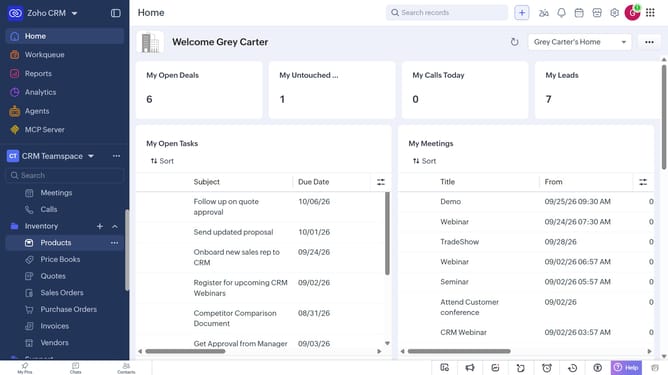
How to schedule a call for a product on Zoho CRM
Here is how to schedule a call for a product on zoho crm
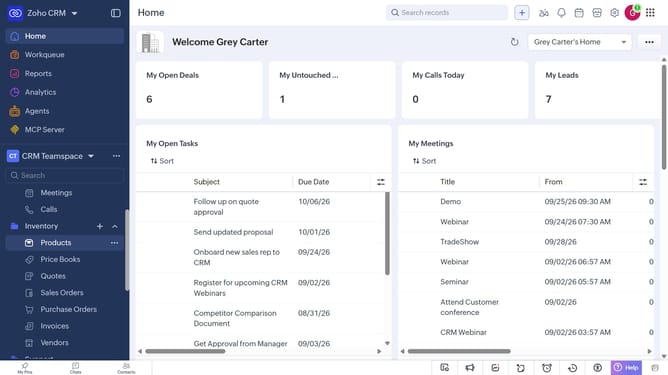
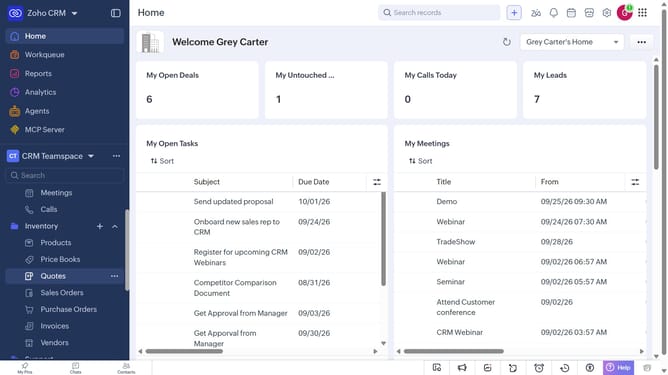
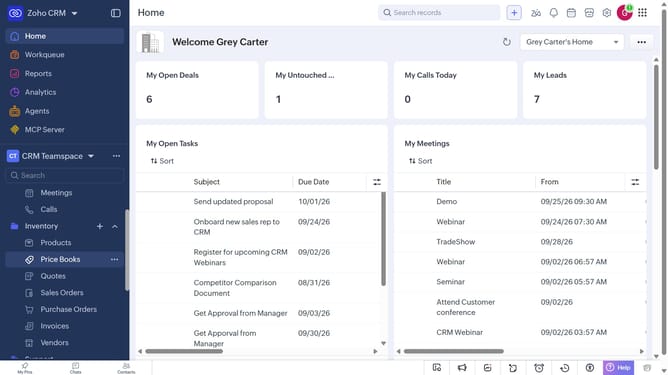
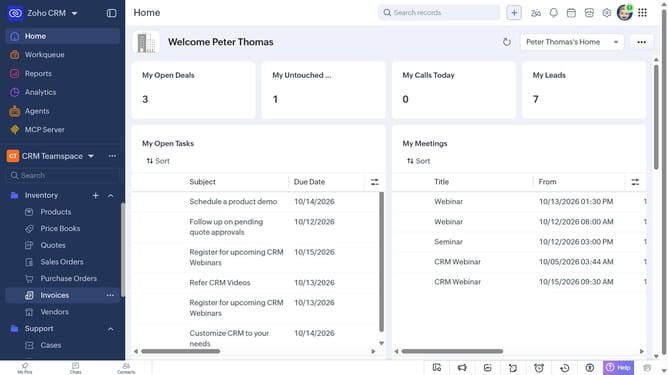
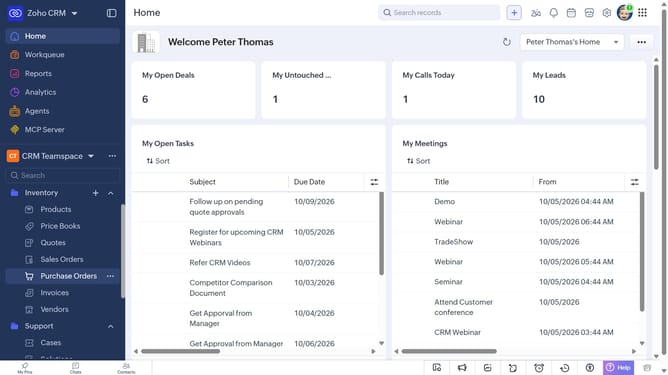
- First, click on "Products" under "Inventory" in the left sidebar menu
- Next, locate the product you want to schedule a call for
- Click on the "More options" button next to the product
- After that, click on "More"
- Next, click on the "Create Call" option
- Then click on "Schedule a call"
- Then, enter the call details in the "Schedule a call" modal
- Finally, once you're done, click on the "Schedule" button
Why should you How to schedule a call for a product on Zoho CRM
Zoho CRM is a comprehensive platform designed to streamline customer relationship management processes for businesses of all sizes.
Effortlessly scheduling a call for a product within Zoho CRM enhances your sales team's efficiency and customer interaction. This feature allows you to organize and manage calls, ensuring you never miss an opportunity to connect with potential clients.
By scheduling calls directly in Zoho CRM, you can prioritize tasks, improve communication, and maintain a professional customer service approach. This increases productivity and boosts customer satisfaction.
Last update