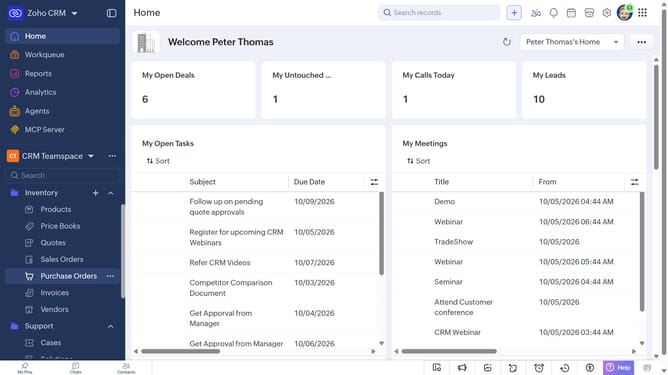
How to create a price book on Zoho CRM
Here is how to create a price book on zoho crm
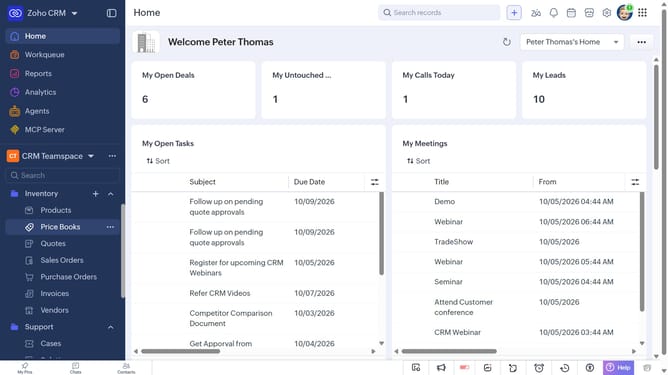
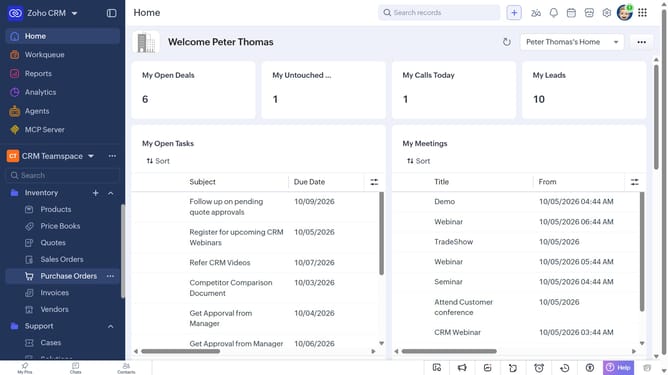
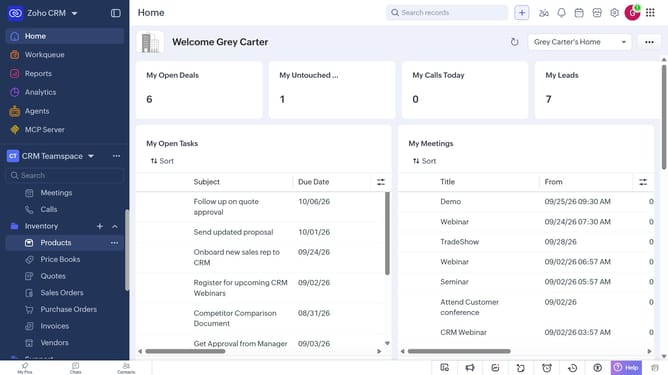
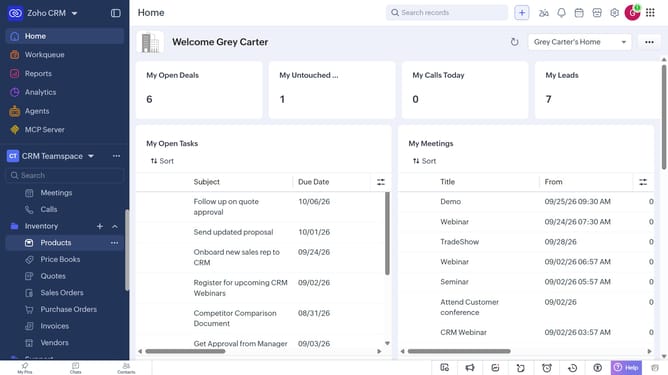
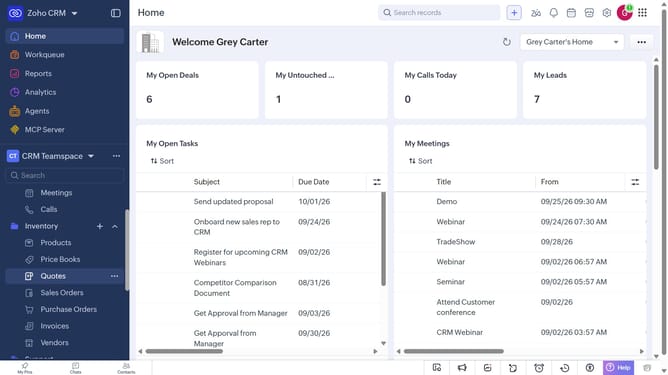
- First click on "Price Books" under "Inventory" in the left sidebar menu
- Next, click on the "Create" button
- Then, enter the price book information such as the name, pricing model, and description and other relevant information
- Finally click on the "Save" button
Why should you How to create a price book on Zoho CRM
Zoho is an intuitive platform designed to streamline business operations across various functions.
Creating a price book in Zoho CRM allows businesses to centralize and manage their pricing strategies efficiently. This feature helps in organizing and categorizing products with their respective prices, making it easier for sales teams to maintain consistency and accuracy.
By using a price book, companies can ensure that all team members access up-to-date pricing, reducing errors and simplifying the sales process. It fosters transparency and boosts customer trust by providing consistent information.
Ultimately, a well-organized price book enhances productivity and supports effective decision-making.
Last update