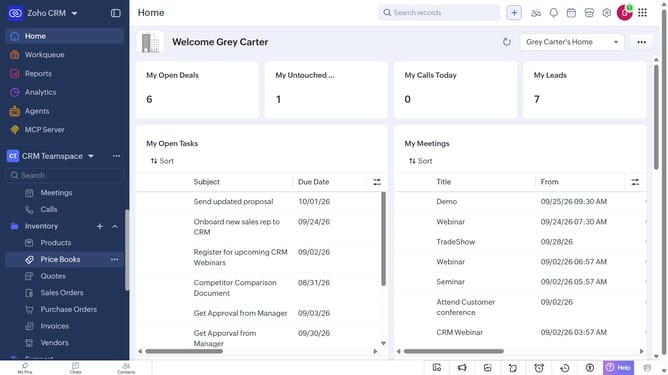
How to edit a quote on Zoho CRM
Here is how to edit a quote on zoho crm
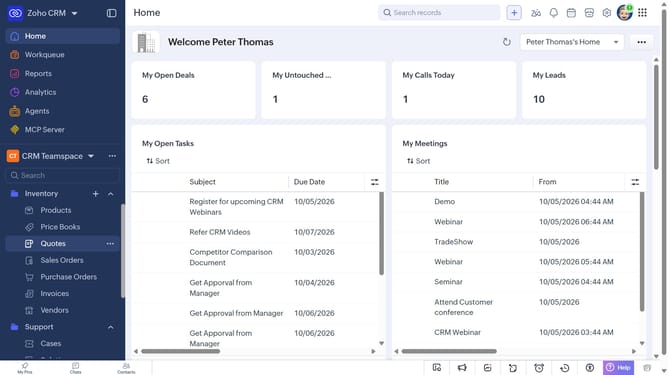
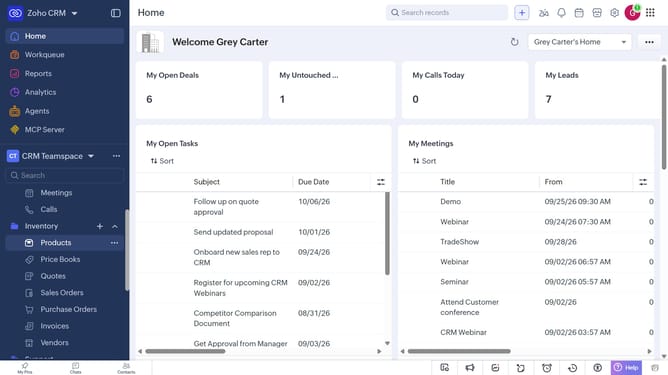
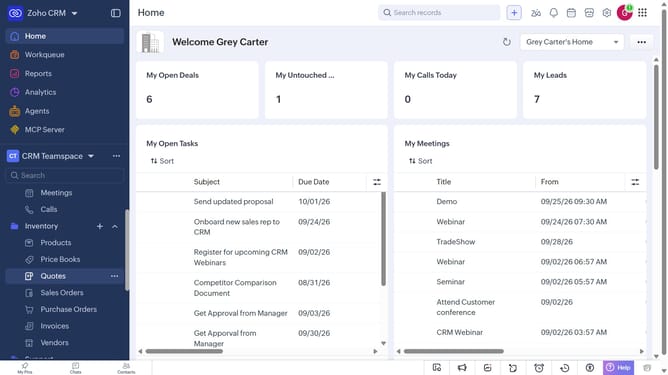
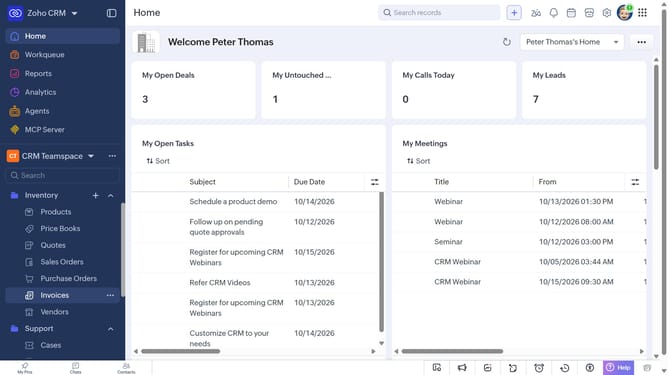
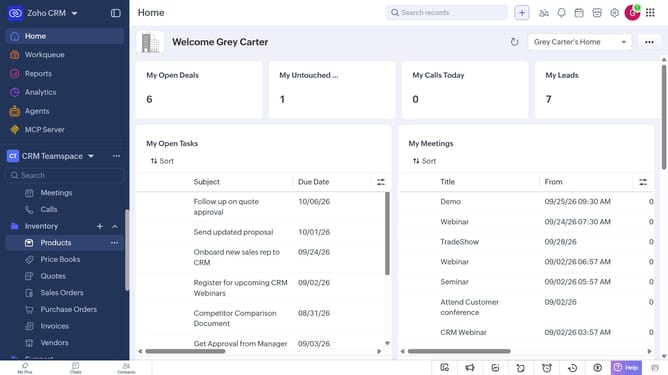
- First, click on "Quotes" under the "Inventory" section in the left sidebar menu
- Next, click on the quote you want to edit
- Click on the "Edit" button in the top right corner
- Then, make the necessary changes to the quote details
- Finally, click on the "Save" button
Why should you How to edit a quote on Zoho CRM
Zoho CRM is a versatile tool designed to streamline customer relationship management and enhance business productivity.
The ability to edit a quote in Zoho CRM is a valuable feature that allows users to quickly adjust proposals to meet client needs. This feature helps in maintaining accurate and up-to-date pricing information, ensuring that quotes reflect the current terms and conditions.
By using Zoho CRM's quote editing capabilities, businesses can improve customer satisfaction by providing tailored solutions quickly and efficiently. This not only fosters better client relationships but also enhances overall operational efficiency.
Last update