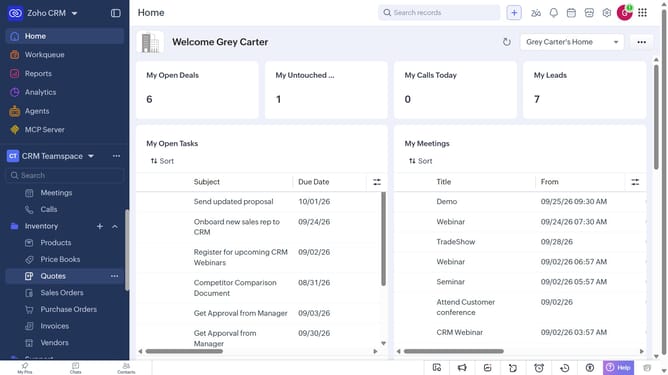
How to copy the URL of a product on Zoho CRM
Here is how to copy the url of a product on zoho crm
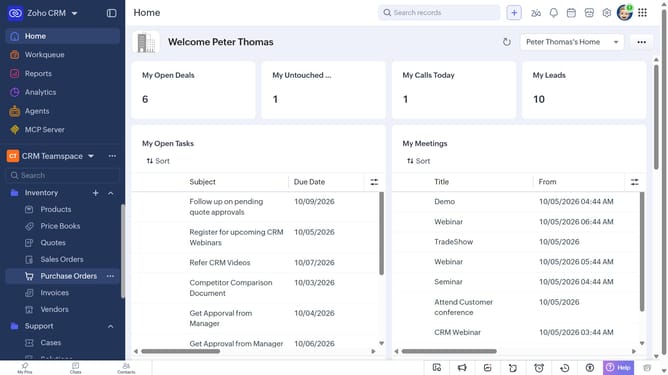
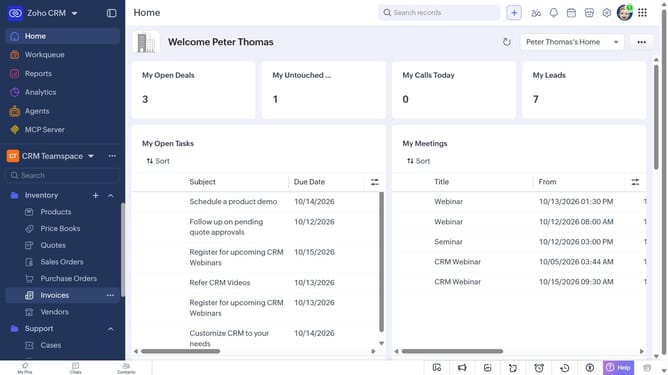
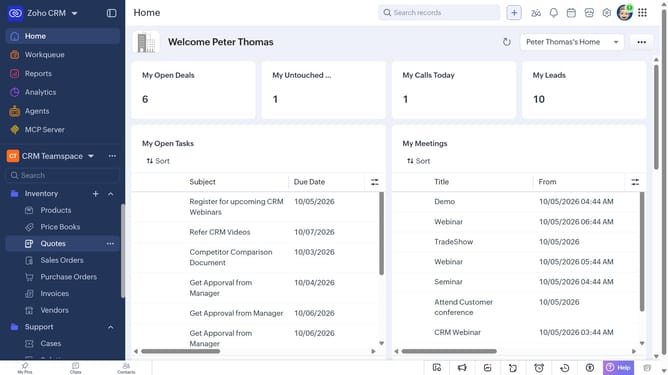
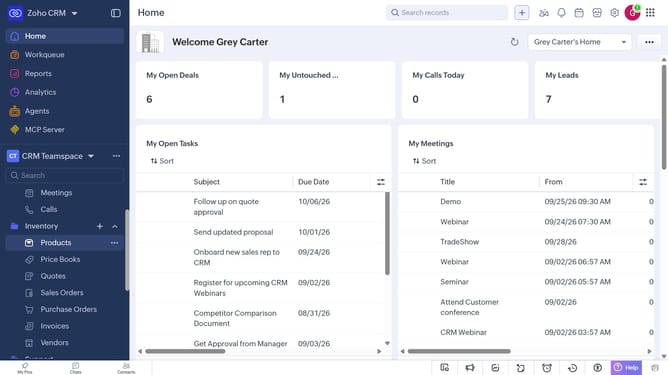
- First, click on "Products" under "Inventory" in the left sidebar menu
- Next, locate the product whose URL you want to copy
- Then, click on the "More options" button next to the product
- Finally, select "Copy URL" from the dropdown menu
Why should you How to copy the URL of a product on Zoho CRM
Zoho CRM is a powerful tool designed to streamline customer relationship management, offering businesses a seamless way to manage their contacts and leads.
One standout feature is the ability to copy the URL of a product easily. This feature is especially beneficial for quick sharing and collaboration across teams. By having direct access to the product URL, team members can efficiently share specific product details without navigating through the entire CRM system.
Utilizing this feature enhances productivity, ensures accuracy in communication, and fosters better coordination among sales and marketing teams, ultimately leading to improved customer engagement.
Last update