How to export quotes as an XLSX file on Zoho CRM
Here is how to export quotes as an xlsx file on zoho crm
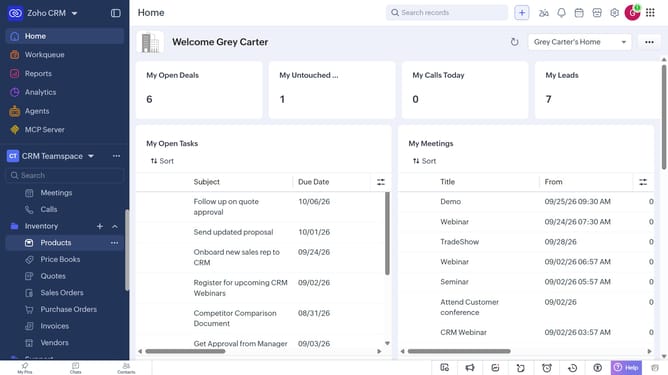
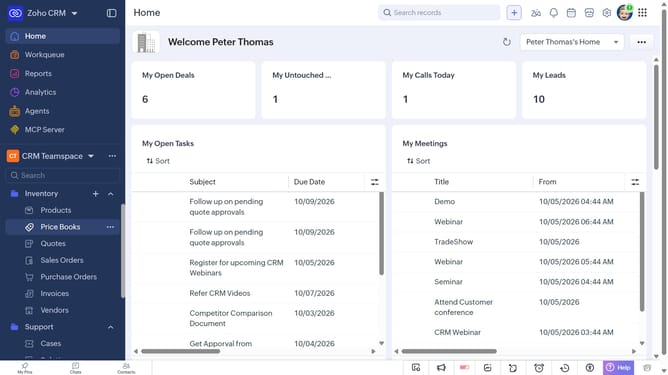
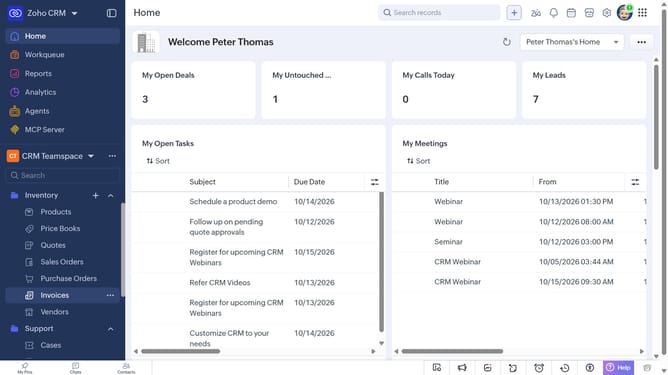
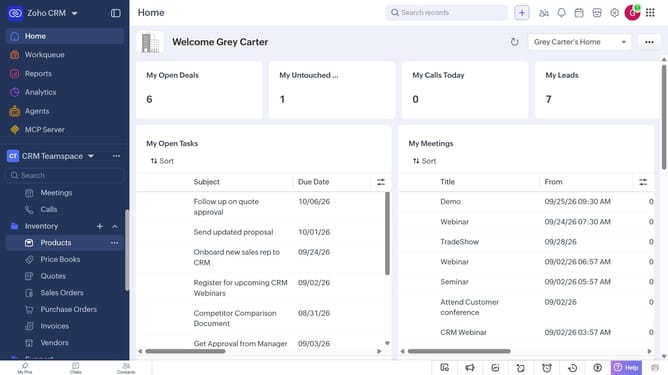
- First, click on "Quotes" under the "Inventory" section in the left sidebar menu
- Next, click on the "More Options" button next to "Create Quote"
- Select "Export Quotes" from the dropdown menu
- In the "Export Quote" dialog, click on the "Fields to Export" dropdown
- Choose whether to export all fields or only the fields from the custom view
- Then, select "XLSX" as the file type
- Next, toggle the "Set Password" switch on or leave it off
- Finally, click on the "Export" button
Why should you How to export quotes as an XLSX file on Zoho CRM
Zoho CRM is a robust platform designed to streamline customer relationships and elevate business efficiency.
One standout feature is the ability to export quotes as an XLSX file. This function empowers businesses to effortlessly convert their quotes into a widely used spreadsheet format.
Exporting quotes to XLSX enhances data accessibility and organization, making it simple to share, analyze, and archive critical information. This facilitates smoother collaboration across teams, ensuring everyone stays informed and aligned.
Utilizing this feature ensures precision and agility, which are vital for dynamic business operations and decision-making processes.
Last update