How to share a lead privately on Zoho CRM
Here is how to share a lead privately on zoho crm
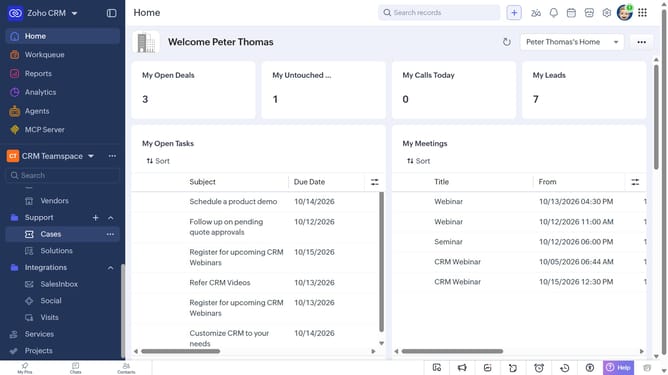
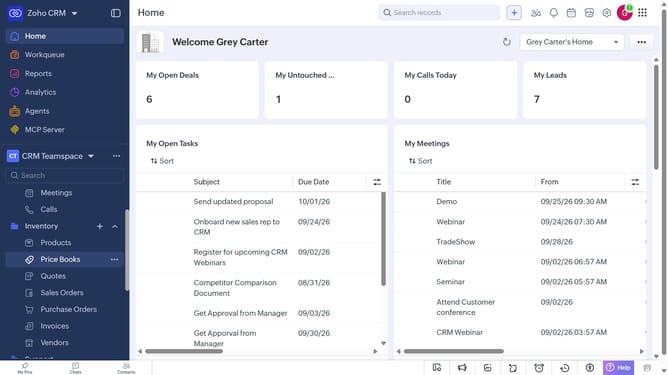
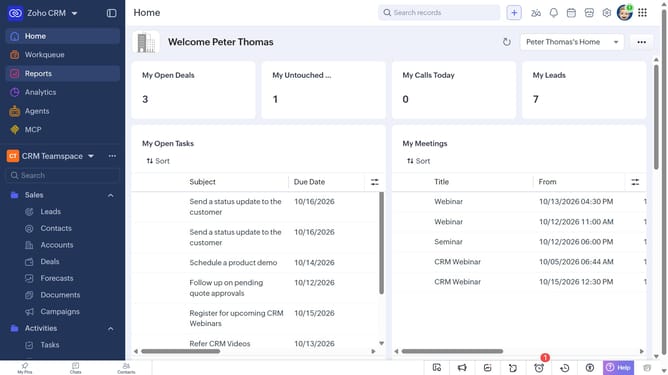
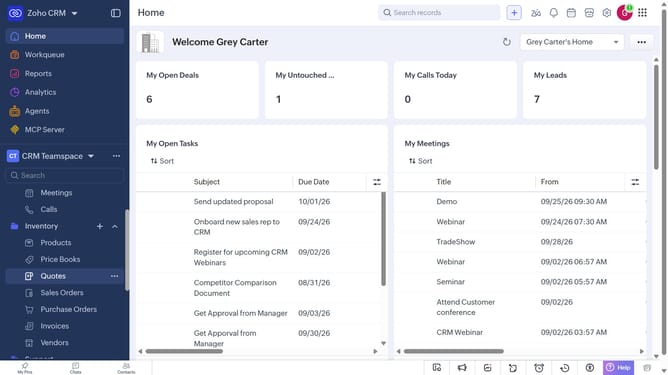
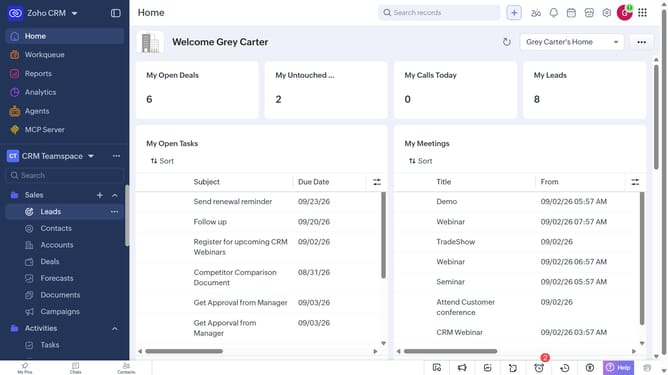
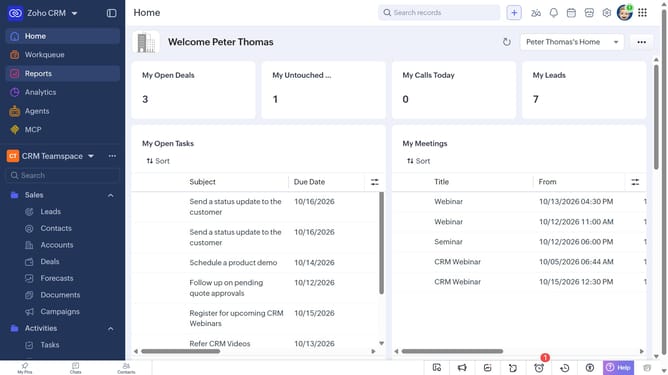
- First click on "Leads" in the left sidebar menu
- Next, click on the lead you want to share to open its detail page
- Then click on the "More options"(three dots) button
- Select "Share" from the dropdown menu
- Next, select "Private" as the record access type
- After that, click the "Add members" field
- Next, select the specific users you want to give access to
- Then, click on the "Save" button to proceed
- After that, click the "Permission" dropdown
- Then choose the permission level
- Finally, click on the "Share" button to confirm
Why should you How to share a lead privately on Zoho CRM
Zoho CRM is a dynamic platform designed to streamline your business operations by managing customer relationships effectively.
Sharing a lead privately on Zoho CRM is a valuable feature that allows teams to collaborate while maintaining confidentiality. This feature lets you grant specific team members access to essential leads without exposing sensitive information to everyone.
By sharing leads privately, you enhance security and ensure that crucial information is handled discreetly. This targeted collaboration can improve decision-making and enhance team productivity while safeguarding critical data.
Last update