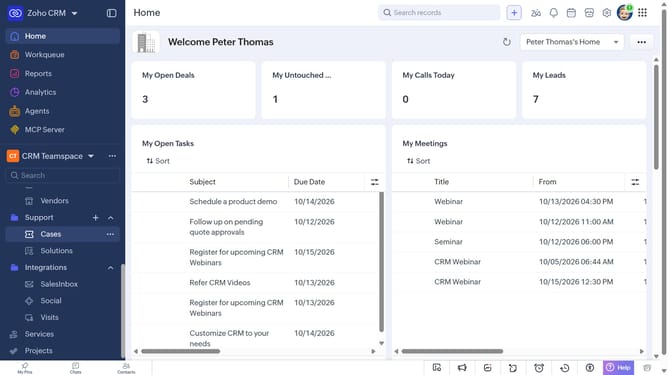
How to edit a lead on Zoho CRM
Here is how to edit a lead on zoho crm
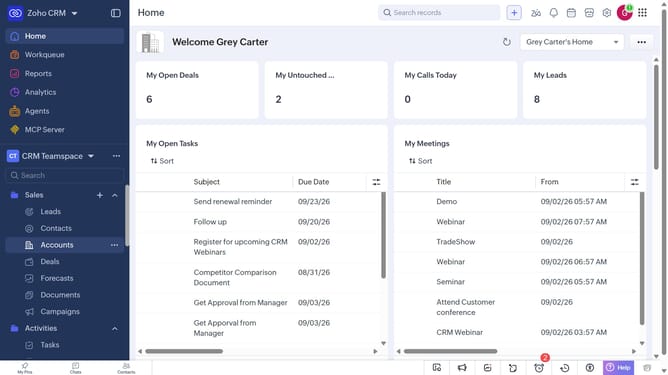
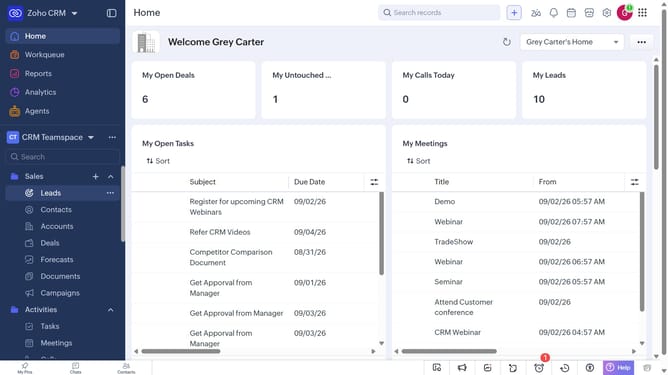
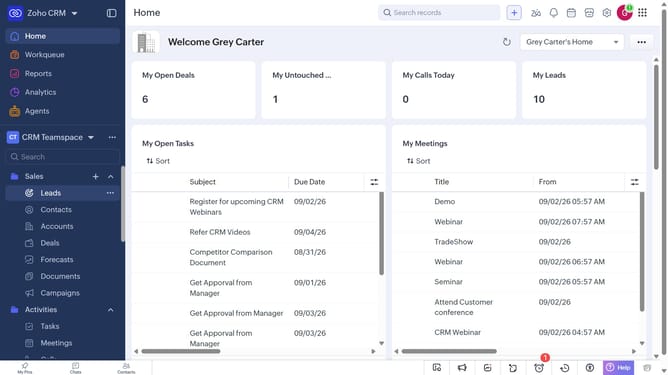
- First, click on "Leads" in the left sidebar menu
- Next, click on the lead you want to edit to open its detail page
- After that, click on the "Edit" button
- Then, make the necessary changes to the lead details
- Finally click on the "Save" button
Why should you How to edit a lead on Zoho CRM
Zoho CRM is a powerful tool designed to streamline business operations and enhance customer relationship management.
Editing a lead in Zoho CRM is a simple yet effective feature that ensures your data stays accurate and up-to-date. This functionality allows you to modify existing lead information effortlessly, keeping your sales team aligned and informed.
By regularly updating lead details, businesses can maintain a seamless sales process, tailor communication strategies, and ultimately improve customer engagement. Utilizing this feature enhances decision-making and drives growth by ensuring all relevant data reflects the latest interactions and insights.
Last update