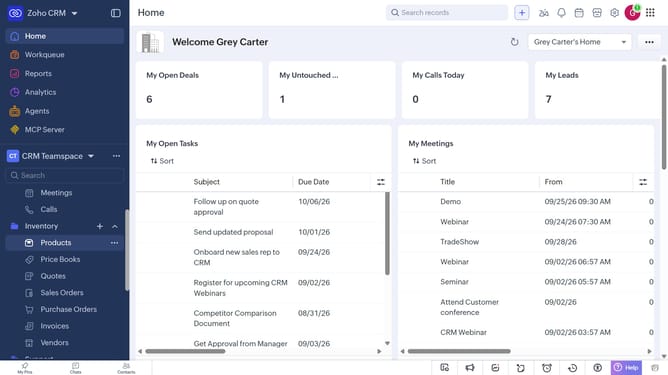
How to log a call for a product on Zoho CRM
Here is how to log a call for a product on zoho crm
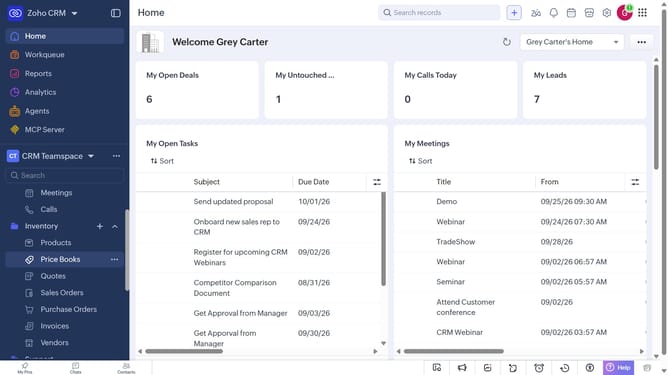
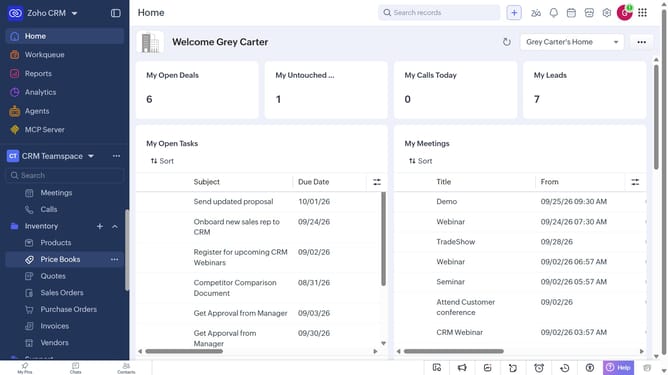
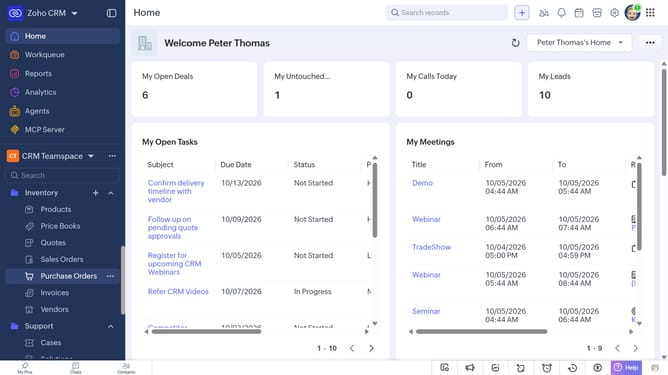
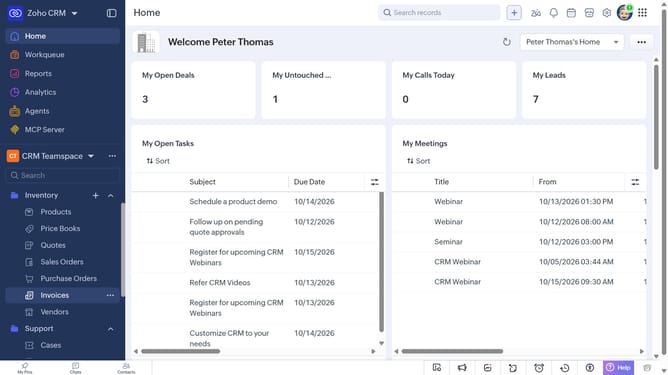
- First, click on "Products" under "Inventory" in the left sidebar menu
- Next, locate the product for which you want to log a call
- Click on the "More options" button next to the product
- After that, click on "More"
- Next, click on "Create Call"
- Then select the "Log a call" option
- Then, enter the call details in the "Log a call" modal
- Finally, once you're done, click on the "Save" button
Why should you How to log a call for a product on Zoho CRM
Zoho is a versatile platform tailored to streamline business operations and enhance productivity.
Logging a call for a product on Zoho CRM offers seamless integration with your customer management tasks. It allows you to capture essential call details effortlessly, ensuring that no crucial information is lost. By keeping all call logs organized, you maintain a comprehensive history that enhances your team’s ability to deliver personalized customer experiences.
This feature is invaluable for tracking communication trends, improving accountability, and fostering more informed decision-making processes, ultimately boosting your sales strategy's effectiveness.
Last update