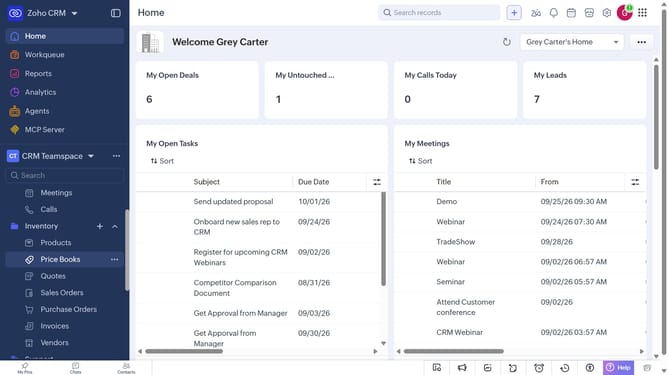
How to assign a task to another owner on Zoho CRM
Here is how to assign a task to another owner on zoho crm
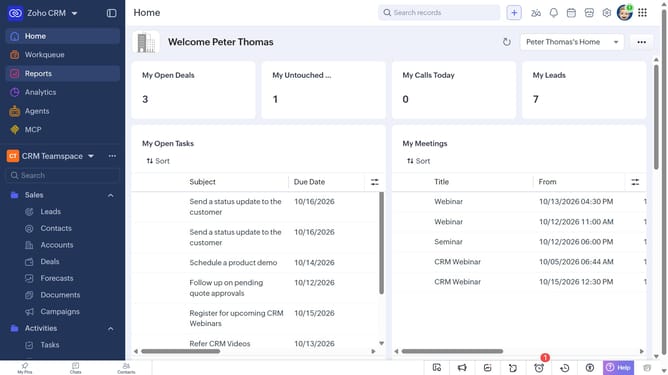
- First, click on "Tasks" in the left sidebar menu
- Next, click on the task you want to update to open it
- After that, click on the "Edit" button
- Next, click on the "Task Owner" dropdown
- In the "Change Owner" modal, click on the dropdown
- Then select the new owner from the dropdown menu
- Next, check "Send Email notification" to enable alerts, or leave it unchecked
- Then, click on the "OK" button
- Finally click on the "Save" button
Why should you How to assign a task to another owner on Zoho CRM
Zoho CRM is a dynamic platform designed to streamline customer relationship management for businesses of all sizes.
Easily assigning tasks to another owner on Zoho CRM enhances team collaboration by ensuring that the right person handles specific responsibilities. This feature allows for seamless workflow management, empowering team members to focus on their strengths and improve overall productivity.
By assigning tasks appropriately, businesses can enhance accountability, reduce errors, and foster a more efficient work environment. The process contributes to timely task completion and better resource utilization, ultimately driving success.
Last update